View methods side by side.
Choose up to four methods. Add them using the search and share the comparison by copying its link.
| Criterion | 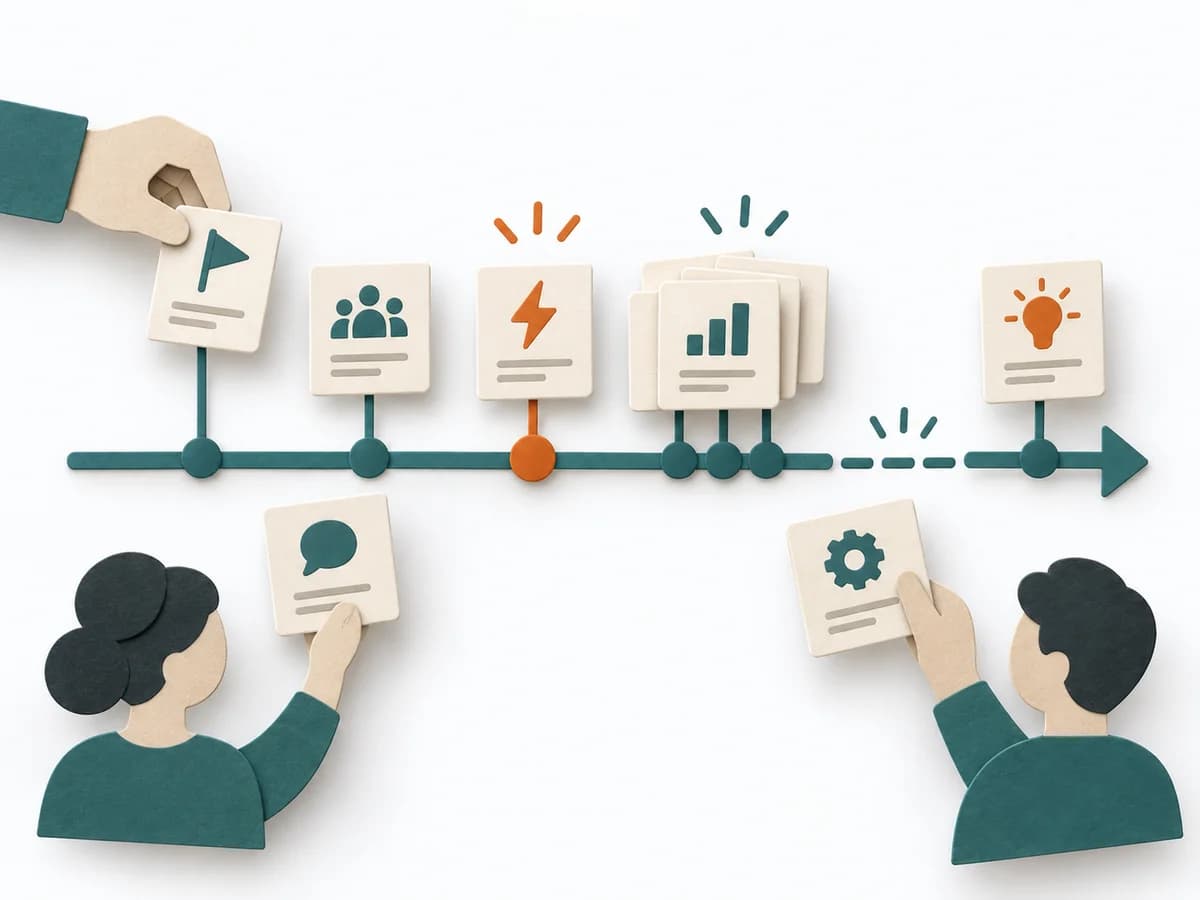 Facilitation Timeline | 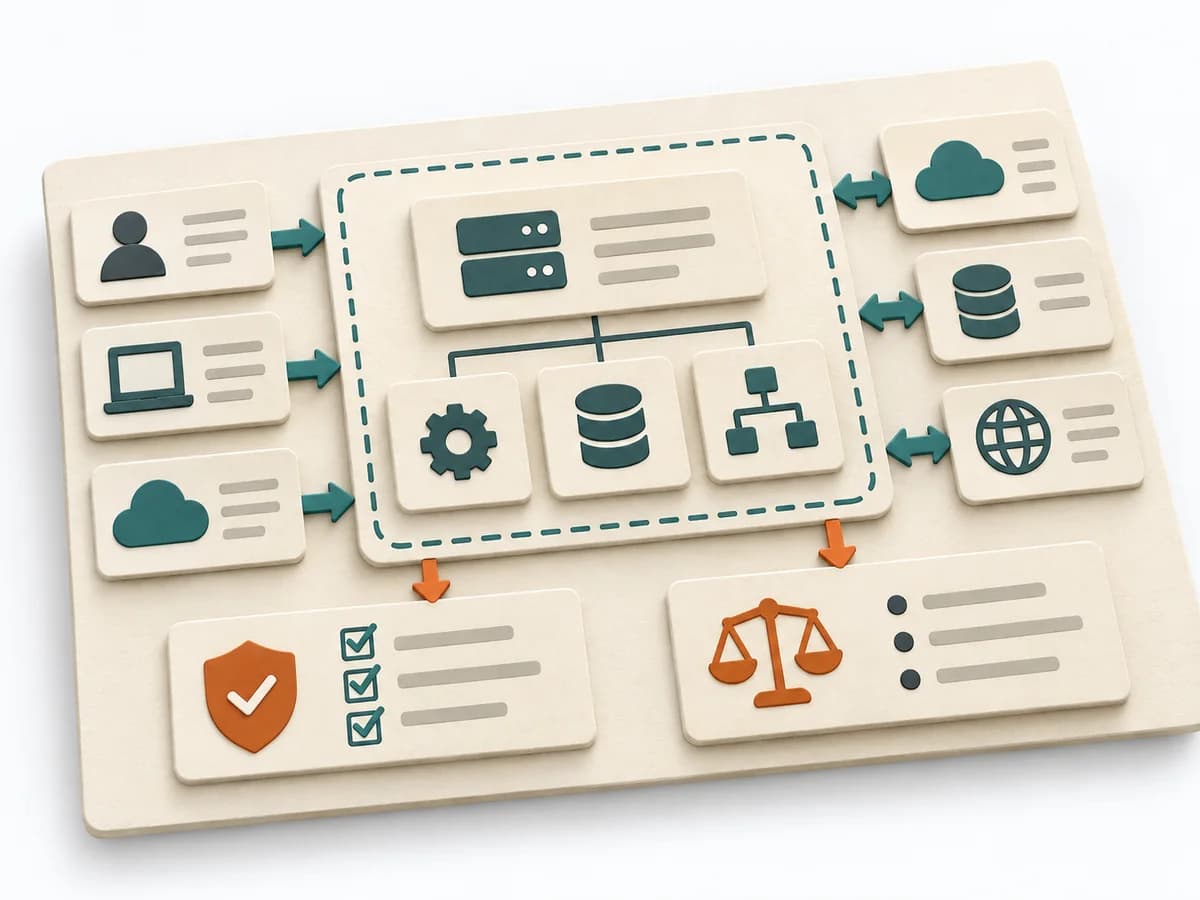 Architecture Software Architecture Canvas | 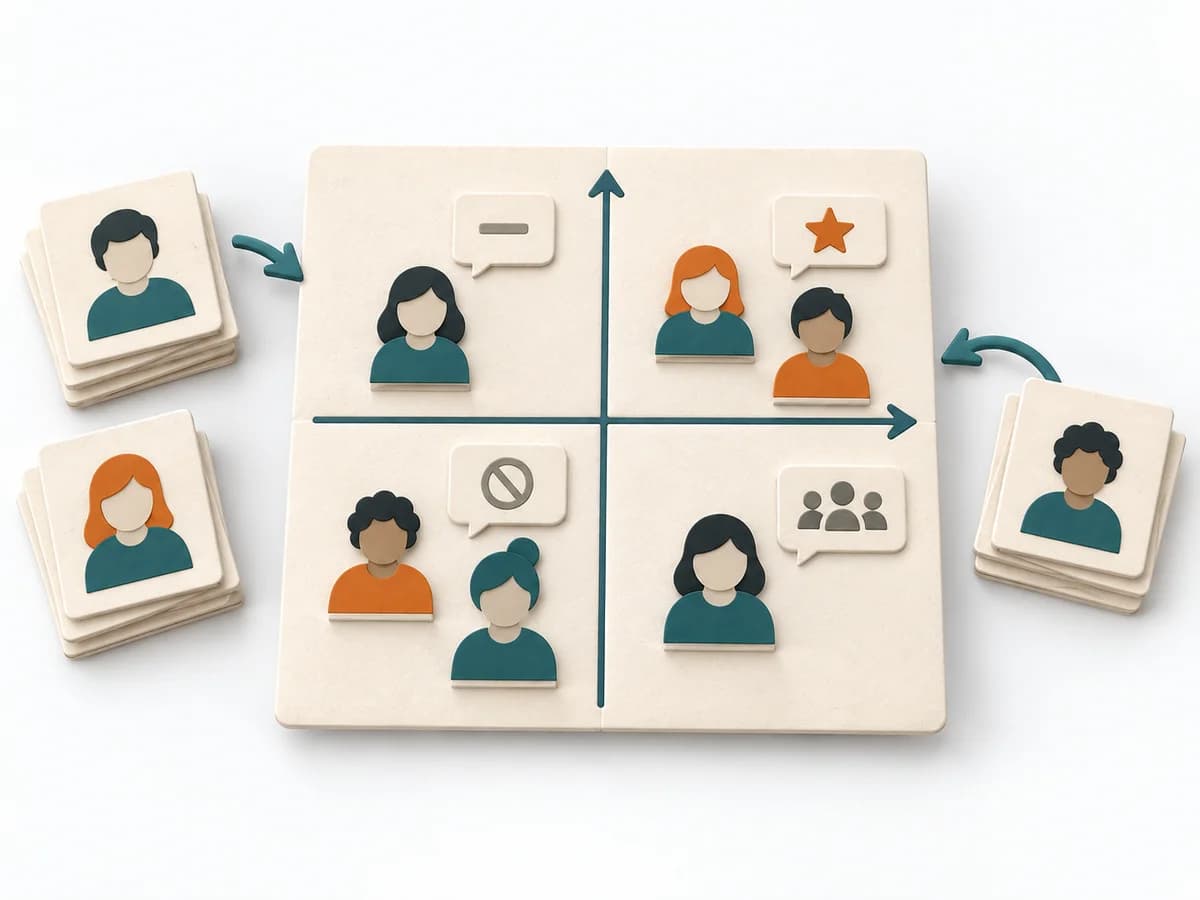 Facilitation Power Interest Grid | 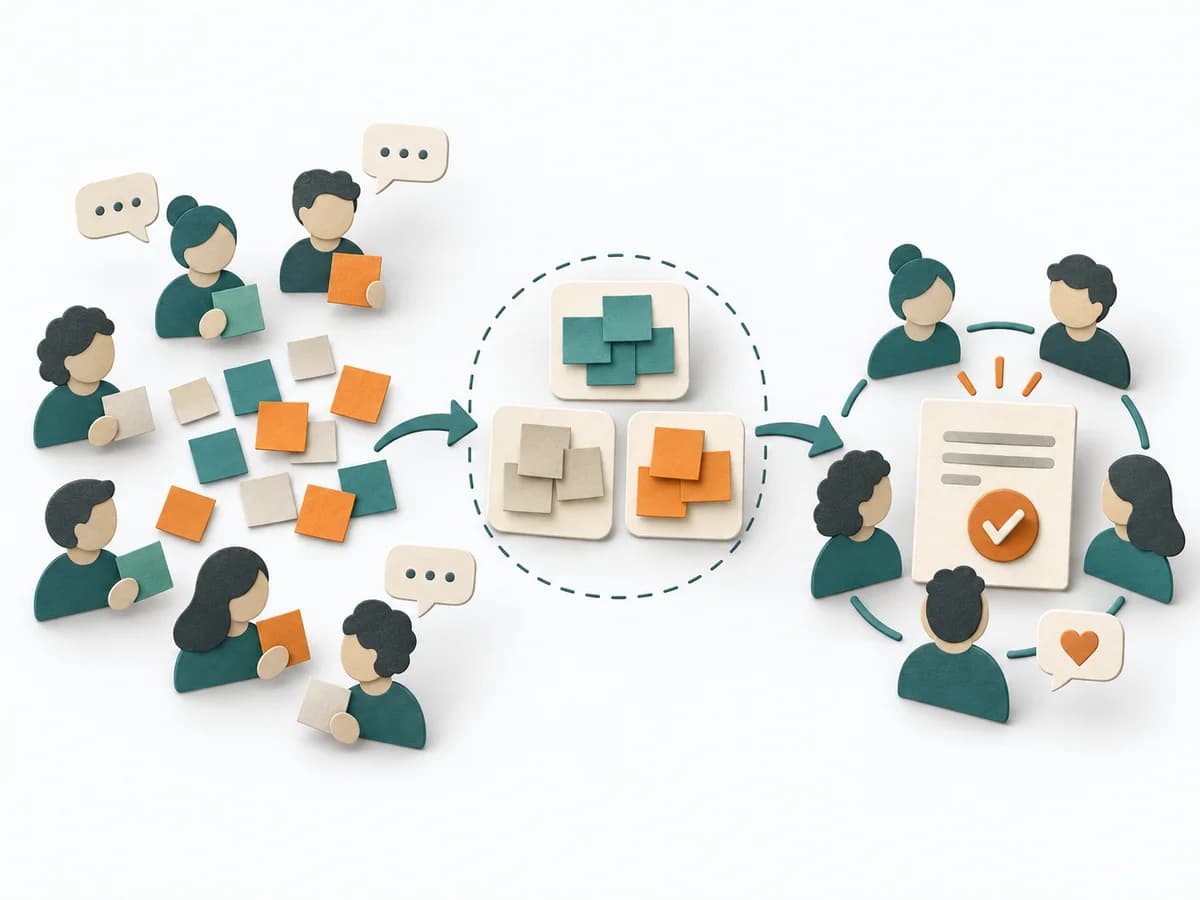 Facilitation Consensus Workshop |
|---|---|---|---|---|
Purposedifferent | When a project, incident, or change process is only remembered in fragments, Timeline brings the sequence back into a readable form. It makes turning points, precursors, and after-effects recognizable over the course of time. | The Software Architecture Canvas reduces a system to the most important architecture decisions, constraints, and interfaces. It is useful when teams need a resilient overall picture quickly. | When many stakeholders compete for attention at once, the Power Interest Grid sorts them by influence and stake. It turns individual contributions into a visible selection. The result is captured as a Power Interest Grid and a stakeholder-specific strategy. | When a group needs a solid decision without outvoting individual factions, a Consensus Workshop creates a negotiable common ground. It makes agreement, reservations, and open tensions discussable at the same time. |
Complexitydifferent | Low | Low | Low | Medium |
Timedifferent | 30-90 min | 1-2 h | 30-60 min | 1-3 h |
Participantsdifferent | 2-12 | 3-10 | 2-8 | 5-30 |
Formatdifferent | Workshop + async | Workshop | Workshop | Workshop |
Outputdifferent | Timeline, Milestones, Insight Notes | Architecture Canvas, Goals, Constraints, Quality Attributes | Power Interest Grid, Strategy per Stakeholder | Consensus Clusters, Theme Titles, Priority Areas |
Tagsno overlap | TimelineFacilitationSequence | CanvasArchitectureAlignmentWorkshop | StakeholdersFacilitationAlignmentPlanning | FacilitationConsensusWorkshopAlignment |