View methods side by side.
Choose up to four methods. Add them using the search and share the comparison by copying its link.
Selected:Software Architecture CanvasLinked Open TermsCompetency QuestionsArchitecture Inception Canvas
| Criterion | 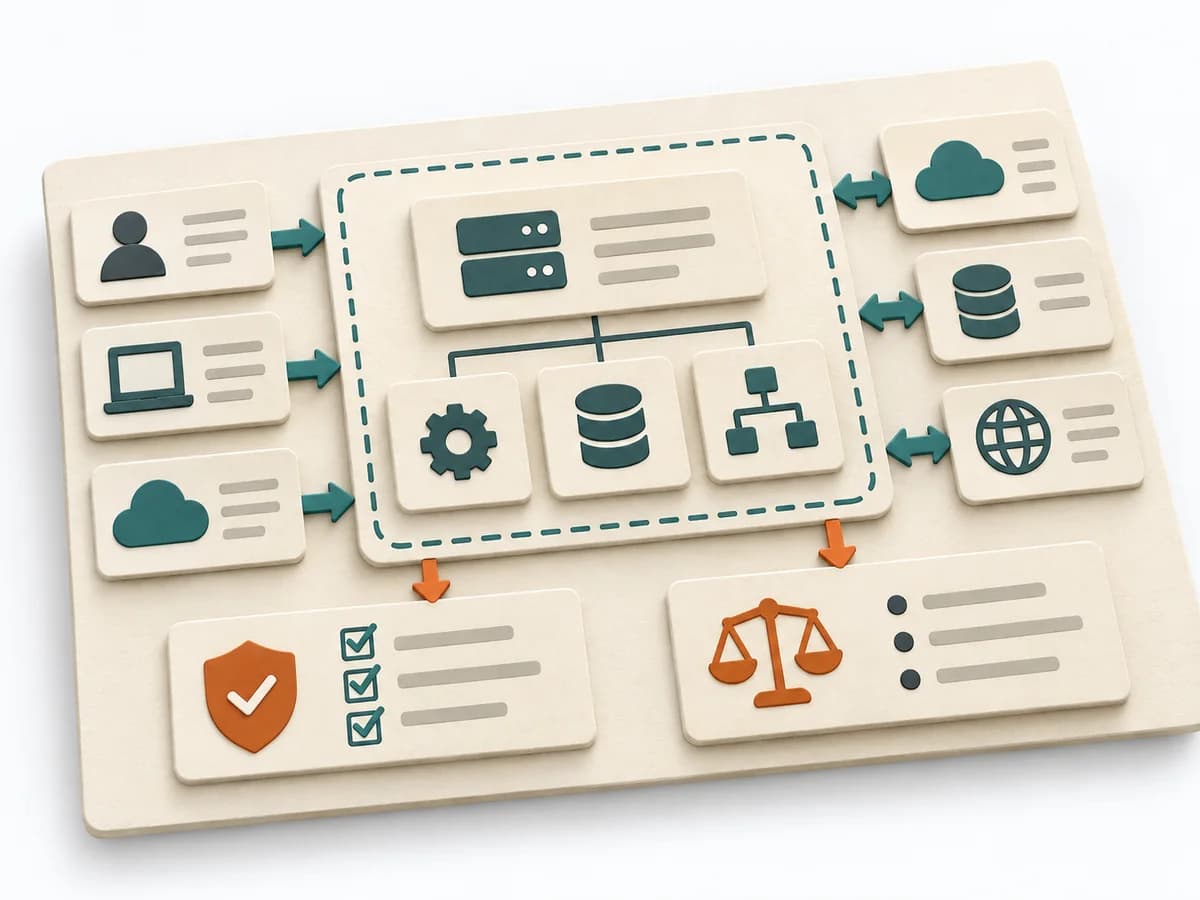 Architecture Software Architecture Canvas | 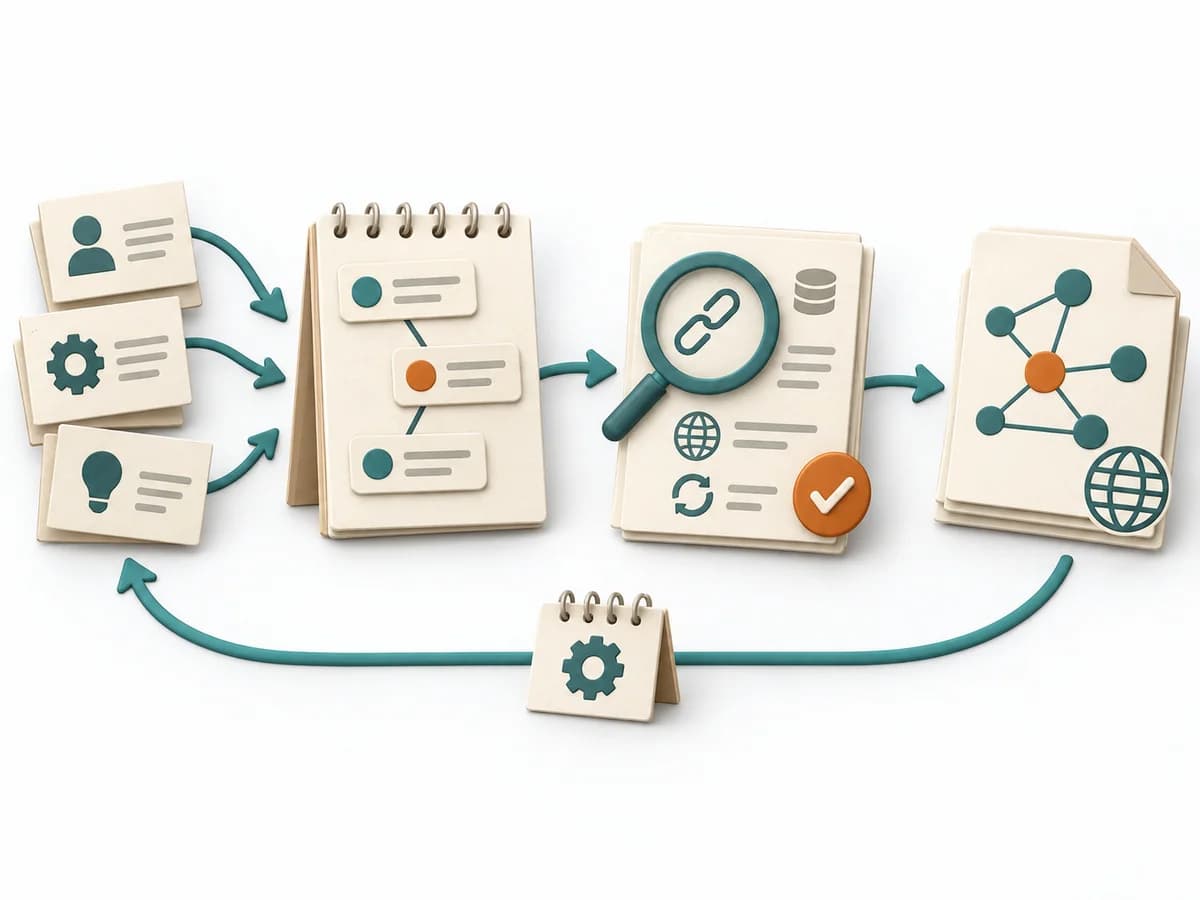 Knowledge Modeling Linked Open Terms | 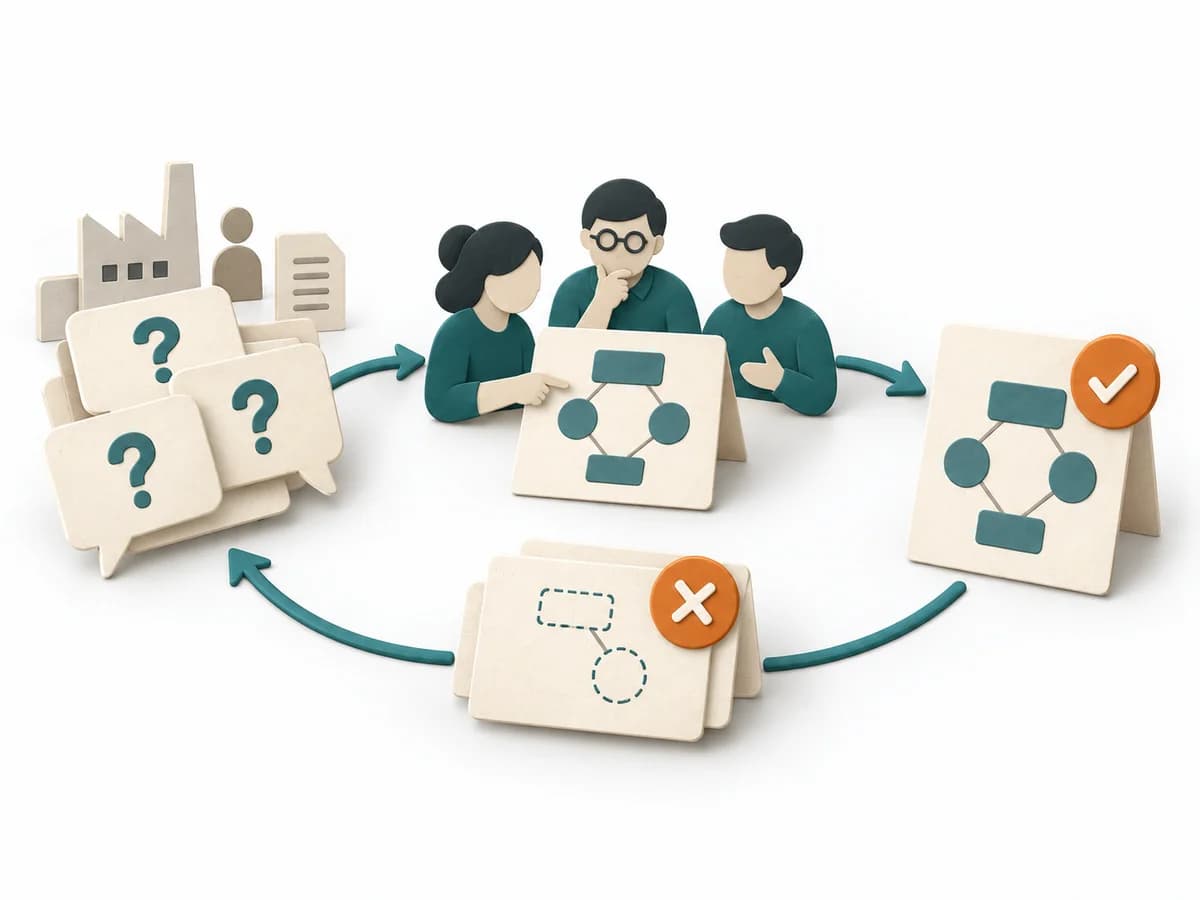 Knowledge Modeling Competency Questions | 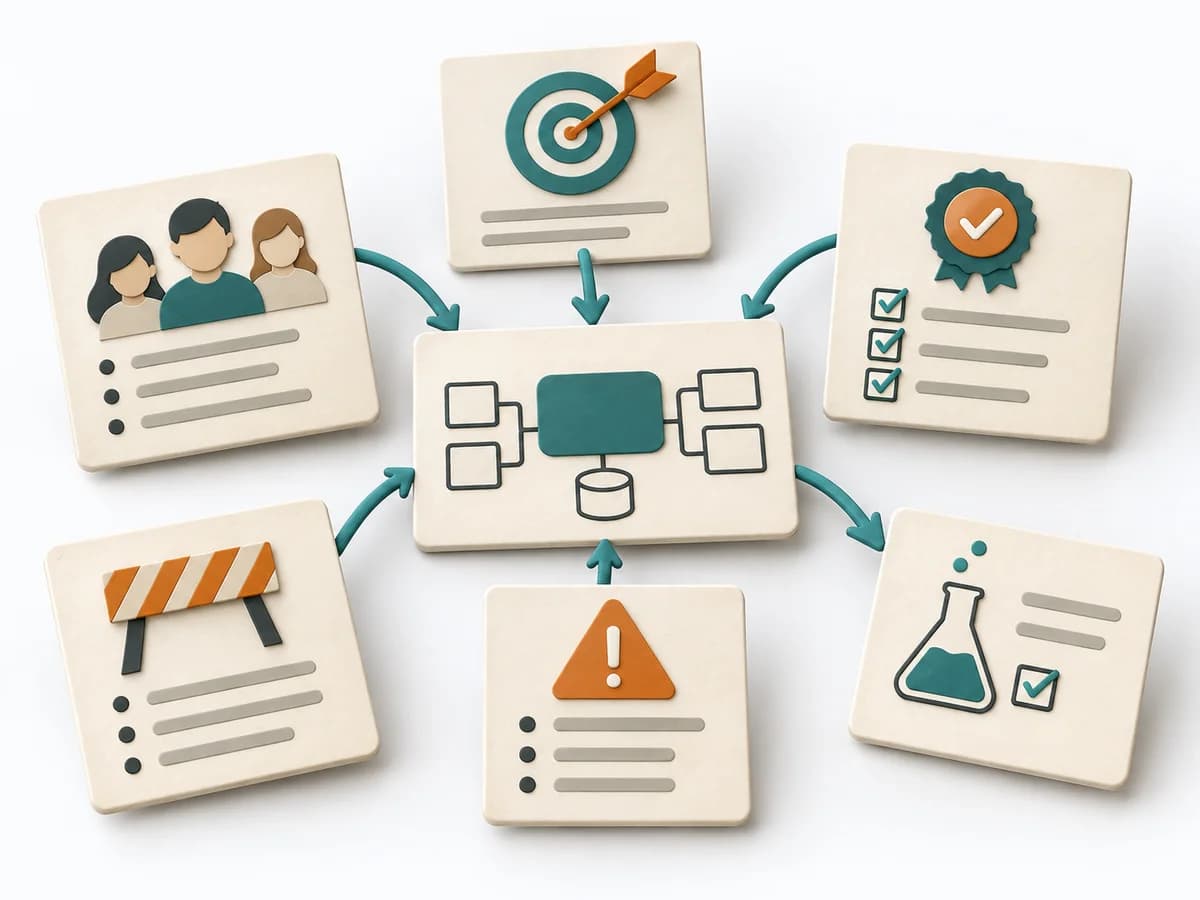 Architecture Architecture Inception Canvas |
|---|---|---|---|---|
Purposedifferent | The Software Architecture Canvas reduces a system to the most important architecture decisions, constraints, and interfaces. It is useful when teams need a resilient overall picture quickly. | Linked Open Terms connects terminology work with linked-data thinking and makes terminology technically connectable. Vocabulary, meanings, and references can thereby be maintained consistently. | Competency Questions translate a domain model into concrete questions that it must be able to answer. The method keeps the model's scope clean and prevents pretty but useless structures. | The Architecture Inception Canvas bundles the first architecture questions into a compact decision picture. It fits when an initiative is still in motion but still needs clear guardrails. |
Complexitydifferent | Low | Medium | Medium | Low |
Timedifferent | 1-2 h | Wochen bis Monate | 2-4 h | 1-2 h |
Participantsdifferent | 3-10 | 2-8 | 2-8 | 3-8 |
Formatdifferent | Workshop | Workshop + async | Workshop + async | Workshop |
Outputdifferent | Architecture Canvas, Goals, Constraints, Quality Attributes | Ontology Requirements, Conceptual Model, Published Ontology, Documentation, Maintenance Plan | Competency Question Set, Required Concepts, Test Queries, Coverage Matrix | Inception Canvas, Risks, Goal List, Open Questions |
Tagsno overlap | CanvasArchitectureAlignmentWorkshop | OntologyMethodologyAgileSemantic | OntologyKnowledge graphScopeRequirementsSemantic | AlignmentArchitectureCanvas |