View methods side by side.
Choose up to four methods. Add them using the search and share the comparison by copying its link.
| Criterion |  Architecture Software Architecture Canvas |  Innovation Design Charrette | 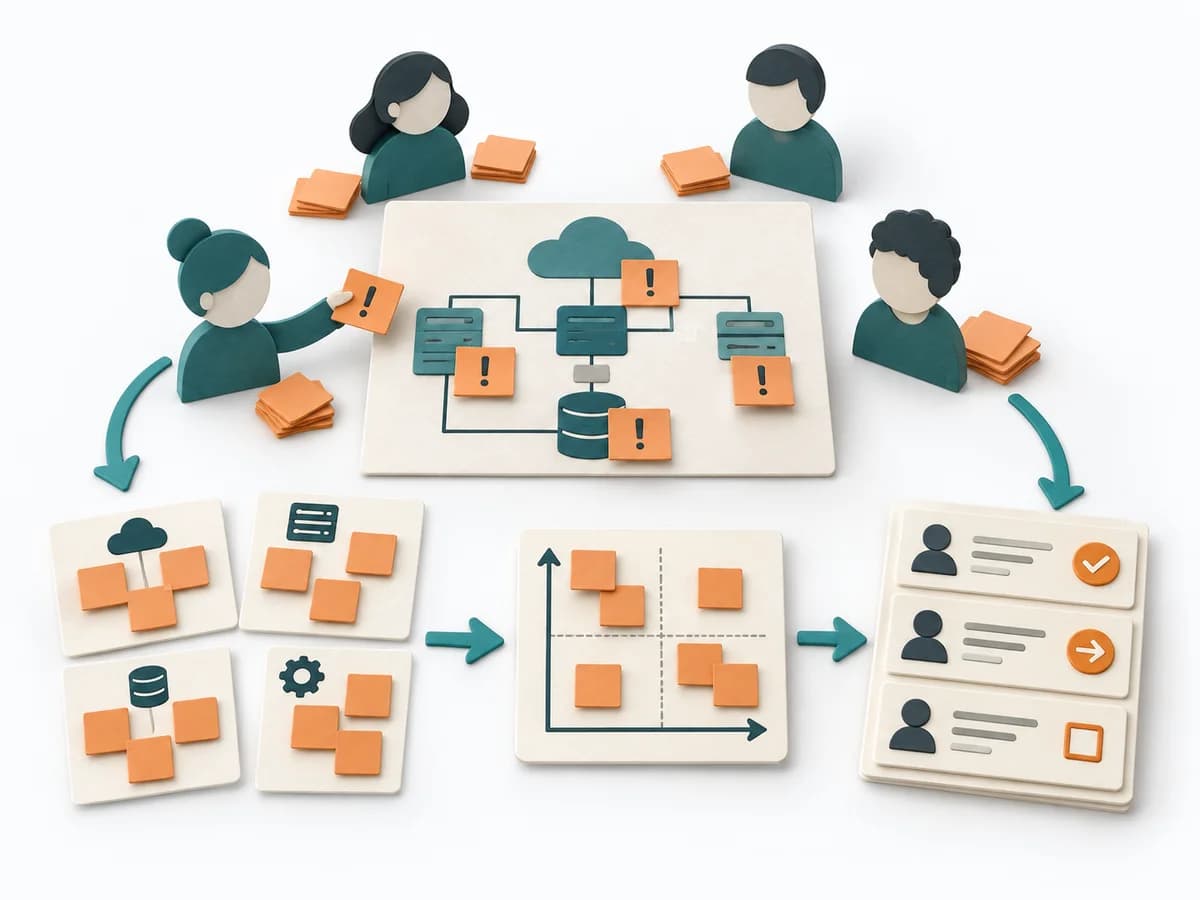 Architecture Risk Storming |  Architecture Architecture Inception Canvas |
|---|---|---|---|---|
Purposedifferent | The Software Architecture Canvas reduces a system to the most important architecture decisions, constraints, and interfaces. It is useful when teams need a resilient overall picture quickly. | In a tightly timed design process with many participants, the method pools several lines of thinking in a short time. It brings parallel design energy without letting the discussion tip into endless coordination. This quickly produces solid directions for architecture or space. | Helps clarify architecture context, options, and consequences in concrete terms. It organizes technical context, alternatives, and consequences. The result is captured as an Annotated Diagram, a Prioritized Risk List, and an Action Backlog. | The Architecture Inception Canvas bundles the first architecture questions into a compact decision picture. It fits when an initiative is still in motion but still needs clear guardrails. |
Complexitydifferent | Low | Medium | Low | Low |
Timedifferent | 1-2 h | Halber Tag bis mehrere Tage | 60-90 min | 1-2 h |
Participantsdifferent | 3-10 | 10-50 | 4-12 | 3-8 |
Formatsame | Workshop | Workshop | Workshop | Workshop |
Outputdifferent | Architecture Canvas, Goals, Constraints, Quality Attributes | Sketches and Concepts, Consolidated Solution Sketch, Prioritized Direction | Annotated Diagram, Prioritized Risk List, Action Backlog | Inception Canvas, Risks, Goal List, Open Questions |
Tagsno overlap | CanvasArchitectureAlignmentWorkshop | BrainstormingWorkshopCollaborationIdeation | RiskArchitectureWorkshopValidation | AlignmentArchitectureCanvas |