View methods side by side.
Choose up to four methods. Add them using the search and share the comparison by copying its link.
Selected:Software Architecture CanvasArchitecture Communication CanvasStorytellingPower Interest Grid
| Criterion |  Architecture Software Architecture Canvas |  Architecture Architecture Communication Canvas |  Facilitation Storytelling | 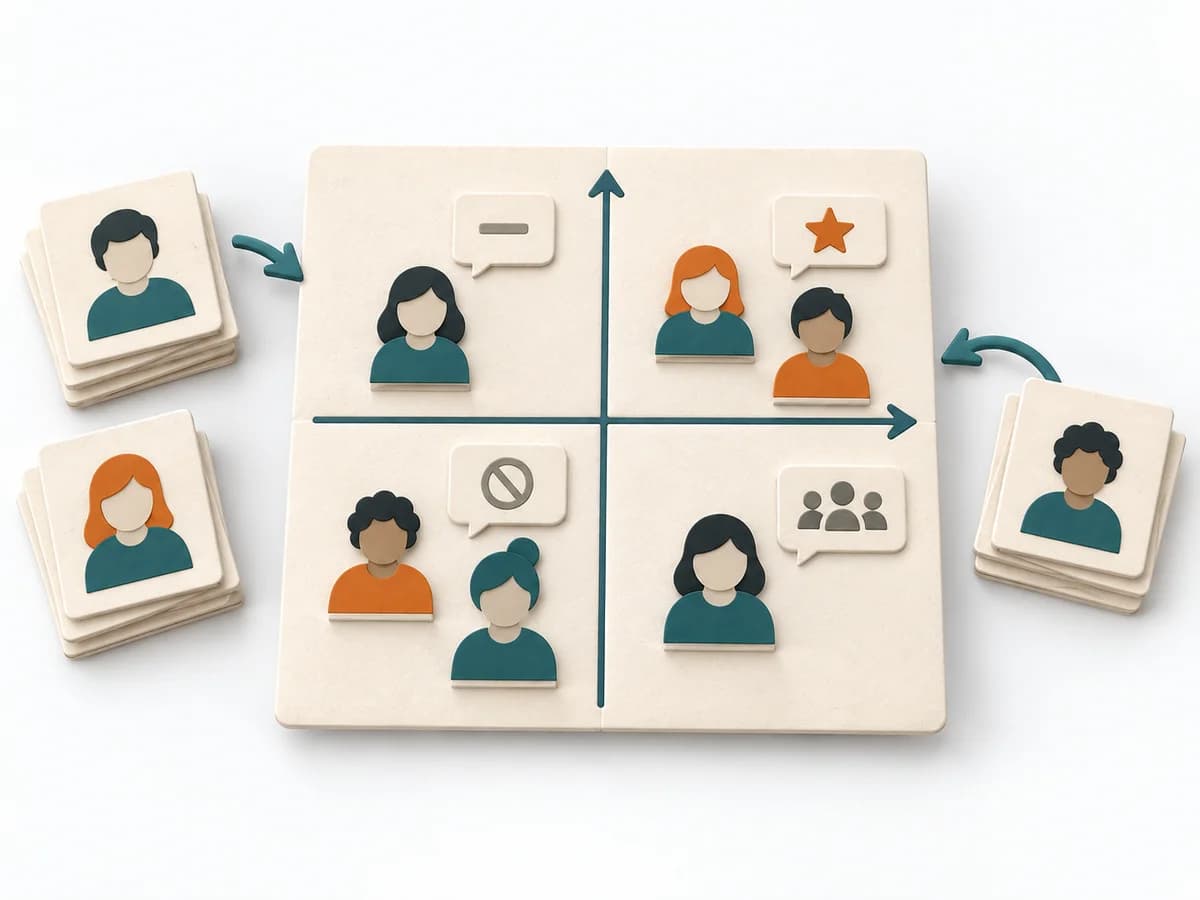 Facilitation Power Interest Grid |
|---|---|---|---|---|
Purposedifferent | The Software Architecture Canvas reduces a system to the most important architecture decisions, constraints, and interfaces. It is useful when teams need a resilient overall picture quickly. | The Architecture Communication Canvas plans architecture communication so the right people receive the right message. The method turns technical complexity into deliberate communication design. | When an insight needs to have an effect, storytelling translates dry facts into a comprehensible development. It combines context, tension, and consequence into a form that people remember and pass on more easily. | When many stakeholders compete for attention at once, the Power Interest Grid sorts them by influence and stake. It turns individual contributions into a visible selection. The result is captured as a Power Interest Grid and a stakeholder-specific strategy. |
Complexitydifferent | Low | Medium | Medium | Low |
Timedifferent | 1-2 h | 60-120 min | 45-120 min | 30-60 min |
Participantsdifferent | 3-10 | 2-8 | 1-6 | 2-8 |
Formatdifferent | Workshop | Workshop + async | Workshop + async | Workshop |
Outputdifferent | Architecture Canvas, Goals, Constraints, Quality Attributes | Communication Canvas, Stakeholder Messages, Architecture Communication Plan | Narrative Outline, Key Message, Story Arc | Power Interest Grid, Strategy per Stakeholder |
Tagsno overlap | CanvasArchitectureAlignmentWorkshop | ArchitectureCommunicationStakeholdersCanvas | CommunicationNarrativeStakeholdersFacilitation | StakeholdersFacilitationAlignmentPlanning |