View methods side by side.
Choose up to four methods. Add them using the search and share the comparison by copying its link.
| Criterion | 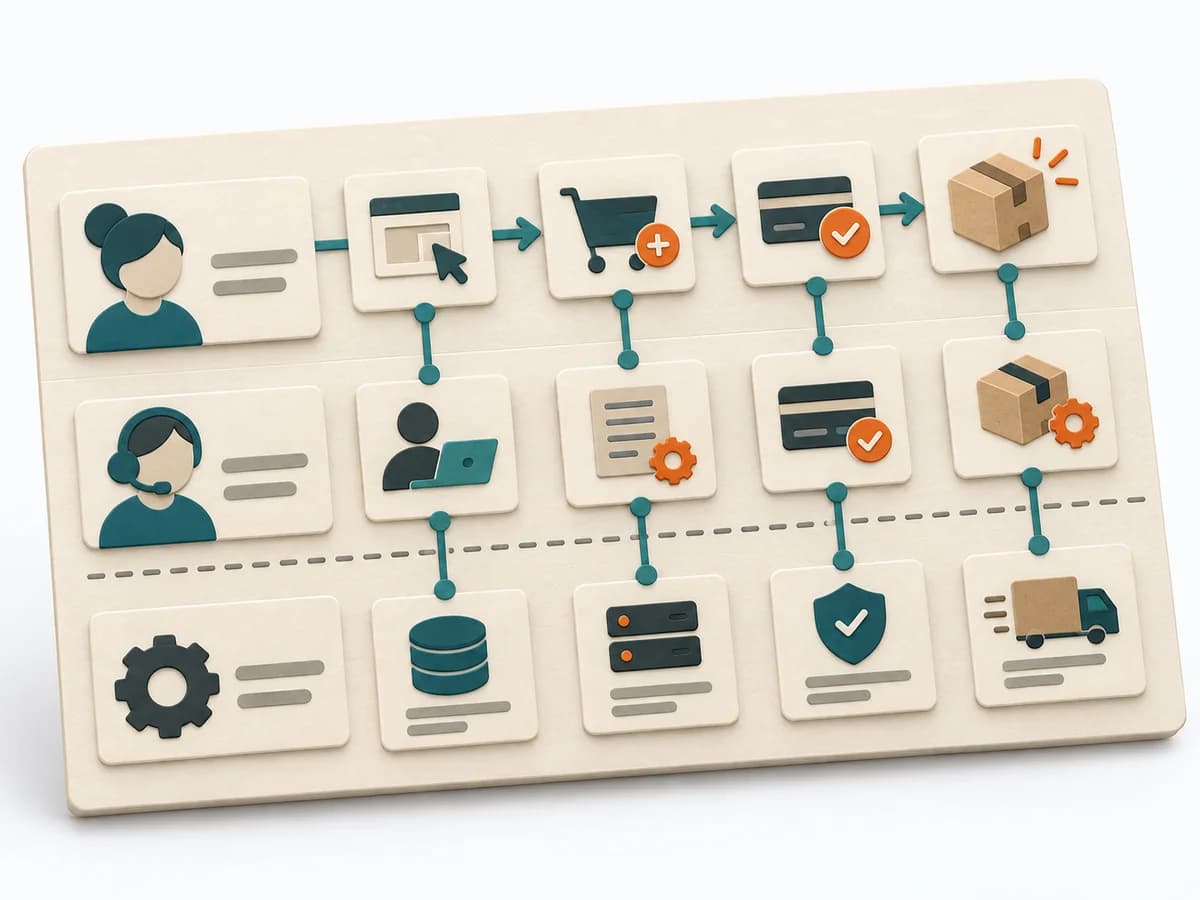 UX Design Service Blueprinting | 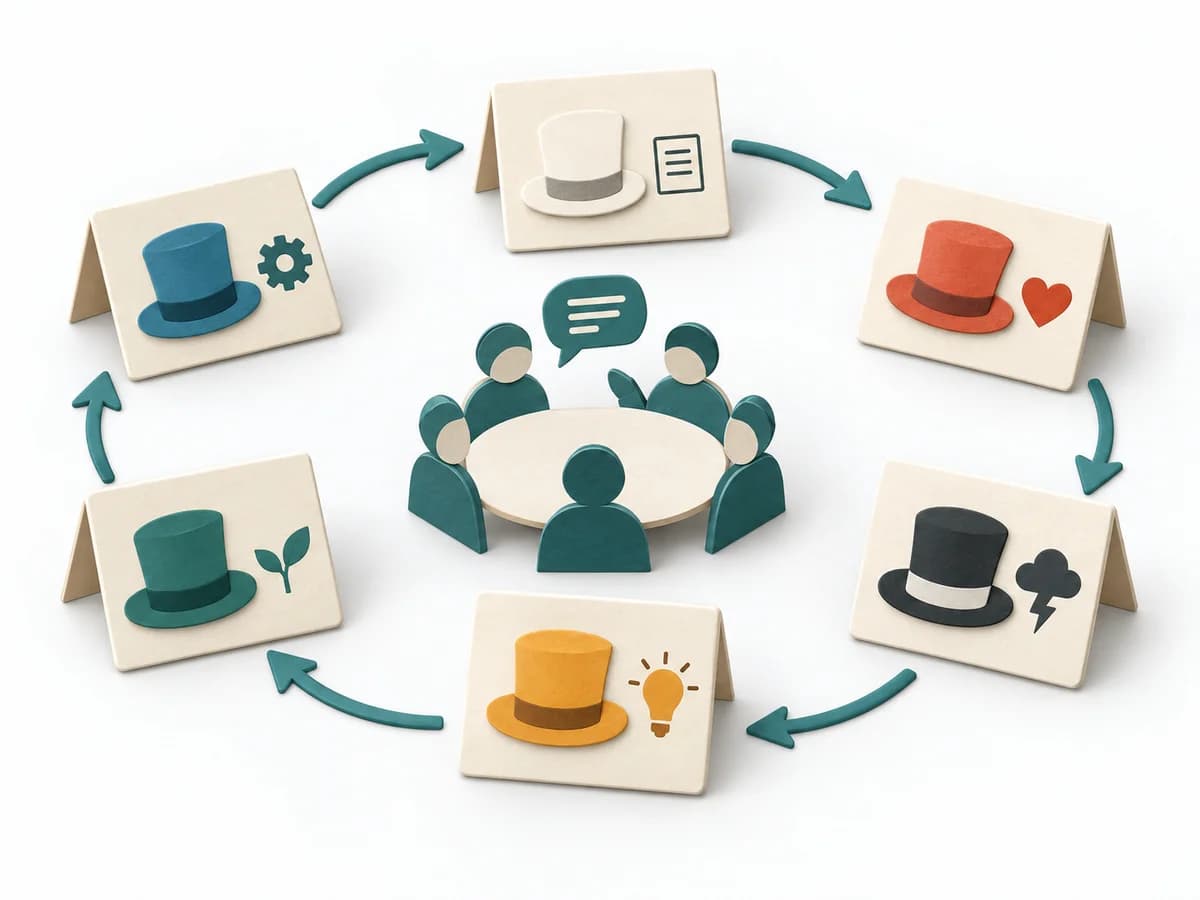 Facilitation Six Thinking Hats | 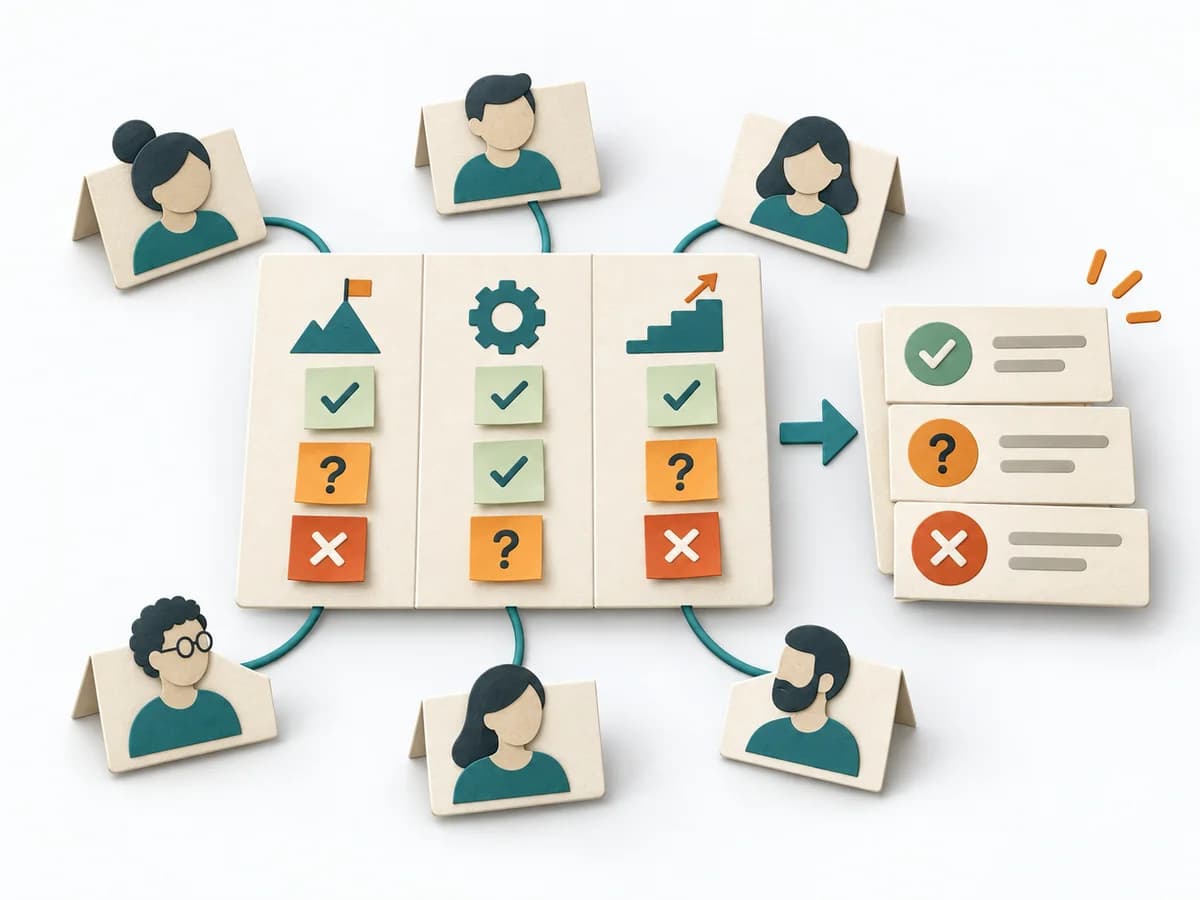 Facilitation Alignment Mapping | 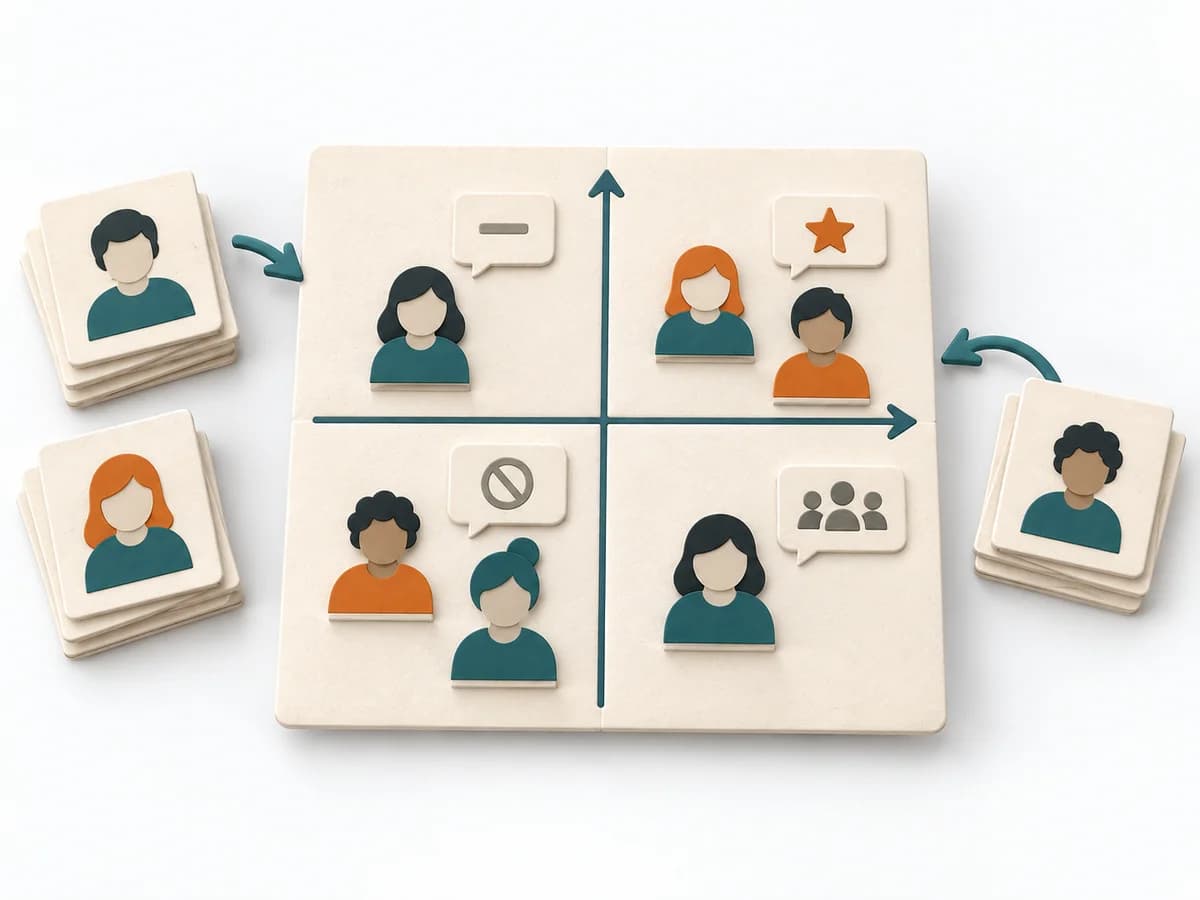 Facilitation Power Interest Grid |
|---|---|---|---|---|
Purposedifferent | When a service experience is spread across several touchpoints, it brings frontstage and backstage together. It shows where user contact and internal responsibility must fit. | When a topic gets stuck too quickly in the same thinking mode, Six Thinking Hats deliberately separates the perspectives. This means facts, risks, creativity, and emotional signals get worked through one after another instead of mixed together. | When several people work toward one goal but hold different mental maps, Alignment Mapping makes the discrepancies visible. It arranges goals, assumptions, and priorities so shared direction becomes verifiable. | When many stakeholders compete for attention at once, the Power Interest Grid sorts them by influence and stake. It turns individual contributions into a visible selection. The result is captured as a Power Interest Grid and a stakeholder-specific strategy. |
Complexitydifferent | High | Medium | Medium | Low |
Timedifferent | 0.5-2 Tage | 45-90 min | 1-2 h | 30-60 min |
Participantsdifferent | 6-12 | 4-12 | 4-12 | 2-8 |
Formatsame | Workshop | Workshop | Workshop | Workshop |
Outputdifferent | Service Blueprint, Fail Points, Ownership Map | Perspective Notes, Decision Inputs, Action Items | Alignment Map, Open Issues, Decision Questions | Power Interest Grid, Strategy per Stakeholder |
Tagsno overlap | Service designOperationsJourneyBlueprint | FacilitationOptionsDecision | AlignmentStakeholdersStrategyFacilitation | StakeholdersFacilitationAlignmentPlanning |