View methods side by side.
Choose up to four methods. Add them using the search and share the comparison by copying its link.
| Criterion | 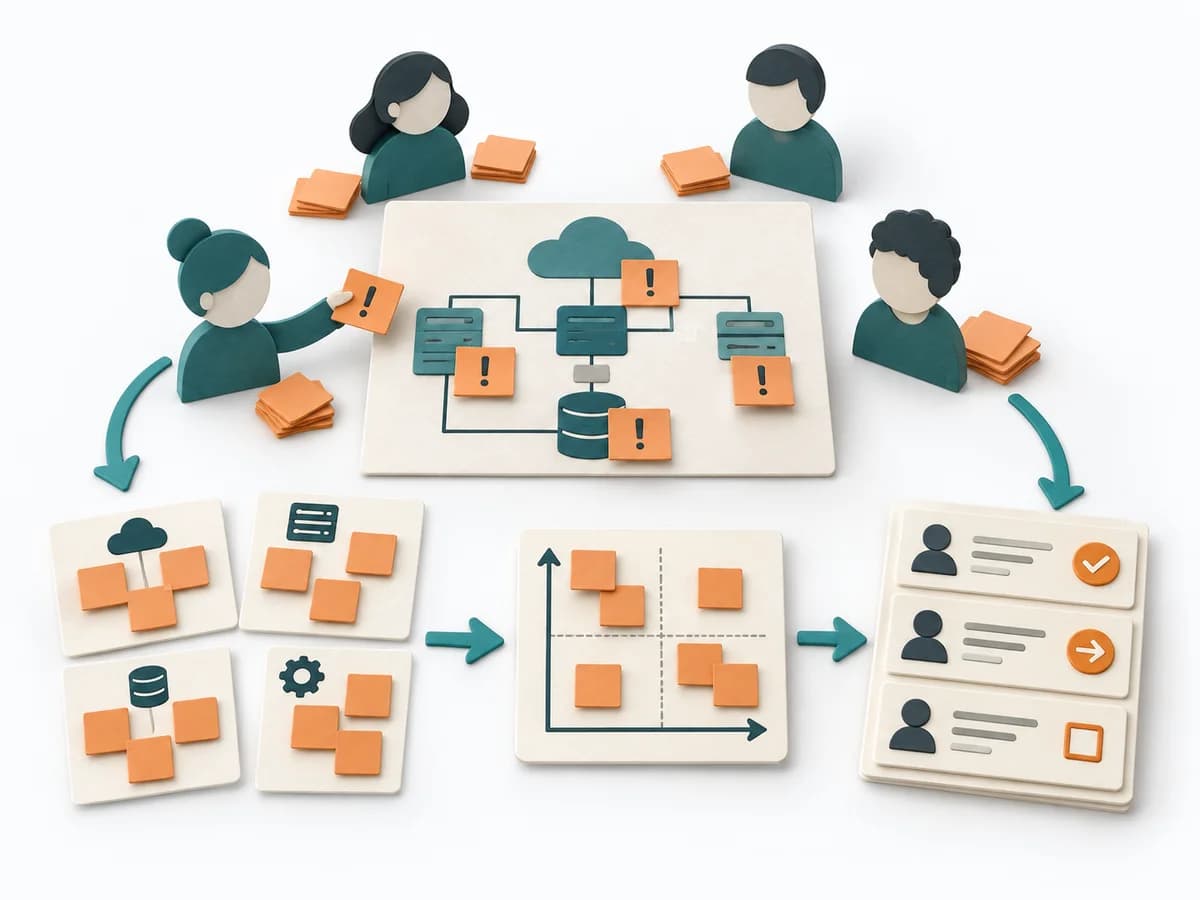 Architecture Risk Storming | 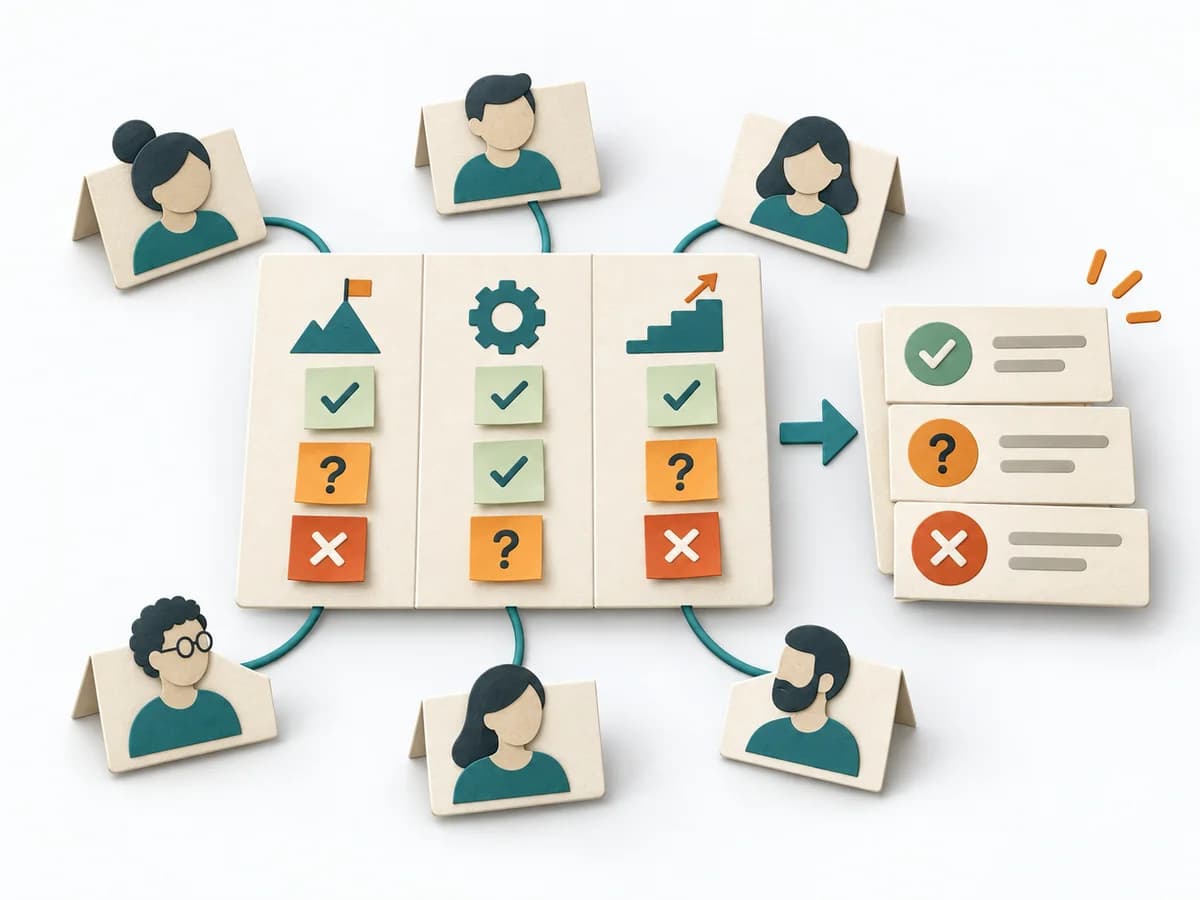 Facilitation Alignment Mapping | 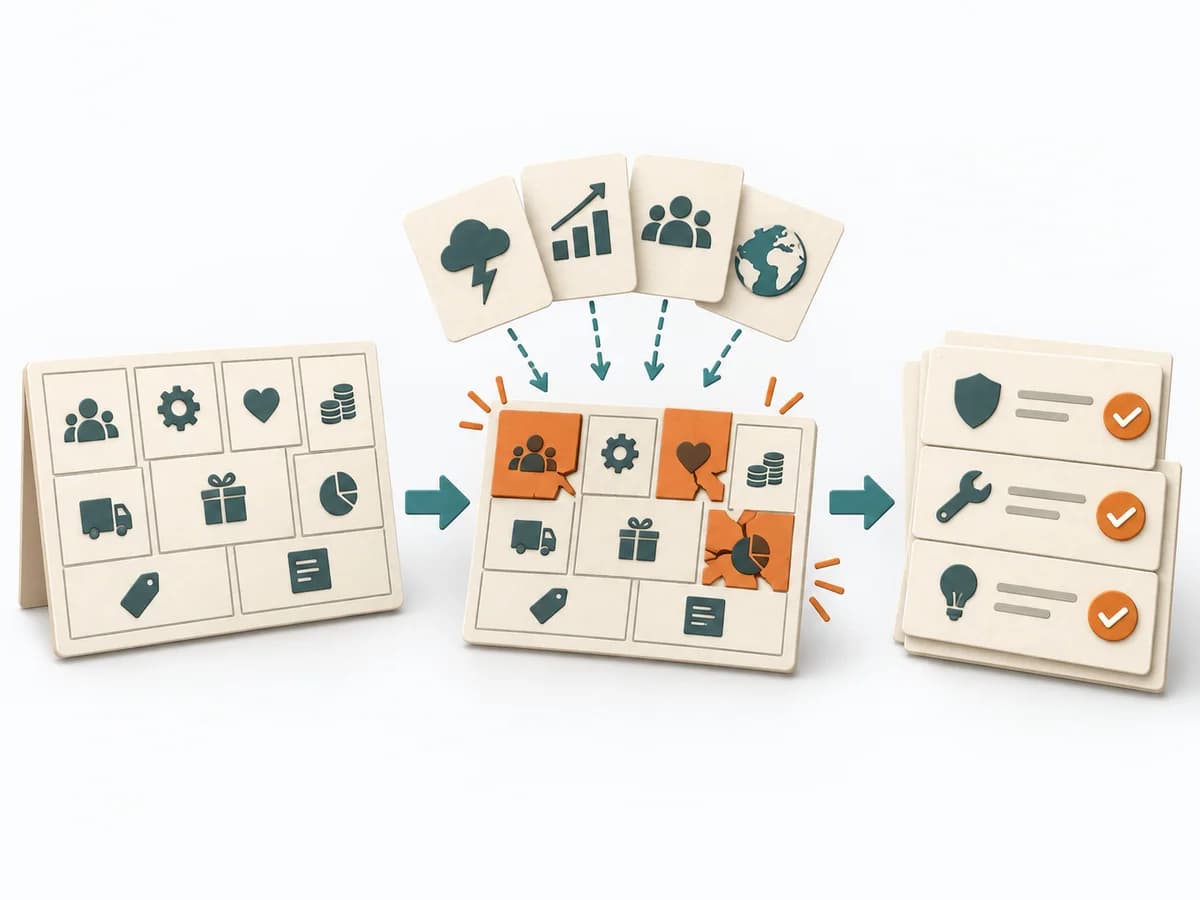 Business Strategy Business Model Stress Test | 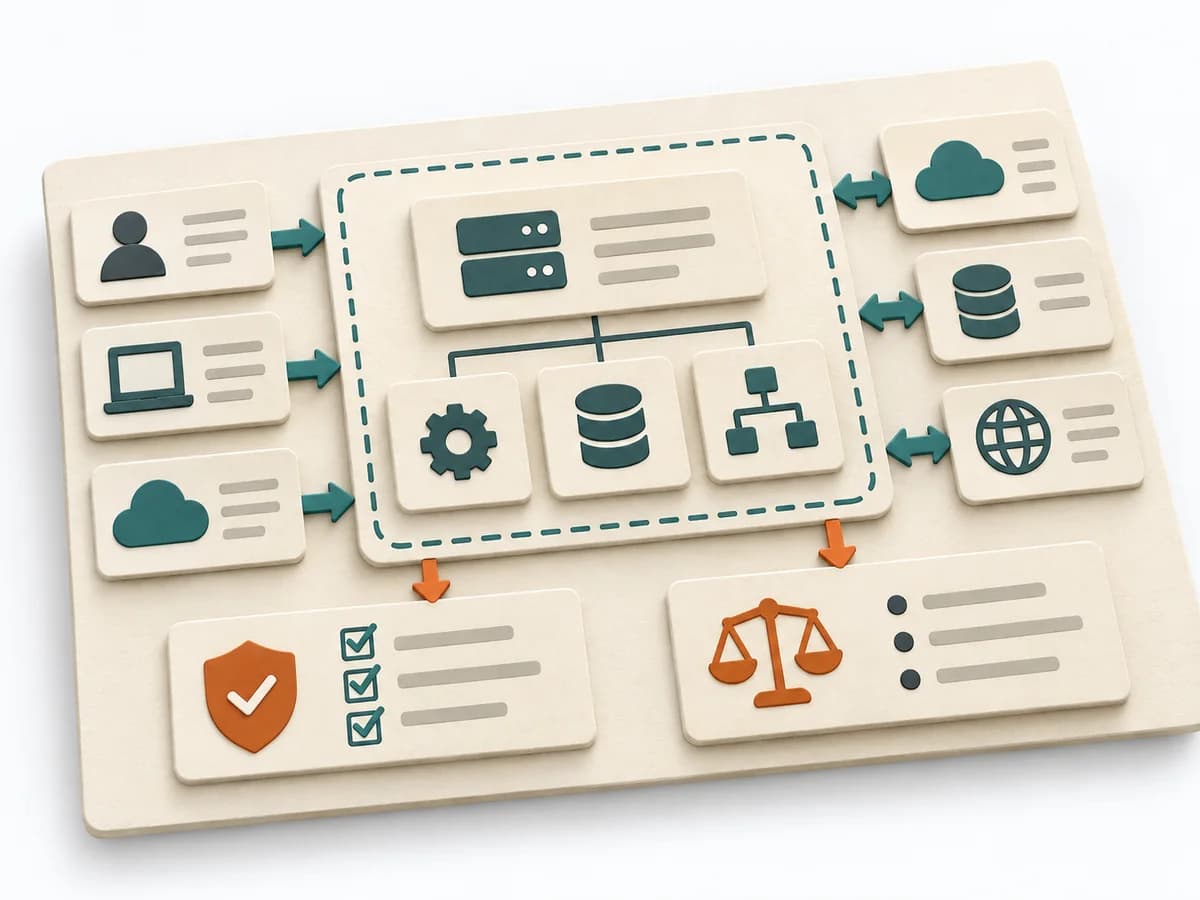 Architecture Software Architecture Canvas |
|---|---|---|---|---|
Purposedifferent | Helps clarify architecture context, options, and consequences in concrete terms. It organizes technical context, alternatives, and consequences. The result is captured as an Annotated Diagram, a Prioritized Risk List, and an Action Backlog. | When several people work toward one goal but hold different mental maps, Alignment Mapping makes the discrepancies visible. It arranges goals, assumptions, and priorities so shared direction becomes verifiable. | A Business Model Stress Test checks how well a business model holds up under pressure and headwinds. It compares strengths, risks, market logic, and courses of action. The result is captured as a stress-test report and action plan per scenario. | The Software Architecture Canvas reduces a system to the most important architecture decisions, constraints, and interfaces. It is useful when teams need a resilient overall picture quickly. |
Complexitydifferent | Low | Medium | High | Low |
Timedifferent | 60-90 min | 1-2 h | Half day | 1-2 h |
Participantsdifferent | 4-12 | 4-12 | 3-8 | 3-10 |
Formatsame | Workshop | Workshop | Workshop | Workshop |
Outputdifferent | Annotated Diagram, Prioritized Risk List, Action Backlog | Alignment Map, Open Issues, Decision Questions | Stress Test Report, Action Plan per Scenario | Architecture Canvas, Goals, Constraints, Quality Attributes |
Tagsno overlap | RiskArchitectureWorkshopValidation | AlignmentStakeholdersStrategyFacilitation | StrategyBusiness modelRiskDiagnosis | CanvasArchitectureAlignmentWorkshop |