View methods side by side.
Choose up to four methods. Add them using the search and share the comparison by copying its link.
| Criterion | 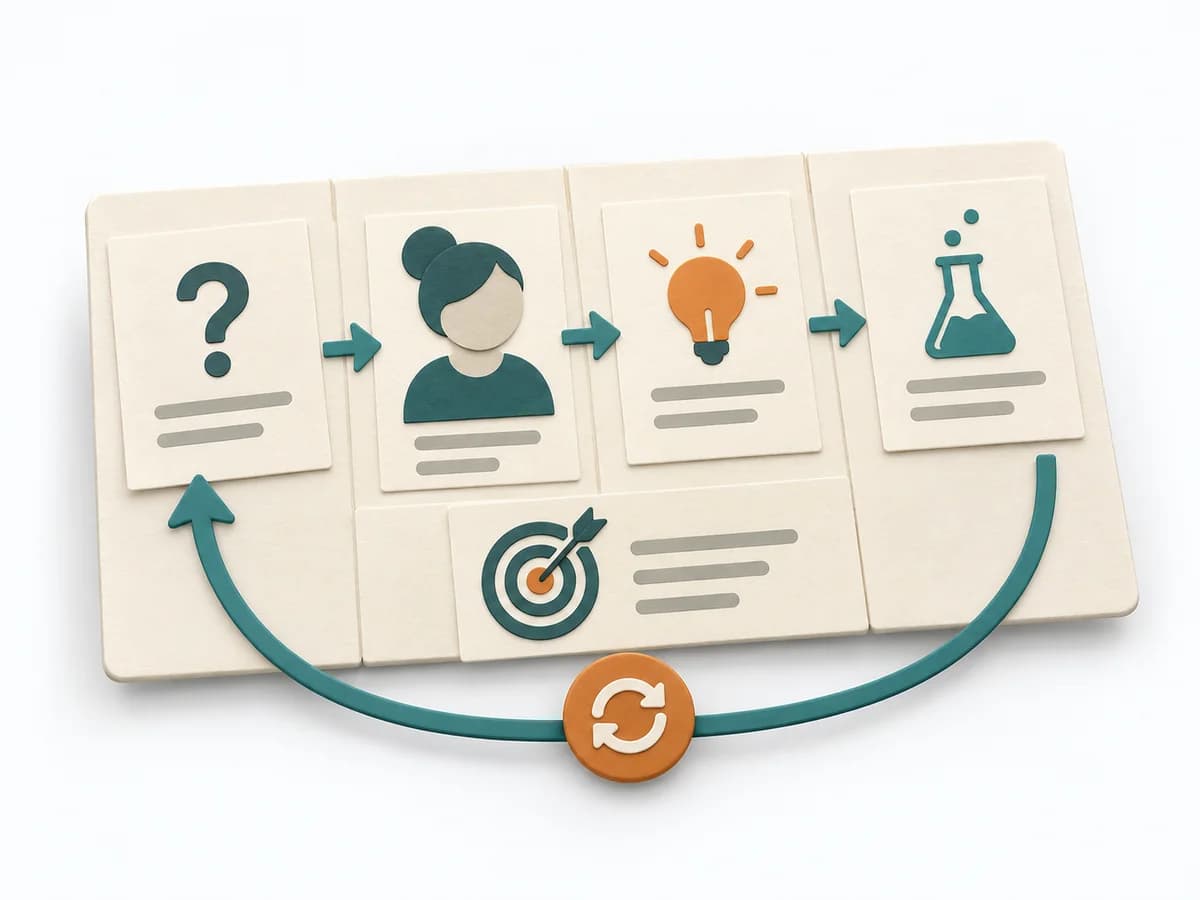 UX Design Lean UX Canvas |  Operations Time Blocking | 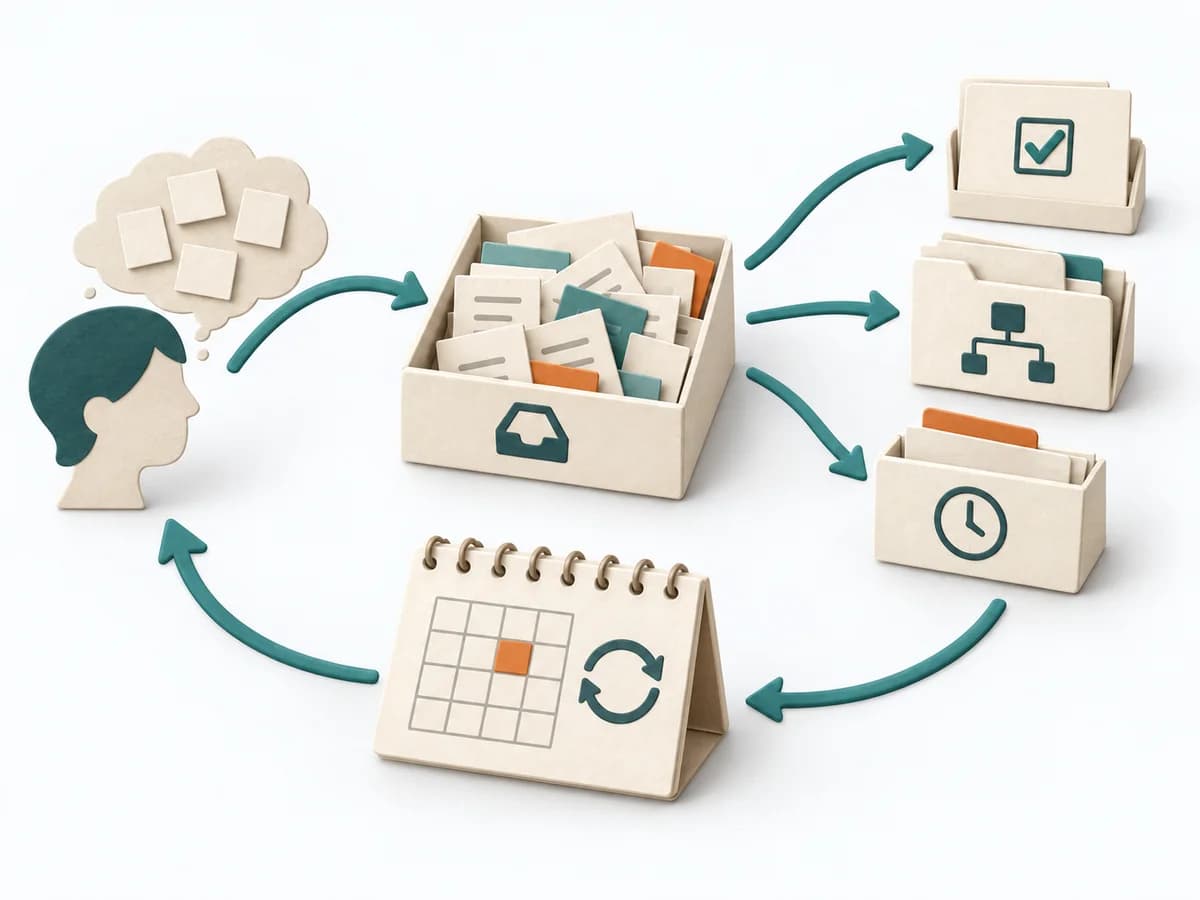 Operations Getting Things Done | 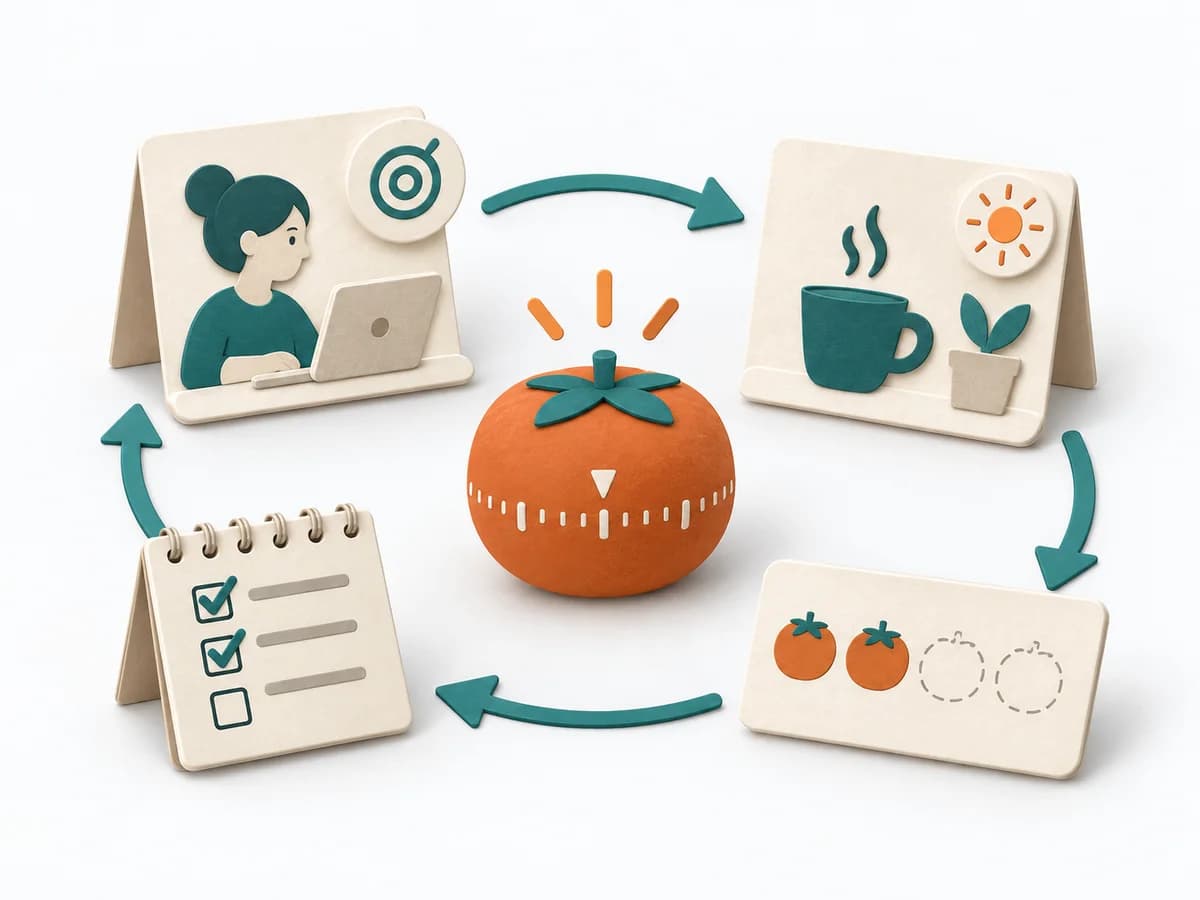 Operations Pomodoro Technique |
|---|---|---|---|---|
Purposedifferent | The Lean UX Canvas helps clarify user behavior, touchpoints, and concept decisions. It makes assumptions and desired outcomes visible and captures the result as a completed canvas, hypothesis list, and first experiment. | With a calendar that grows on request, the method makes available time explicit again. It combines appointments, focus work, and buffer into a more realistic day structure. | With many open commitments and ideas in daily life, a reliable external storage system emerges. The method relieves the mind so priority and context don't have to compete in memory. | For easily distracted solo work, the method sets clear time boundaries for concentrated work. It protects attention when large tasks would otherwise fall apart into small avoidance moves. |
Complexitydifferent | Medium | Low | Medium | Low |
Timedifferent | 2-3 h | 15-30 min Planung, laufend | 1-2 h Setup, laufend | 25 min Zyklen |
Participantsdifferent | 3-8 | 1 | 1 | 1 |
Formatdifferent | Workshop + async | Async | Async | Async |
Outputdifferent | Completed Lean UX Canvas, Hypothesis list, First experiment | Blocked Calendar, Capacity View, Focus Plan | Action Lists, Project List, Review Routine | Focus Sessions, Task Progress, Interruption Notes |
Tagsno overlap | CanvasHypothesisOutcomesDiscovery | PlanningTime managementFocus | ProductivityPlanningTasksExecution | FocusTime managementProductivityExecution |