View methods side by side.
Choose up to four methods. Add them using the search and share the comparison by copying its link.
| Criterion | 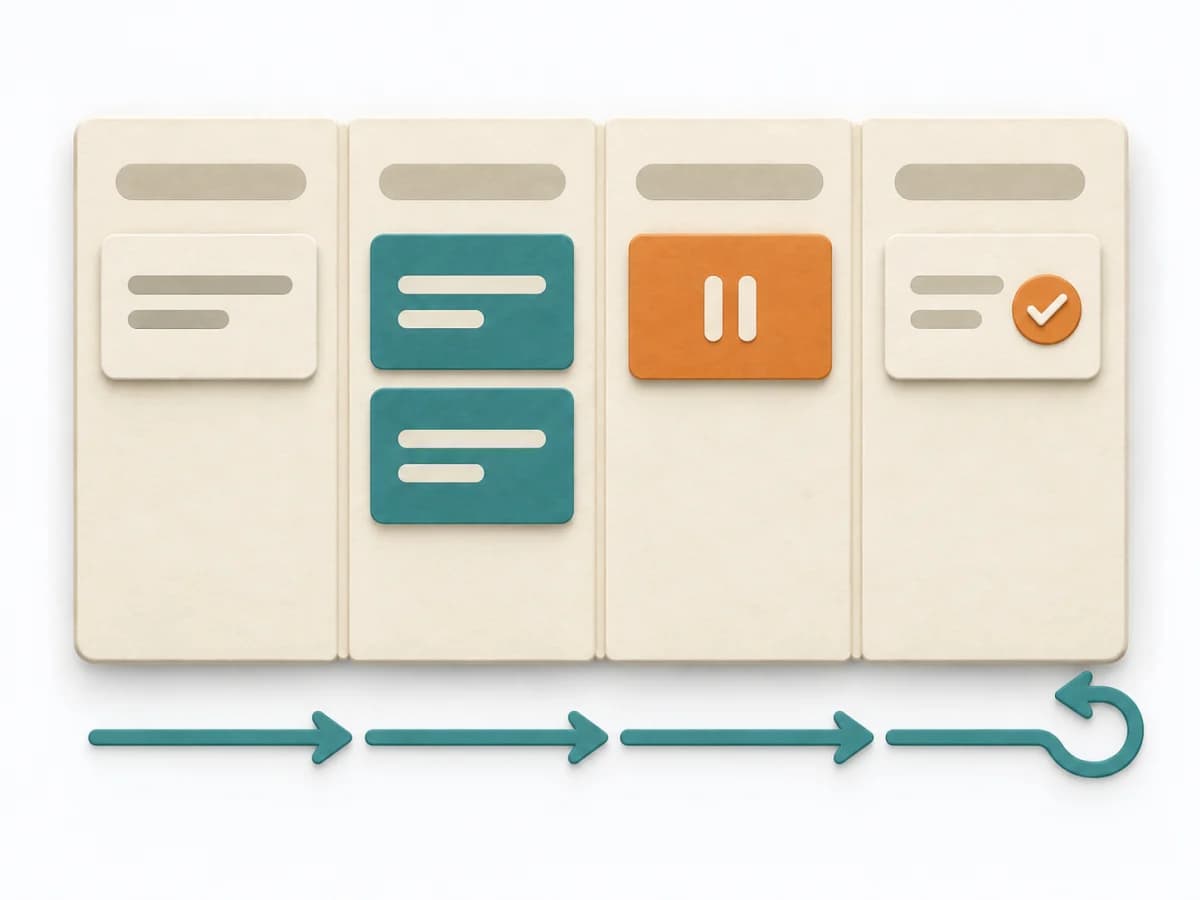 Engineering Kanban | 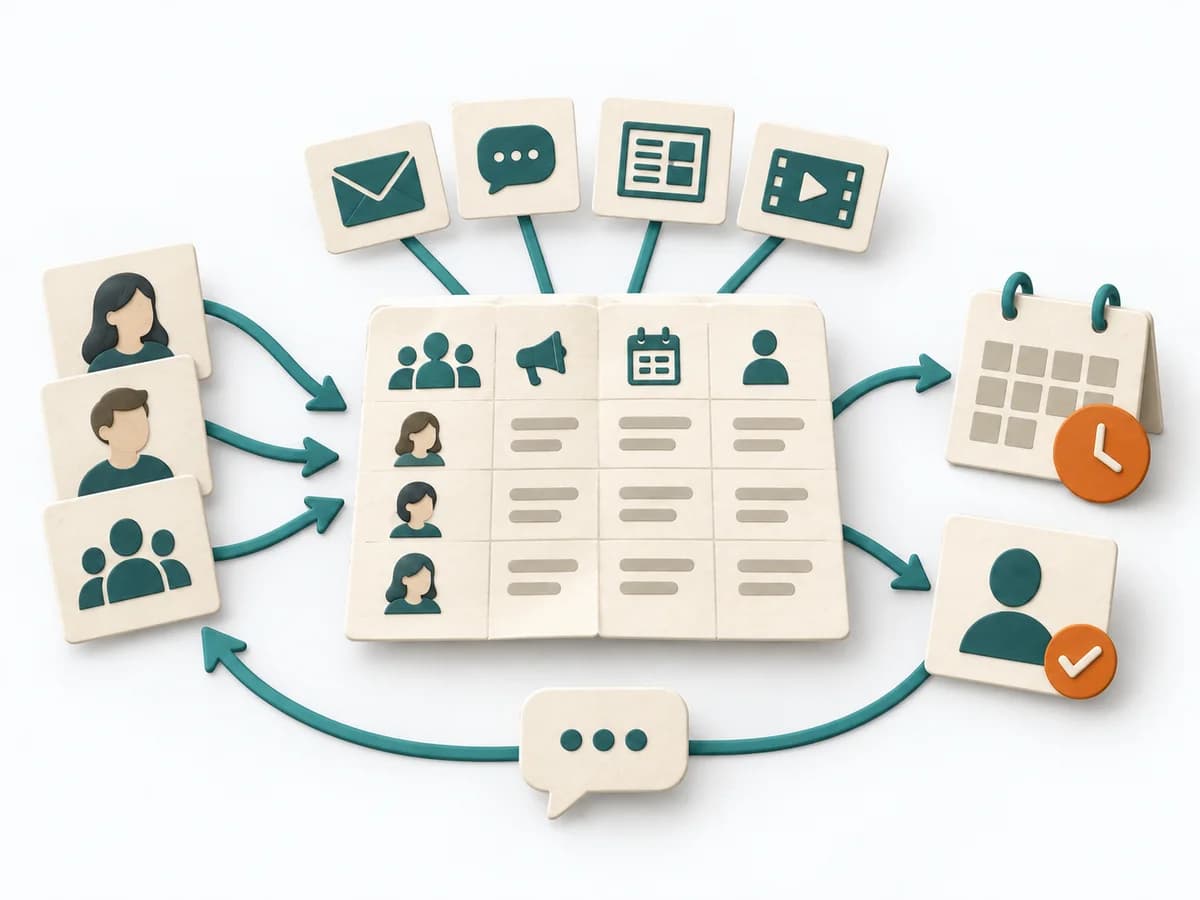 Delivery Communication Plan | 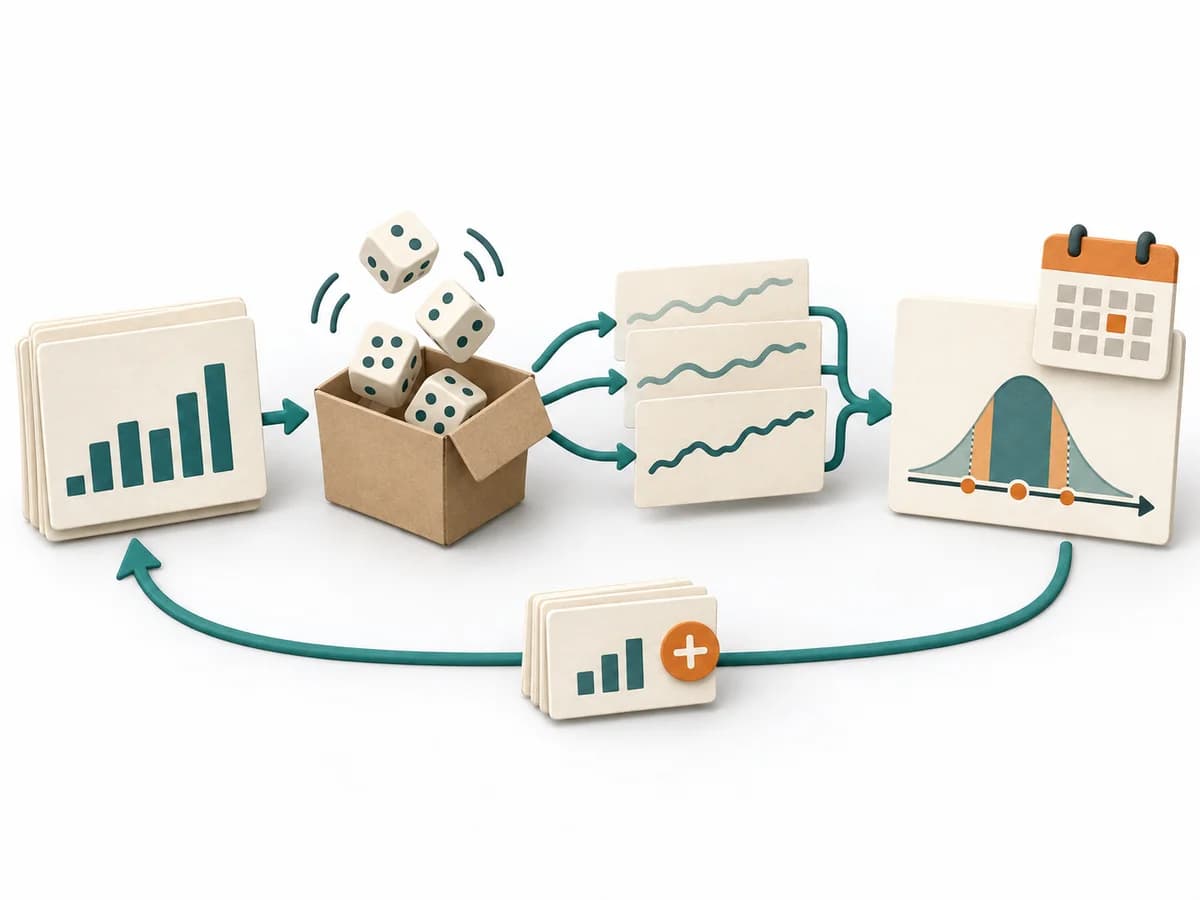 Delivery Monte Carlo Forecasting | 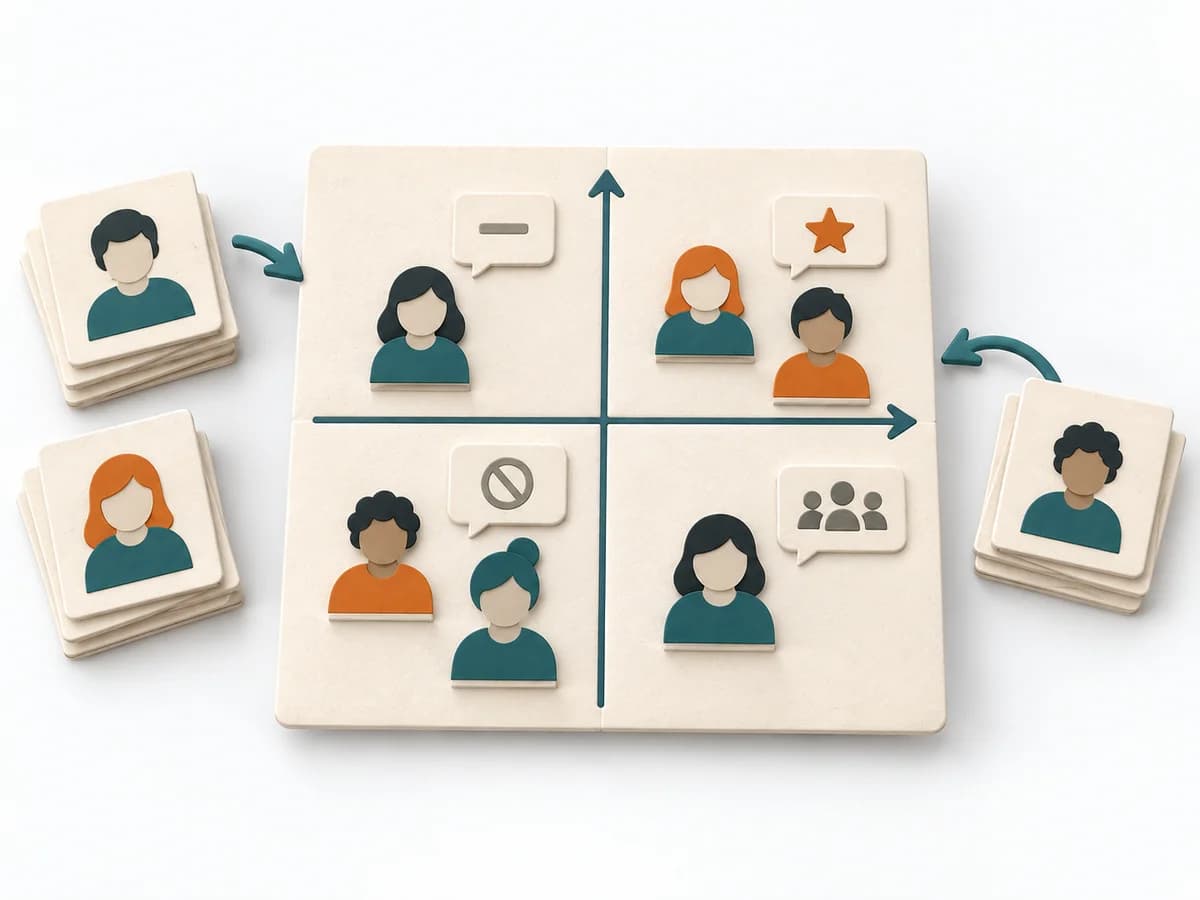 Facilitation Power Interest Grid |
|---|---|---|---|---|
Purposedifferent | When work sits in too many parallel streams, throughput suffers and no one sees the bottlenecks. Kanban makes the flow of work visible and limits overload so a system becomes calmer and more predictable. | When many people need to be informed in parallel and messages would otherwise arrive unevenly or too late, a Communication Plan orders communication reliably. Channels, audiences, and cadences interlock so important information doesn't get lost. | Helps clarify scope, sequence, and delivery flow in concrete terms. It makes work, boundaries, and order steerable. The result is captured as Forecast Percentiles, Throughput Dataset, and Risk Communication. | When many stakeholders compete for attention at once, the Power Interest Grid sorts them by influence and stake. It turns individual contributions into a visible selection. The result is captured as a Power Interest Grid and a stakeholder-specific strategy. |
Complexitydifferent | Medium | Low | High | Low |
Timedifferent | Ongoing | 45-90 min | 30-90 min Setup, danach laufend | 30-60 min |
Participantsdifferent | 2-12 | 2-6 | 1-8 | 2-8 |
Formatdifferent | Workshop + async | Workshop + async | Workshop + async | Workshop |
Outputdifferent | Kanban board, WIP policies, Flow metrics | Communication Plan, Channel Matrix, Message Cadence | Forecast Percentiles, Throughput Dataset, Risk Communication | Power Interest Grid, Strategy per Stakeholder |
Tagsno overlap | FlowVisual managementDelivery | CommunicationStakeholdersDeliveryPlanning | ForecastingFlowDelivery | StakeholdersFacilitationAlignmentPlanning |