View methods side by side.
Choose up to four methods. Add them using the search and share the comparison by copying its link.
Selected:Customer Journey MappingSoftware Architecture CanvasPower Interest GridArchitecture Inception Canvas
| Criterion | 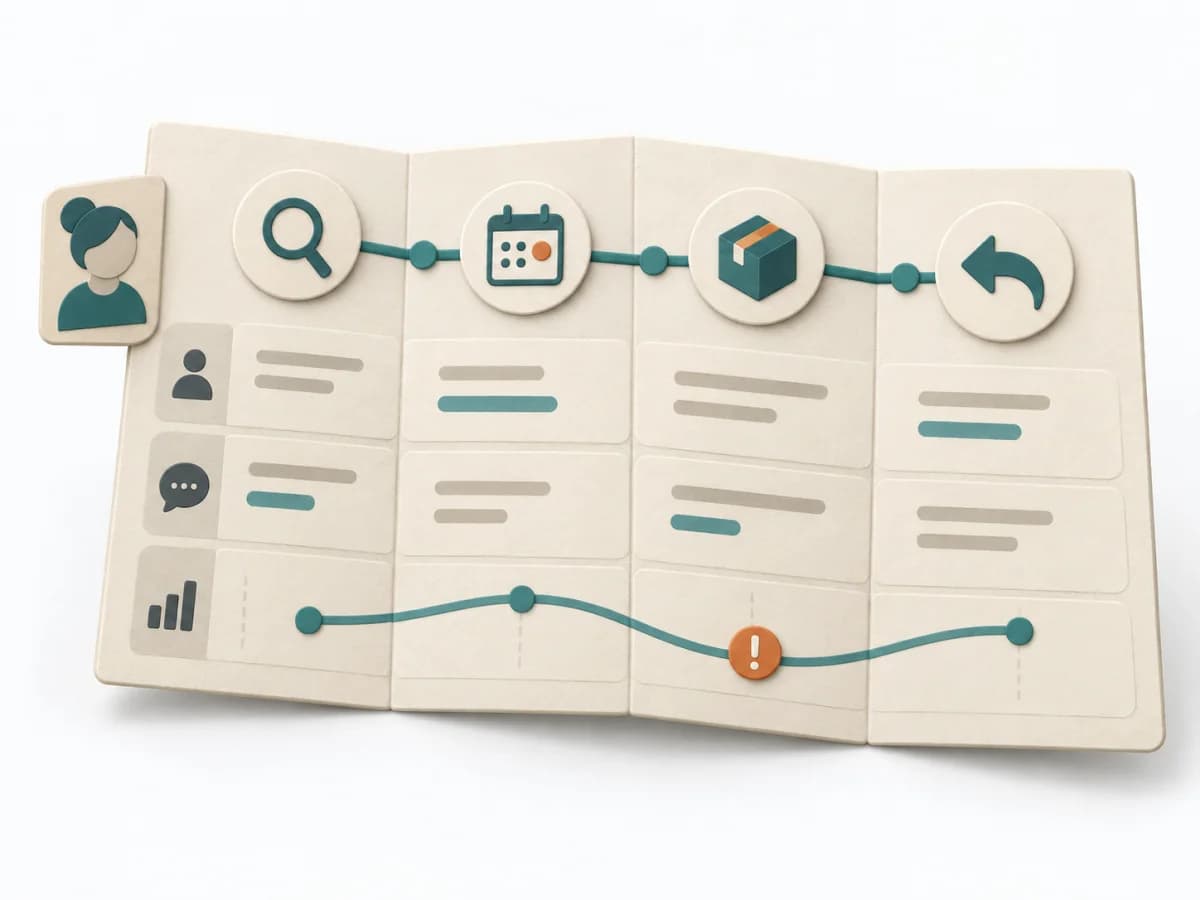 UX Research Customer Journey Mapping | 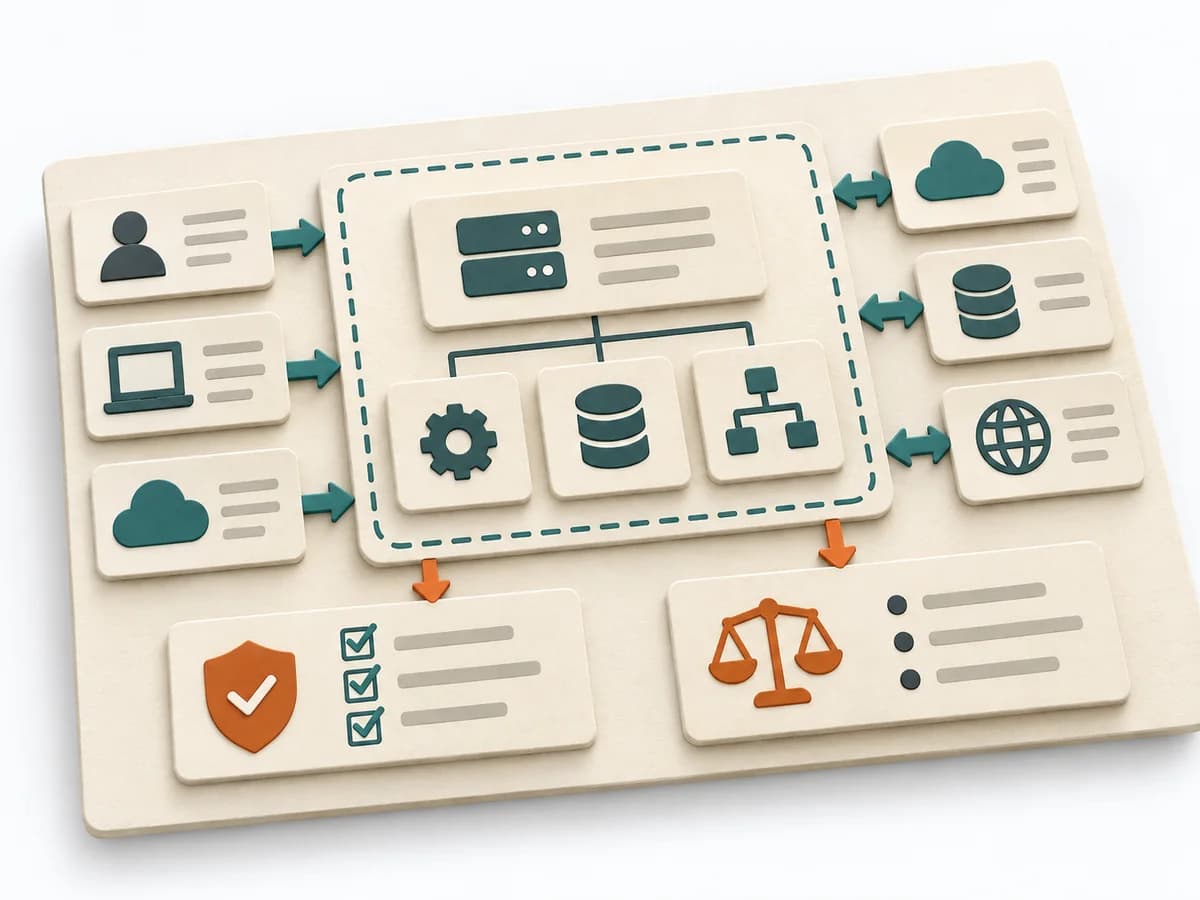 Architecture Software Architecture Canvas | 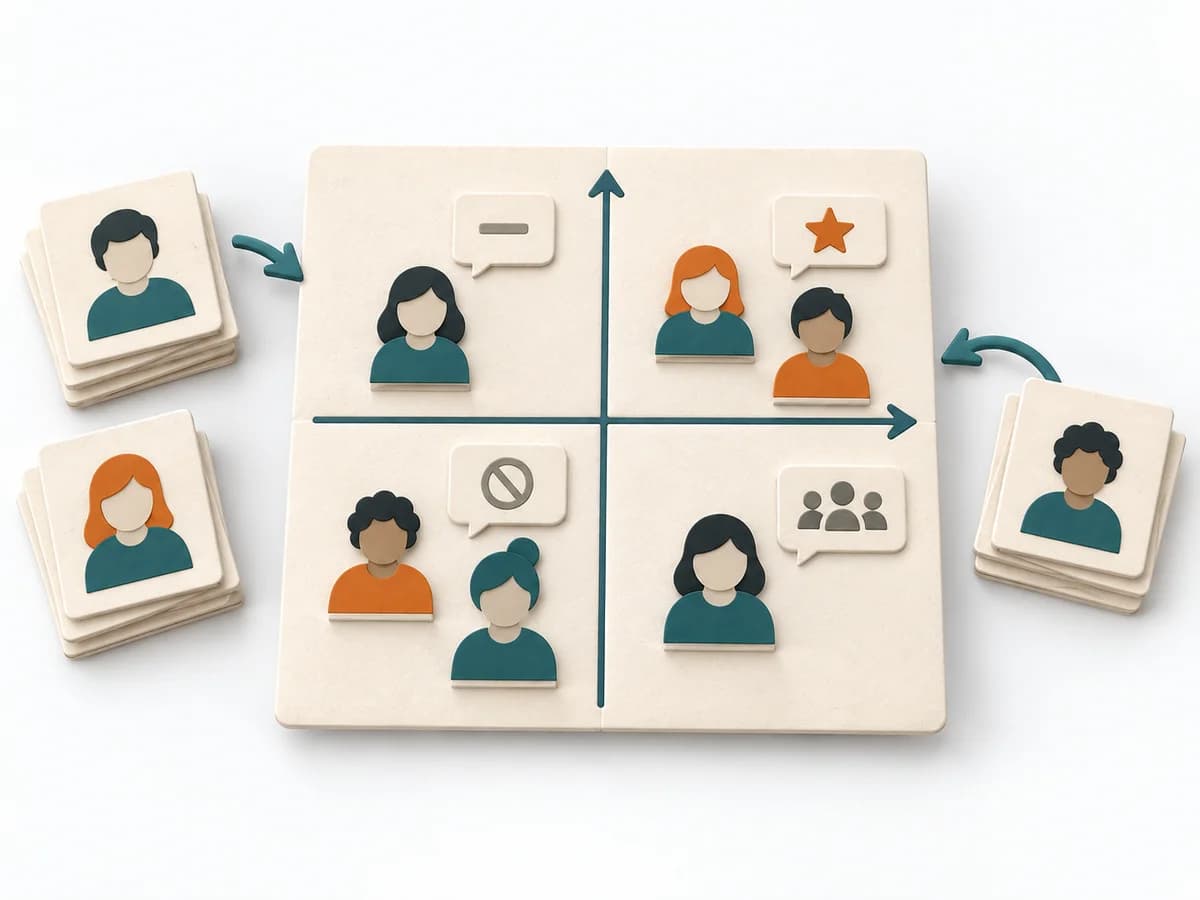 Facilitation Power Interest Grid |  Architecture Architecture Inception Canvas |
|---|---|---|---|---|
Purposedifferent | When a user journey falls apart across many touchpoints, customer journey mapping makes the experience visible as a coherent arc. Phases, emotions, and breaks become legible enough to prioritize critical moments deliberately. | The Software Architecture Canvas reduces a system to the most important architecture decisions, constraints, and interfaces. It is useful when teams need a resilient overall picture quickly. | When many stakeholders compete for attention at once, the Power Interest Grid sorts them by influence and stake. It turns individual contributions into a visible selection. The result is captured as a Power Interest Grid and a stakeholder-specific strategy. | The Architecture Inception Canvas bundles the first architecture questions into a compact decision picture. It fits when an initiative is still in motion but still needs clear guardrails. |
Complexitydifferent | Medium | Low | Low | Low |
Timedifferent | 2-4 h | 1-2 h | 30-60 min | 1-2 h |
Participantsdifferent | 4-10 | 3-10 | 2-8 | 3-8 |
Formatsame | Workshop | Workshop | Workshop | Workshop |
Outputdifferent | Journey Map, Pain-point List, Opportunity Backlog | Architecture Canvas, Goals, Constraints, Quality Attributes | Power Interest Grid, Strategy per Stakeholder | Inception Canvas, Risks, Goal List, Open Questions |
Tagsno overlap | JourneyServiceService design | CanvasArchitectureAlignmentWorkshop | StakeholdersFacilitationAlignmentPlanning | AlignmentArchitectureCanvas |