View methods side by side.
Choose up to four methods. Add them using the search and share the comparison by copying its link.
| Criterion | 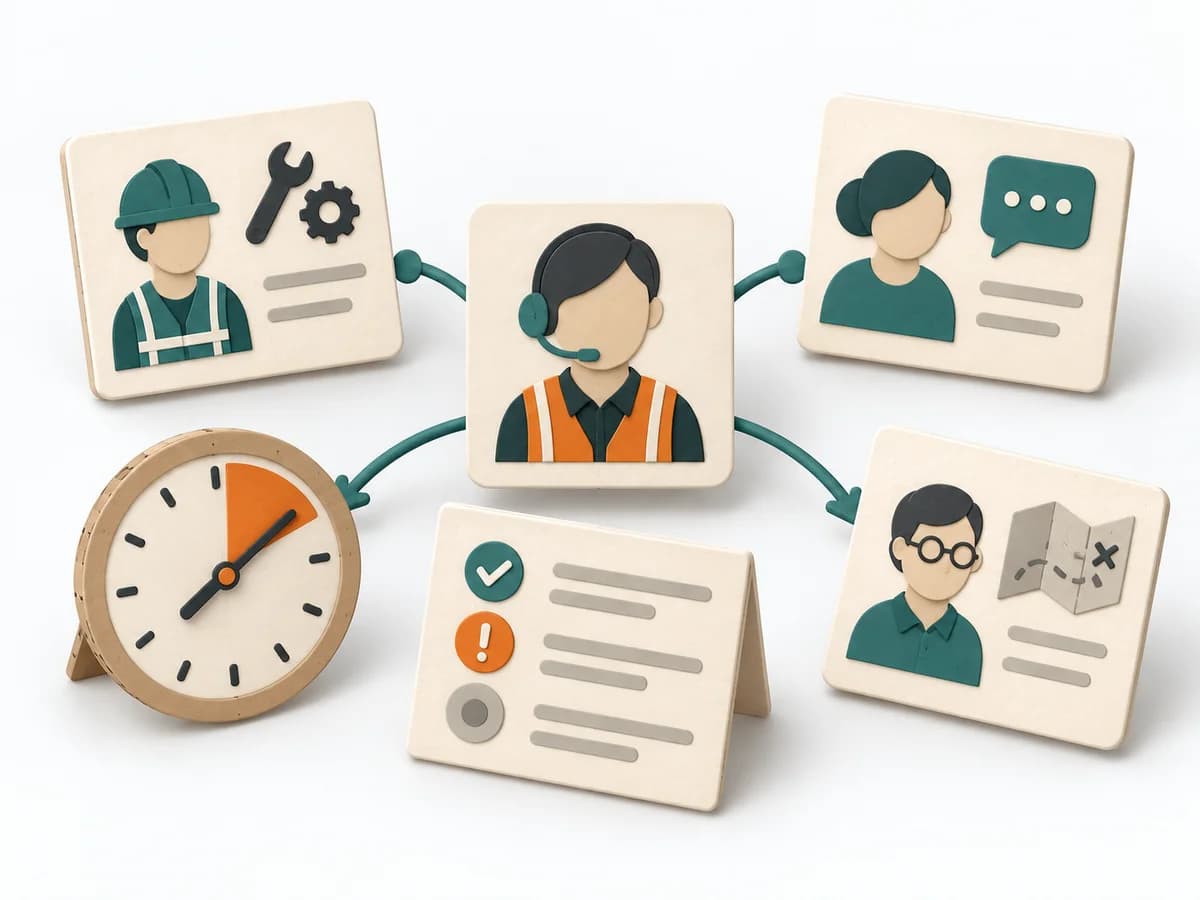 DevOps Incident Command | 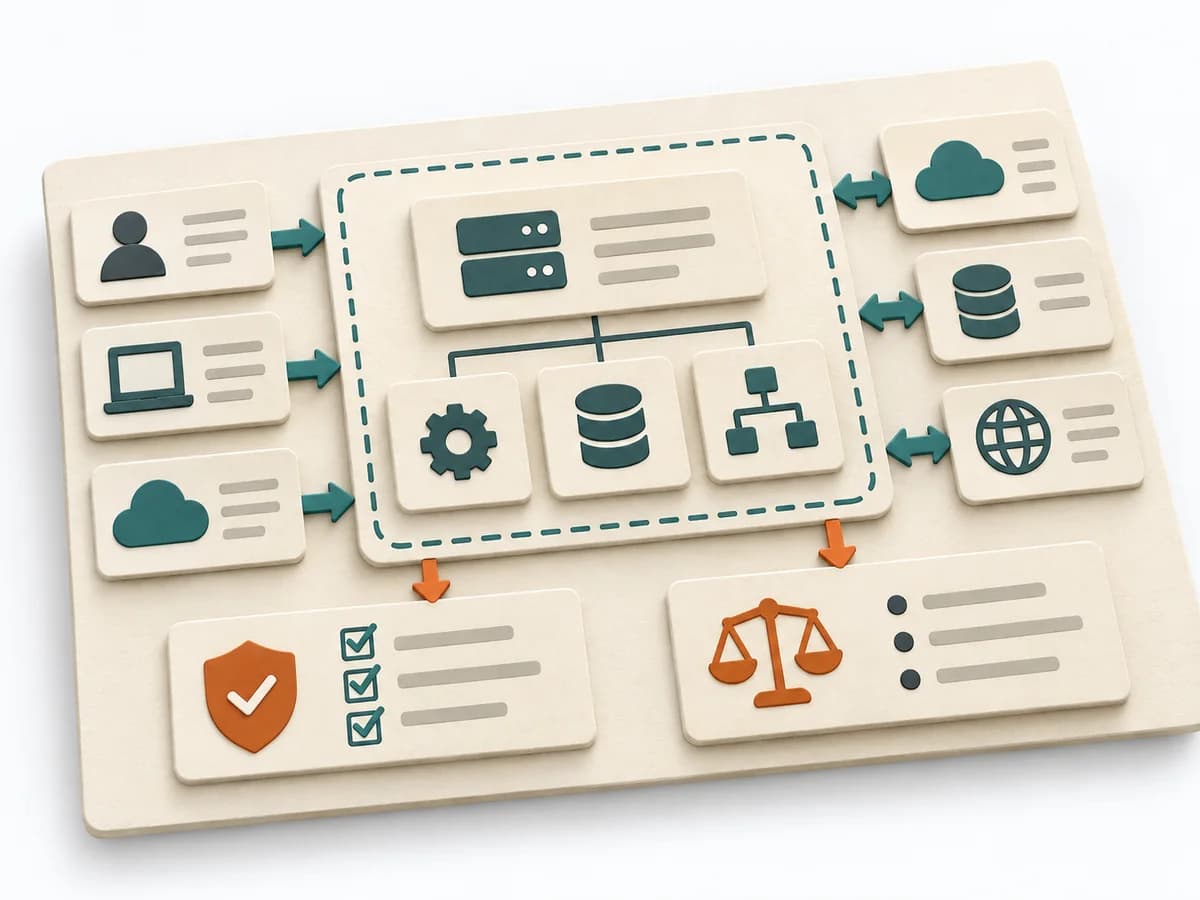 Architecture Software Architecture Canvas | 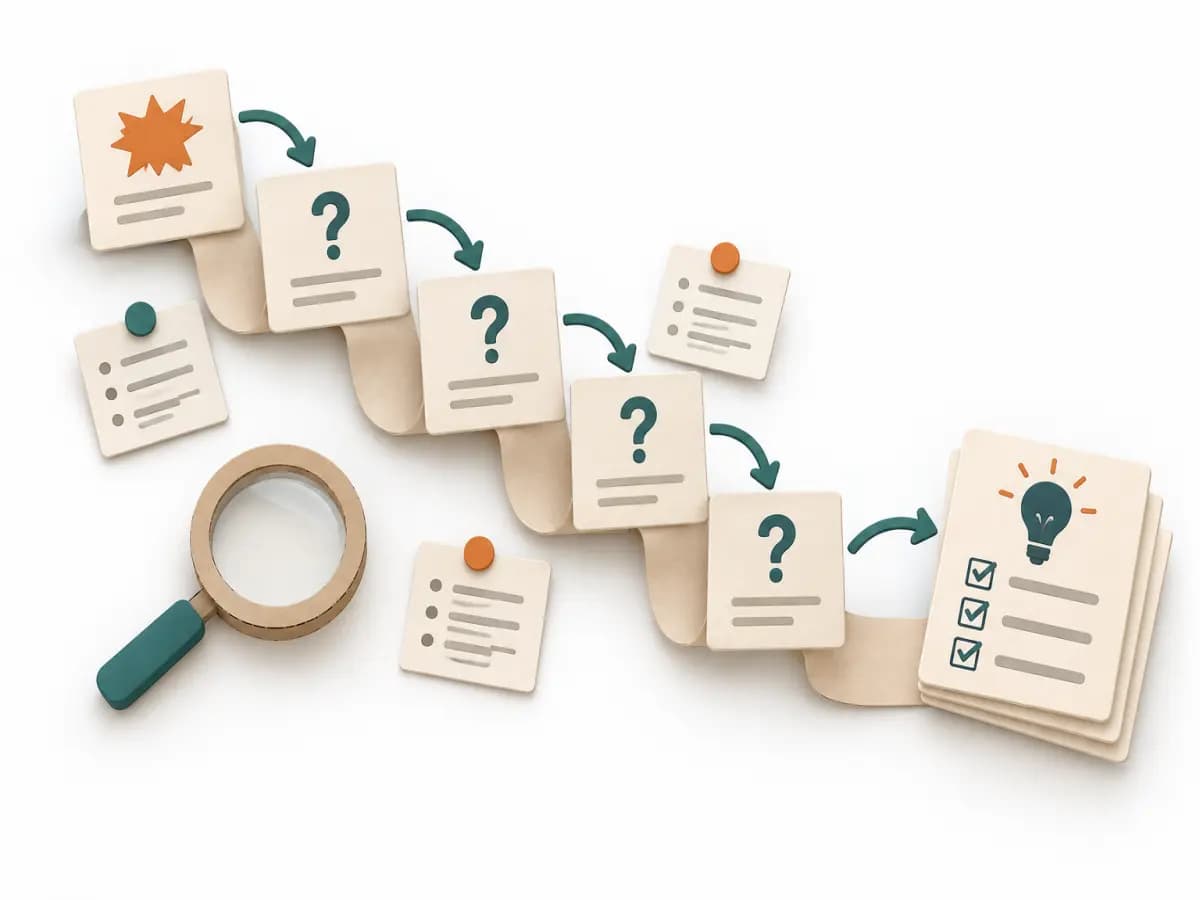 Operations 5 Whys | 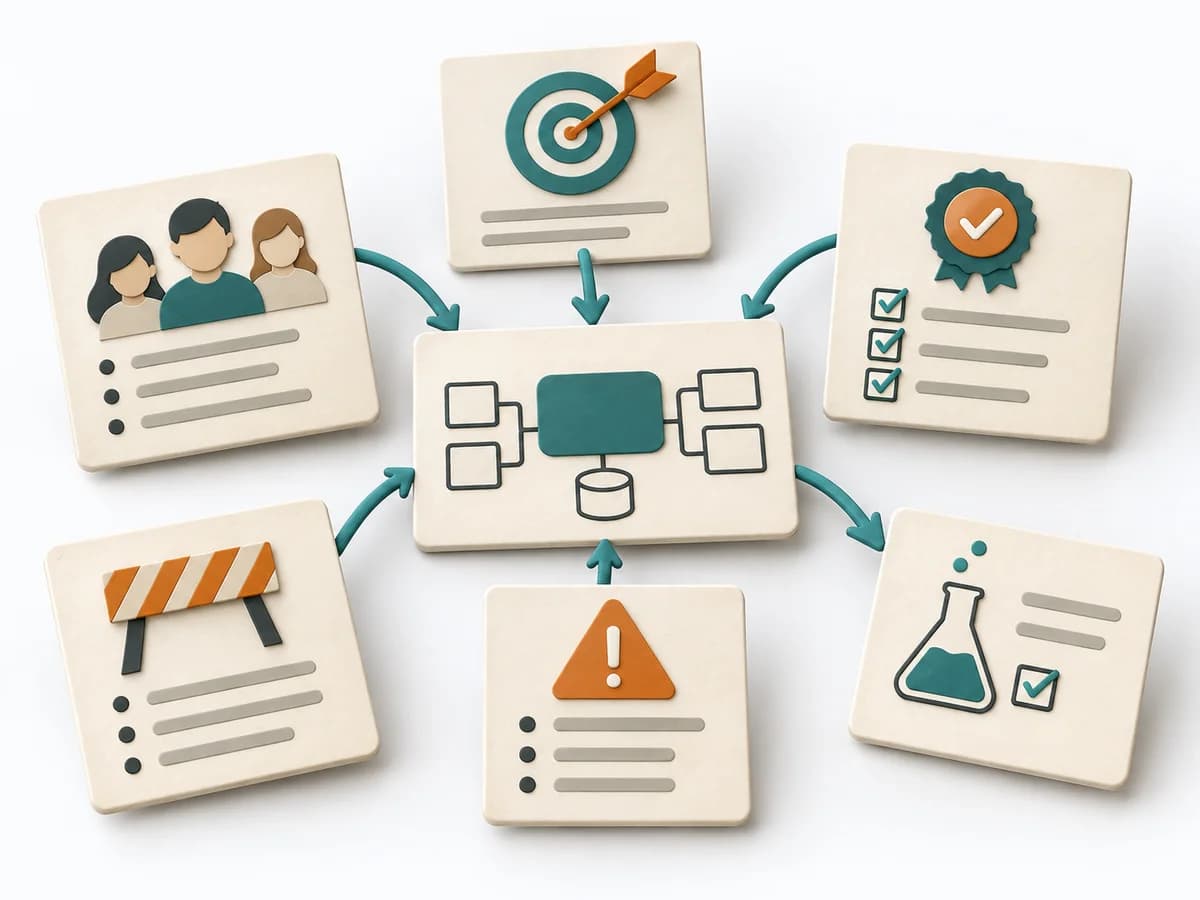 Architecture Architecture Inception Canvas |
|---|---|---|---|---|
Purposedifferent | During an acute incident with several people involved, the method creates a clear leadership and communication structure. It reduces chaos when fast coordination and clean situational awareness are both needed at once. | The Software Architecture Canvas reduces a system to the most important architecture decisions, constraints, and interfaces. It is useful when teams need a resilient overall picture quickly. | For a single, hard-to-explain deviation, the method exposes the causal chain behind the visible symptom. It keeps the cause open until a controllable condition emerges instead of a mere description. | The Architecture Inception Canvas bundles the first architecture questions into a compact decision picture. It fits when an initiative is still in motion but still needs clear guardrails. |
Complexitydifferent | Medium | Low | Low | Low |
Timedifferent | As needed | 1-2 h | 15-30 min | 1-2 h |
Participantsdifferent | 4-15 | 3-10 | 2-6 | 3-8 |
Formatdifferent | Workshop + async | Workshop | Workshop | Workshop |
Outputdifferent | Incident Log, Action Tracker, Stakeholder Updates | Architecture Canvas, Goals, Constraints, Quality Attributes | Root cause notes, Countermeasures | Inception Canvas, Risks, Goal List, Open Questions |
Tagsno overlap | IncidentOperationsReliability | CanvasArchitectureAlignmentWorkshop | Root causeIncidentLeanProblem solving | AlignmentArchitectureCanvas |