View methods side by side.
Choose up to four methods. Add them using the search and share the comparison by copying its link.
| Criterion | 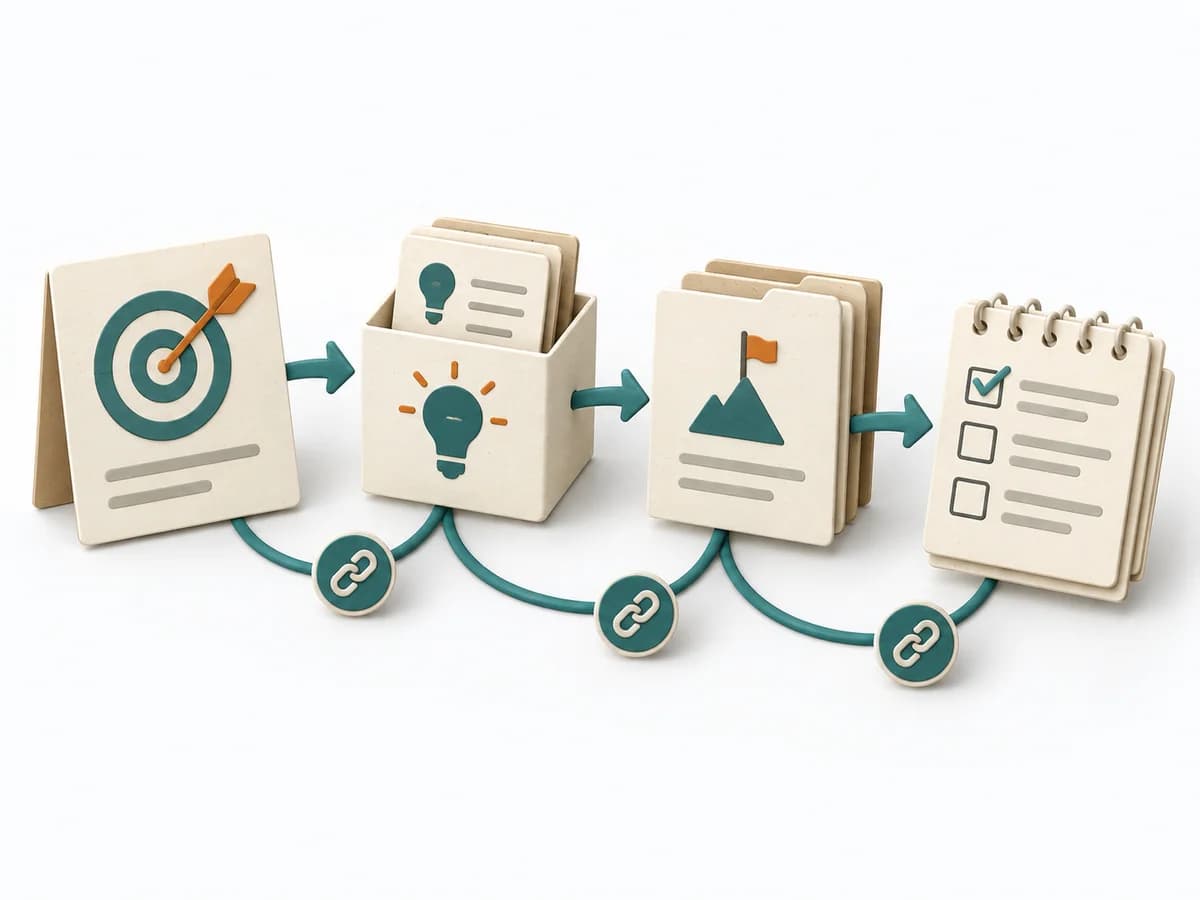 Product Strategy GIST Planning |  Facilitation Stakeholder Mapping |  Architecture Software Architecture Canvas |  Facilitation Power Interest Grid |
|---|---|---|---|---|
Purposedifferent | GIST Planning helps clarify target groups, value, goals, and priorities. It links customer value, product logic, and decision priorities, and captures the result as goals, an idea bank, and a step-project list. | When an initiative depends on many people, interests, and power dynamics, Stakeholder Mapping systematically orders the environment. It shows who influences, who is affected, and where relationship management or safeguarding matters first. | The Software Architecture Canvas reduces a system to the most important architecture decisions, constraints, and interfaces. It is useful when teams need a resilient overall picture quickly. | When many stakeholders compete for attention at once, the Power Interest Grid sorts them by influence and stake. It turns individual contributions into a visible selection. The result is captured as a Power Interest Grid and a stakeholder-specific strategy. |
Complexitydifferent | Medium | Low | Low | Low |
Timedifferent | Wochen bis Monate je Goal | 60–90 min | 1-2 h | 30-60 min |
Participantsdifferent | 3-10 | 2-8 | 3-10 | 2-8 |
Formatdifferent | Workshop + async | Workshop + async | Workshop | Workshop |
Outputdifferent | Goals, Idea bank, Step-project list, Tasks, Learning reports | Stakeholder Map, Engagement Plan, Risk Notes | Architecture Canvas, Goals, Constraints, Quality Attributes | Power Interest Grid, Strategy per Stakeholder |
Tagsno overlap | RoadmapOutcomesPlanningExperiments | StakeholdersAlignmentFacilitationChange | CanvasArchitectureAlignmentWorkshop | StakeholdersFacilitationAlignmentPlanning |