View methods side by side.
Choose up to four methods. Add them using the search and share the comparison by copying its link.
| Criterion |  UX Research First-click Testing | 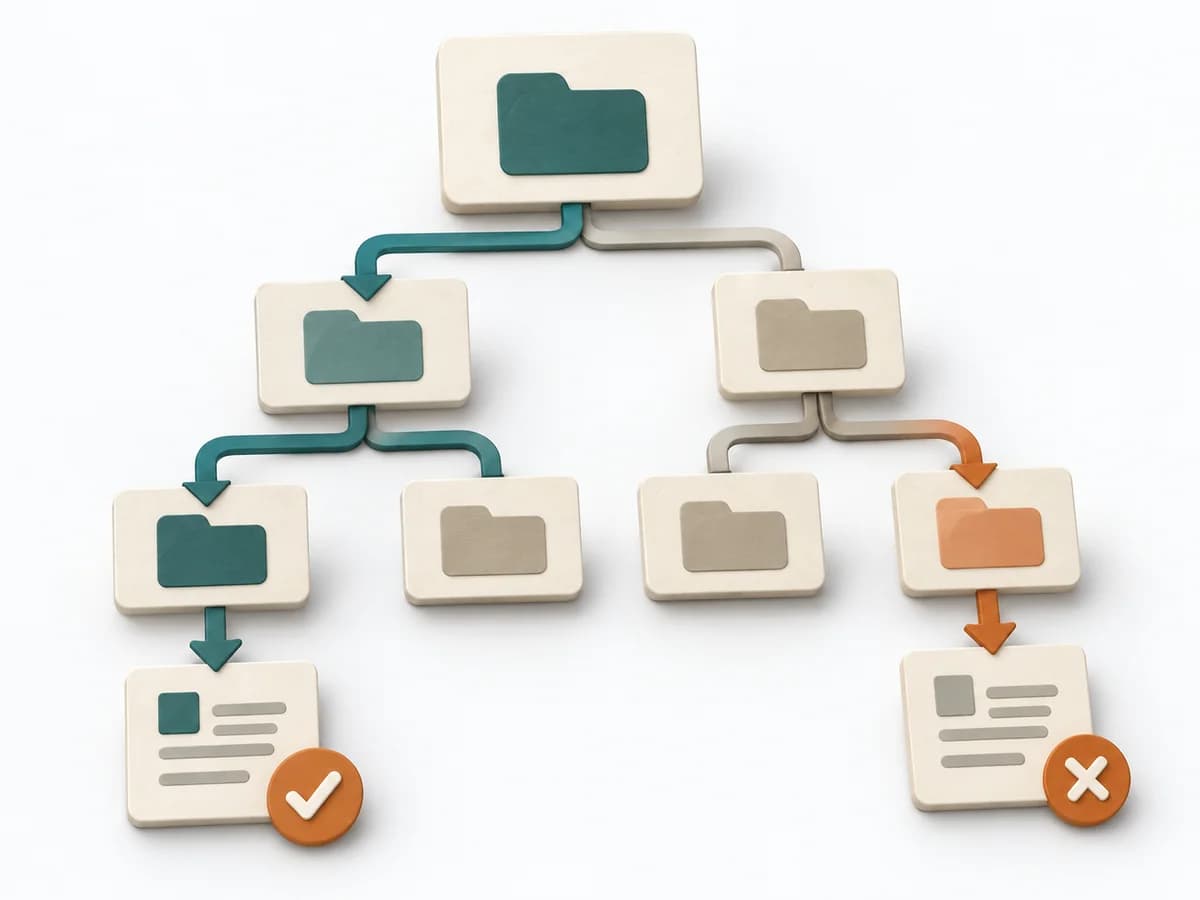 UX Research Tree Testing |  Decision Making RAPID |  UX Research Card Sorting |
|---|---|---|---|---|
Purposedifferent | When users immediately turn the wrong way on a screen or wireframe, first click testing checks initial orientation at high speed. The first click shows early whether expectation, labeling, and wayfinding fit together. | When a navigation exists but search paths still fail, tree testing checks findability without visual distraction. The method shows whether labels, levels, and paths really lead to the intended destination. | In complex management decisions, clarity is often missing about who recommends, who agrees, and who makes the decision. RAPID creates this assignment and stabilizes decisions across several levels. | When content only makes sense internally and users can't find the structure again, card sorting exposes their mental order. Terms, groups, and naming are then aligned with the target group's expectations. |
Complexitydifferent | Low | Medium | Medium | Low |
Timedifferent | 1-2 Tage | 1-2 Tage | 45-90 min | 20-45 min |
Participantsdifferent | 10-30 | Based on research question | 3-12 | Based on research question |
Formatdifferent | Async | Async | Workshop + async | Workshop + async |
Outputdifferent | Click Heatmap, Success Rate, Design Recommendations | Findability Metrics, Path Analysis, Revised IA | RAPID Role Map, Recommendation, Decision Log | Content groups, Label set, IA hypotheses |
Tagsno overlap | UXNavigationFindabilityValidation | Information architectureNavigationFindability | DecisionRolesGovernance | Information architectureNavigationStructure |