View methods side by side.
Choose up to four methods. Add them using the search and share the comparison by copying its link.
| Criterion | 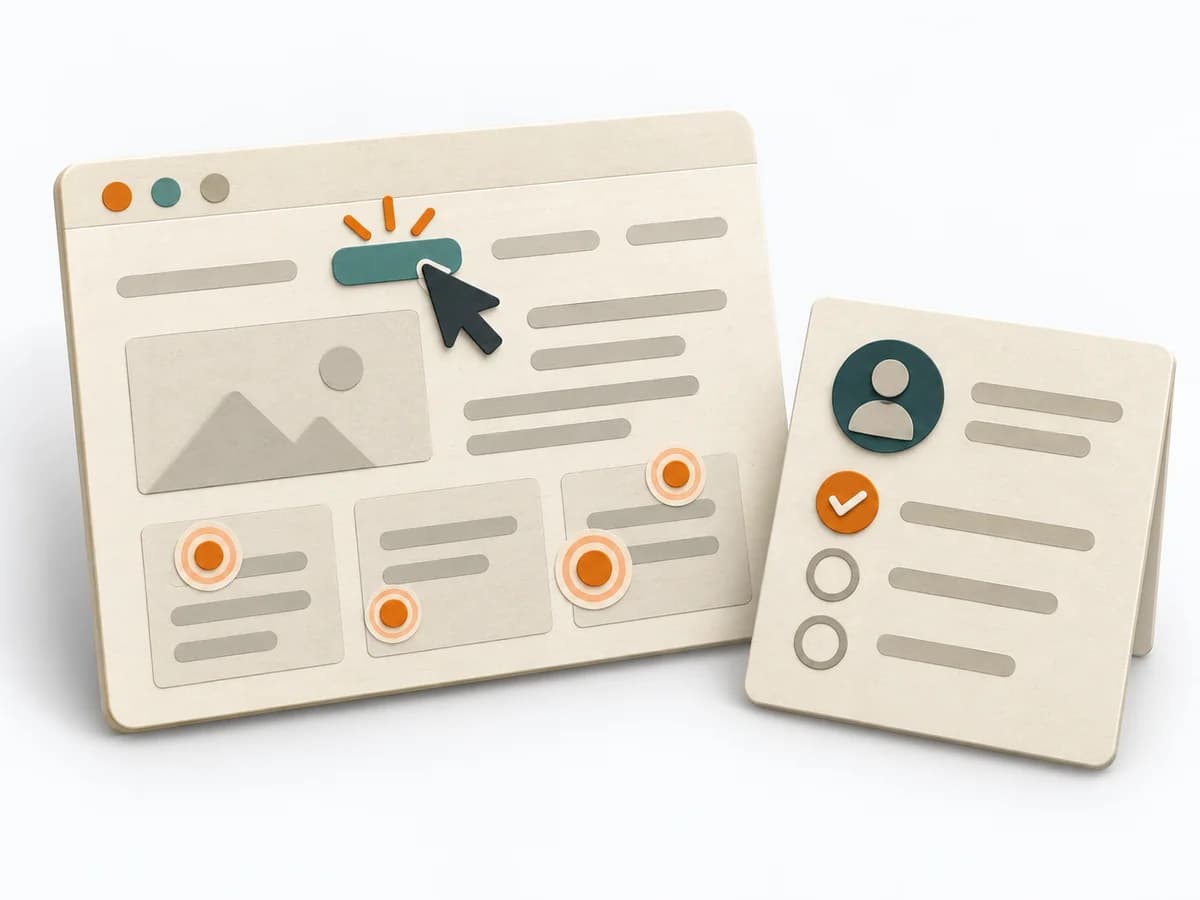 UX Research First-click Testing | 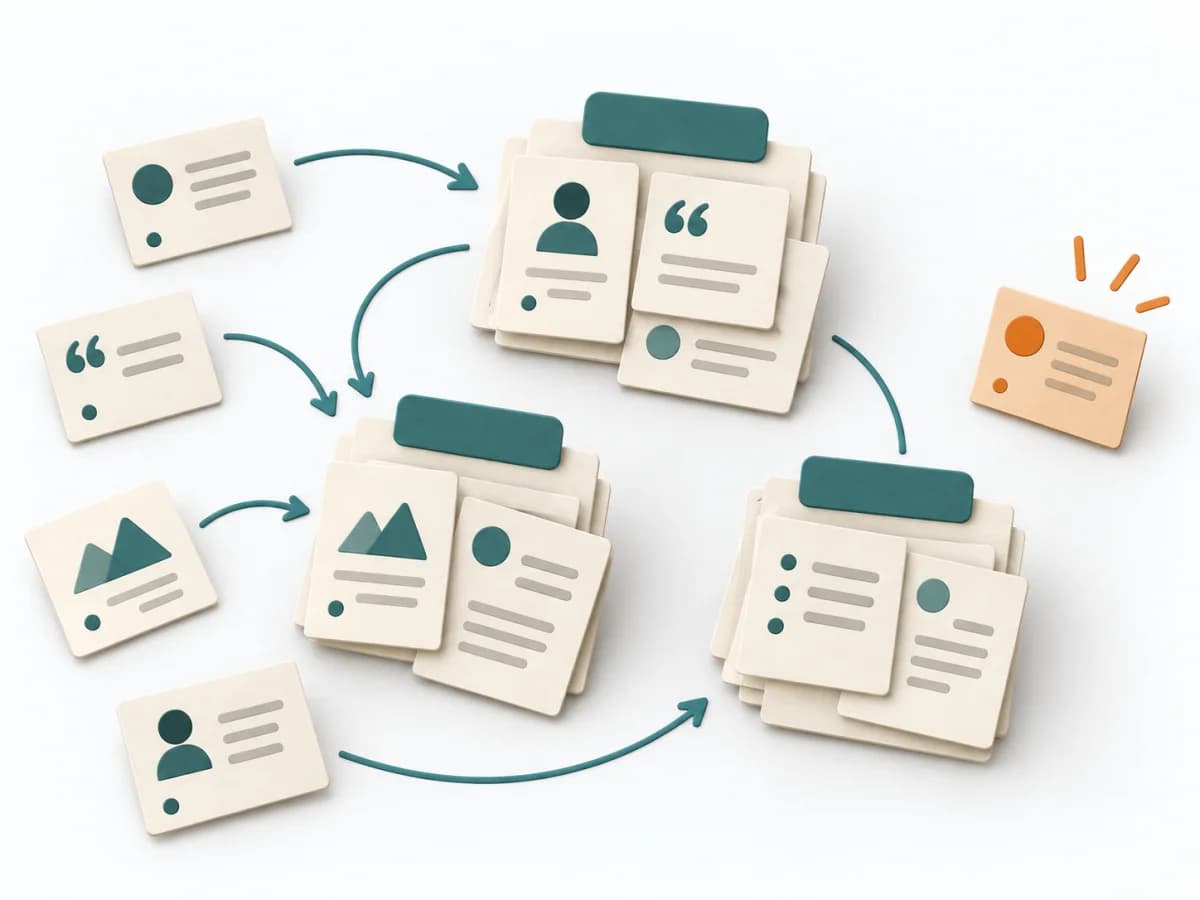 UX Research Affinity Diagramming | 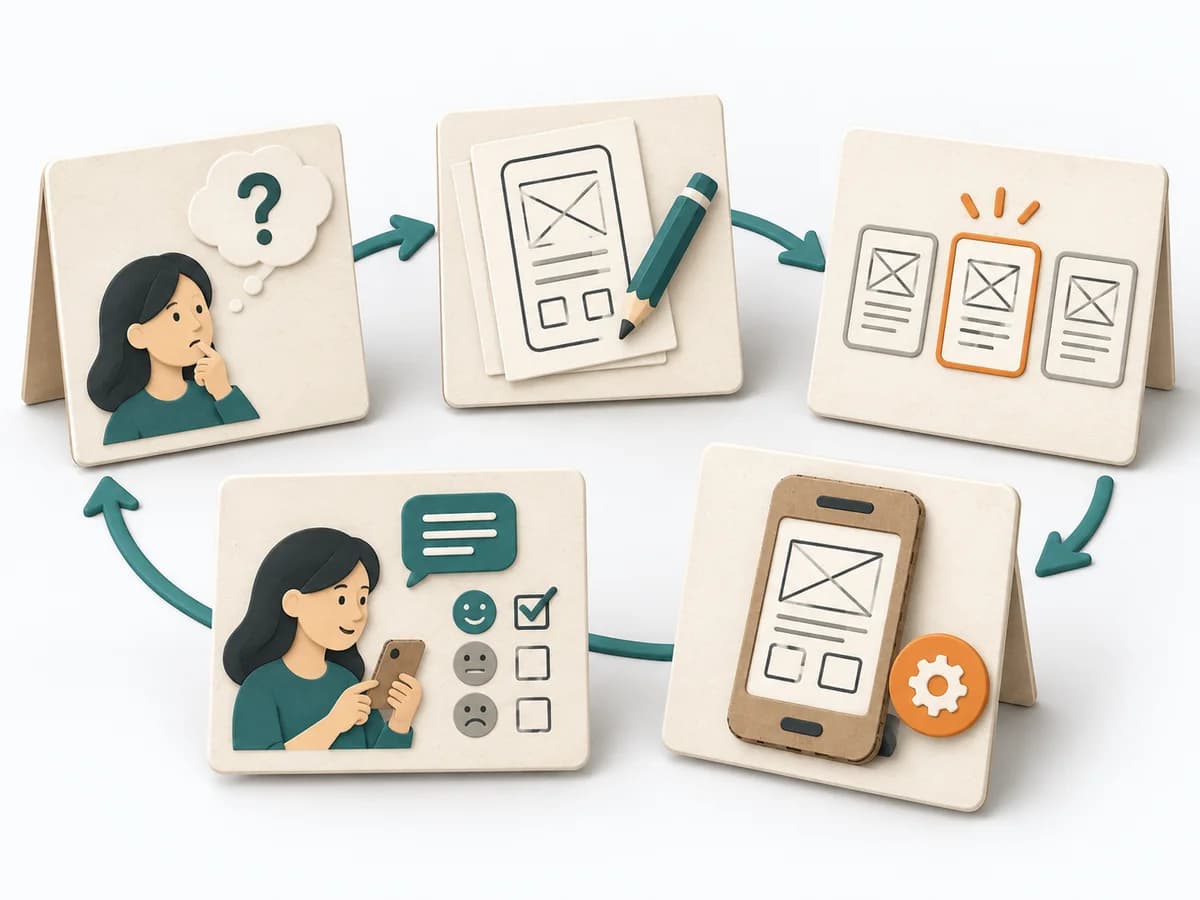 Innovation Design Sprint | 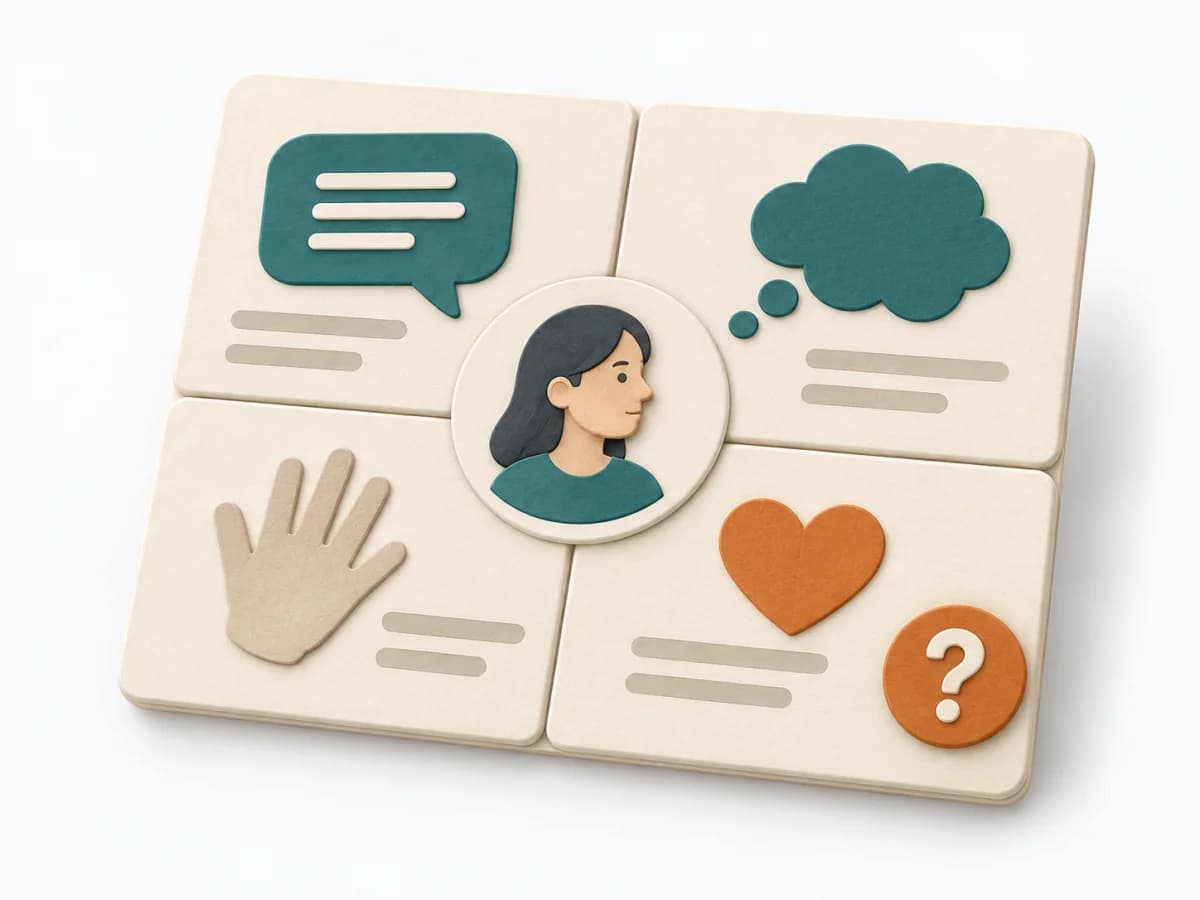 UX Research Empathy Mapping |
|---|---|---|---|---|
Purposedifferent | When users immediately turn the wrong way on a screen or wireframe, first click testing checks initial orientation at high speed. The first click shows early whether expectation, labeling, and wayfinding fit together. | When research notes, feedback, or observations sit unconnected side by side, affinity diagramming sorts the raw material into solid themes. Many individual points turn into patterns that make decisions and opportunities clearer. | When the product question is unclear and time pressure is high, the method takes a team from an open idea to a testable solution. It connects problem understanding, decision, and learning in one compact format, lowering the risk of spending a lot of energy on a mere guess. | When a lot is assumed about a target group but little is seen jointly, empathy mapping makes knowledge and gaps directly comparable. The picture also shows which assumptions hold up and where evidence is missing. |
Complexitydifferent | Low | Low | High | Low |
Timedifferent | 1-2 Tage | 45–90 min | 4-5 Tage | 30–60 min |
Participantsdifferent | 10-30 | 3-10 | 5-8 | 4-8 |
Formatdifferent | Async | Workshop | Workshop | Workshop |
Outputdifferent | Click Heatmap, Success Rate, Design Recommendations | Theme clusters, Insight statements, Opportunity areas | Prototype, Test Findings, Decision Rationale | Empathy Map, Assumptions List, Research Gaps |
Tagsno overlap | UXNavigationFindabilityValidation | SynthesisQualitativeRoot cause | Design sprintPrototypeValidationInnovation | SynthesisQualitativeWorkshop |