View methods side by side.
Choose up to four methods. Add them using the search and share the comparison by copying its link.
| Criterion | 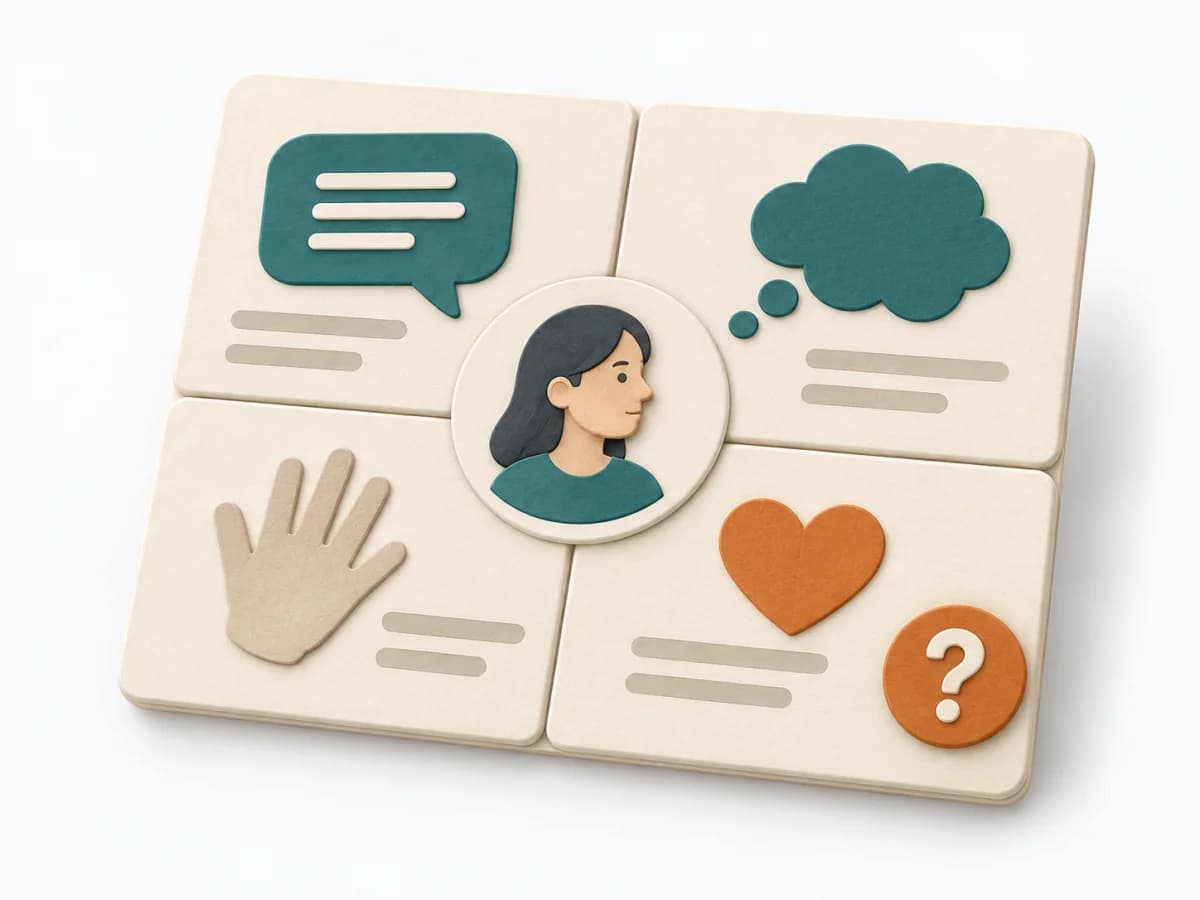 UX Research Empathy Mapping | 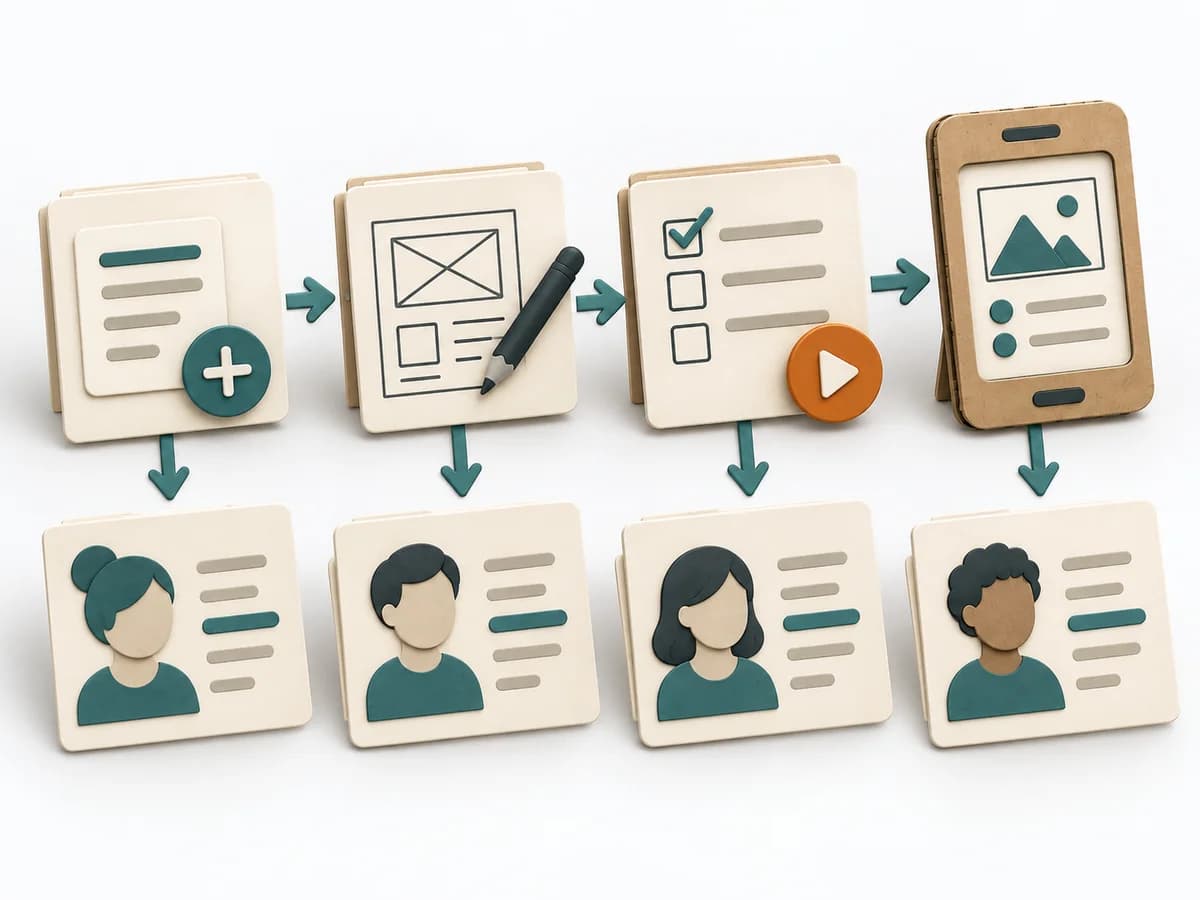 Knowledge Modeling Event Modeling | 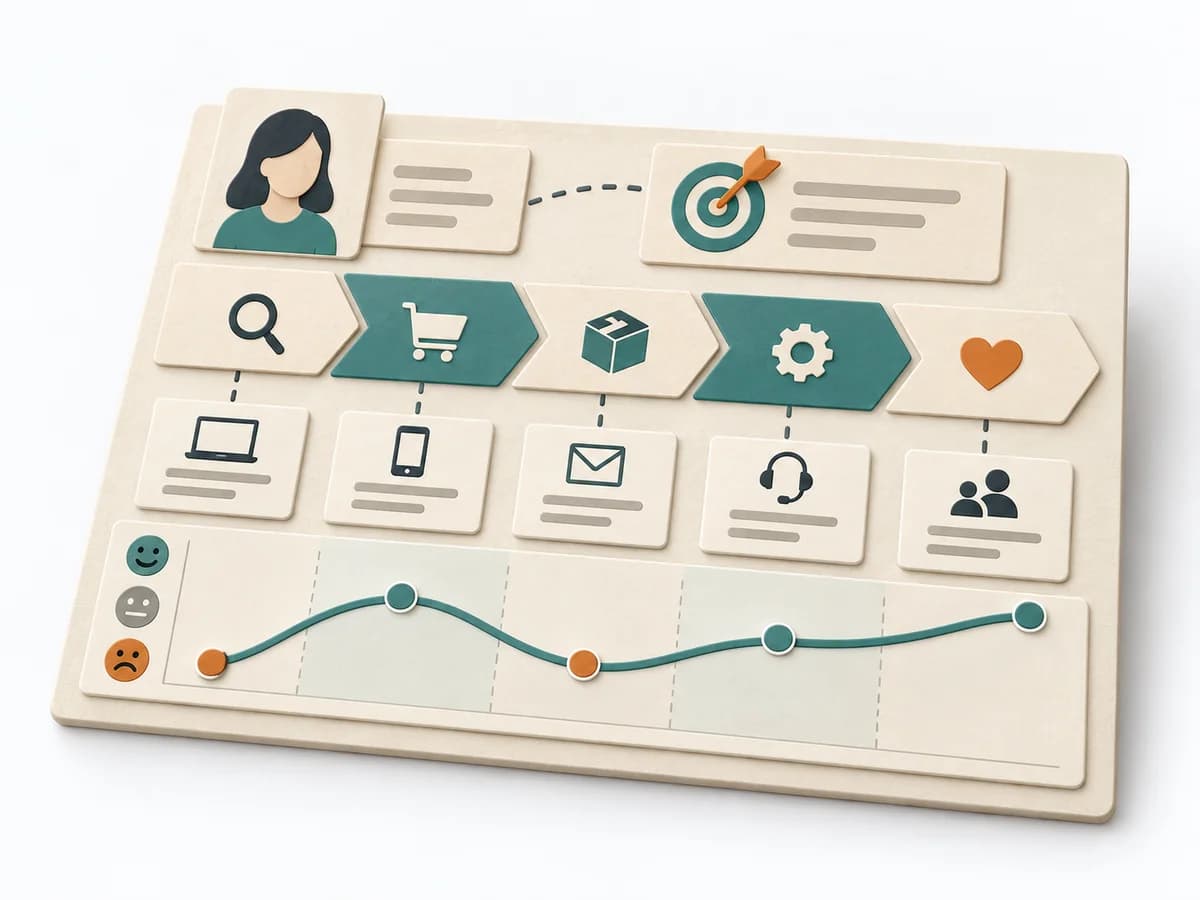 UX Design Customer Journey Canvas | 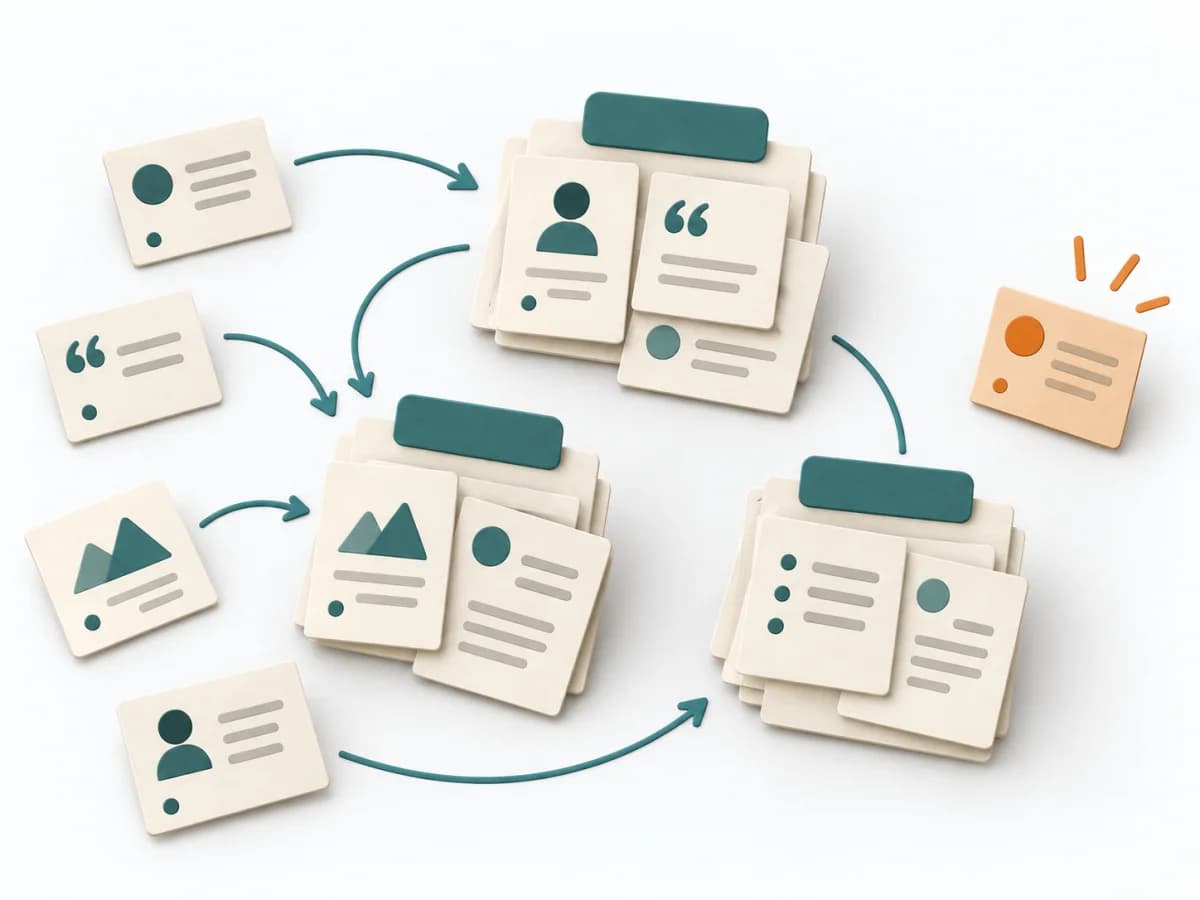 UX Research Affinity Diagramming |
|---|---|---|---|---|
Purposedifferent | When a lot is assumed about a target group but little is seen jointly, empathy mapping makes knowledge and gaps directly comparable. The picture also shows which assumptions hold up and where evidence is missing. | Event Modeling connects business workflows with commands, events, and views into one coherent mental model. It helps design behavior, UI, and technical slices from the same underlying logic. | When a journey needs to be understood across several phases, it arranges experience, touchpoints, and opportunities into one picture. It makes gaps and friction along the user path clear. | When research notes, feedback, or observations sit unconnected side by side, affinity diagramming sorts the raw material into solid themes. Many individual points turn into patterns that make decisions and opportunities clearer. |
Complexitydifferent | Low | Medium | Medium | Low |
Timedifferent | 30–60 min | 2-6 h | 1-3 h | 45–90 min |
Participantsdifferent | 4-8 | 2-8 | 3-10 | 3-10 |
Formatdifferent | Workshop | Workshop + async | Workshop | Workshop |
Outputdifferent | Empathy Map, Assumptions List, Research Gaps | Event Model, UI Flow, Commands, Read Models | Customer Journey Canvas, Pain Points, Experience Opportunities | Theme clusters, Insight statements, Opportunity areas |
Tagsno overlap | SynthesisQualitativeWorkshop | EventsBlueprintDomain-Driven DesignBehavior | JourneyCustomerService designCanvas | SynthesisQualitativeRoot cause |