View methods side by side.
Choose up to four methods. Add them using the search and share the comparison by copying its link.
| Criterion |  Decision Making Decision Matrix | 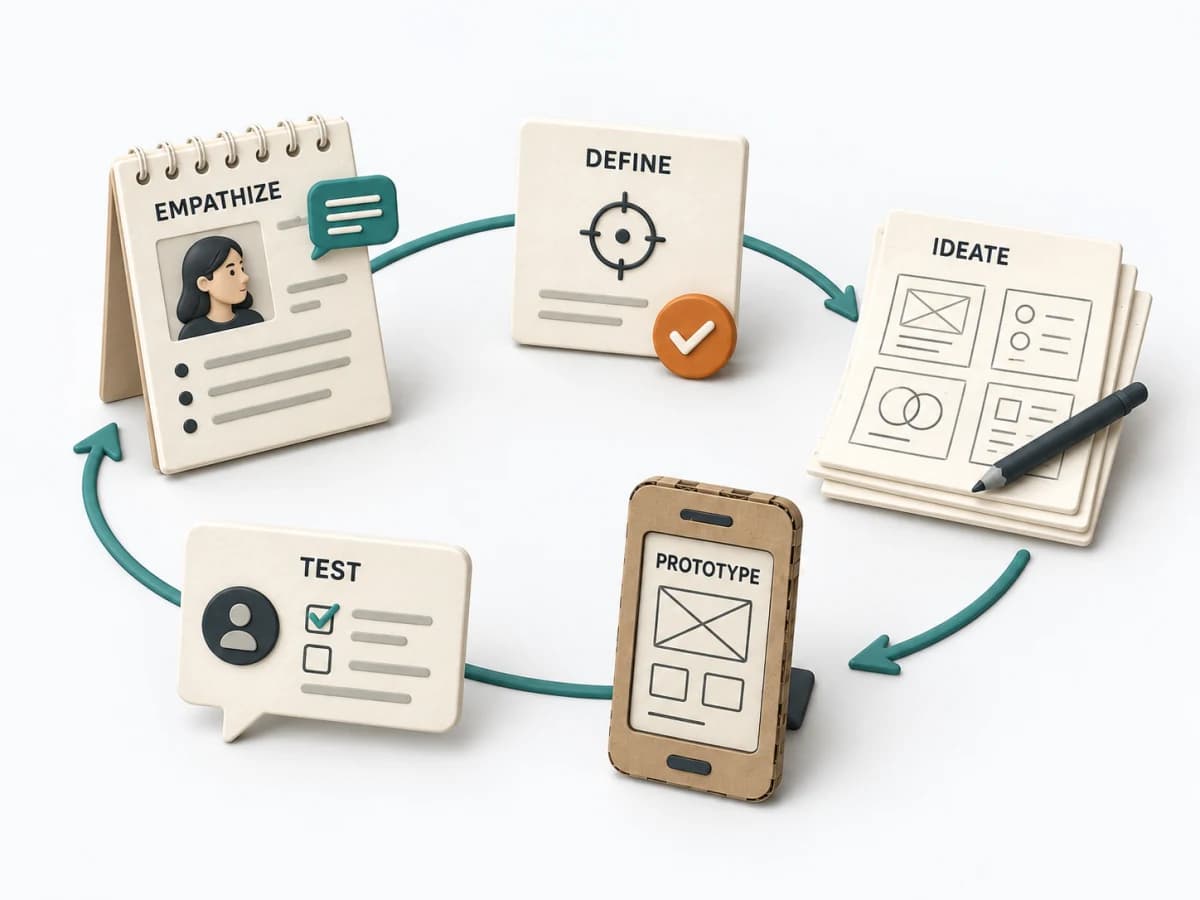 Innovation Design Thinking |  Decision Making RAPID |  Decision Making DACI |
|---|---|---|---|---|
Purposedifferent | When several options collide with several criteria, comparison quickly becomes subjective. A Decision Matrix makes the trade-off visible and brings weighting, criteria, and options into a shared logic. | For complex user problems with an uncertain cause, the method connects observation, interpretation, and experiment into a learning cycle. It keeps the focus on real needs and avoids premature solution language. This produces robust decisions for product and service. | In complex management decisions, clarity is often missing about who recommends, who agrees, and who makes the decision. RAPID creates this assignment and stabilizes decisions across several levels. | In cross-functional decisions, responsibilities quickly blur between approval, influence, and execution. DACI arranges these roles so decision pressure, contribution, and information stay cleanly separated. |
Complexitydifferent | Medium | High | Medium | Low |
Timedifferent | 45-90 min | 1 Tag bis mehrere Wochen | 45-90 min | 30-60 min |
Participantsdifferent | 2-8 | 4-10 | 3-12 | 2-10 |
Formatdifferent | Workshop + async | Workshop | Workshop + async | Workshop + async |
Outputdifferent | Decision Matrix, Scoring Rationale, Selected Option | Problem Statement, Prototype, Test Learnings | RAPID Role Map, Recommendation, Decision Log | DACI Matrix, Decision Owner, Decision Log |
Tagsno overlap | DecisionCriteriaScoringTradeoffs | InnovationPrototypeResearch | DecisionRolesGovernance | DecisionRolesGovernanceAlignment |