View methods side by side.
Choose up to four methods. Add them using the search and share the comparison by copying its link.
| Criterion |  UX Design Customer Journey Canvas | 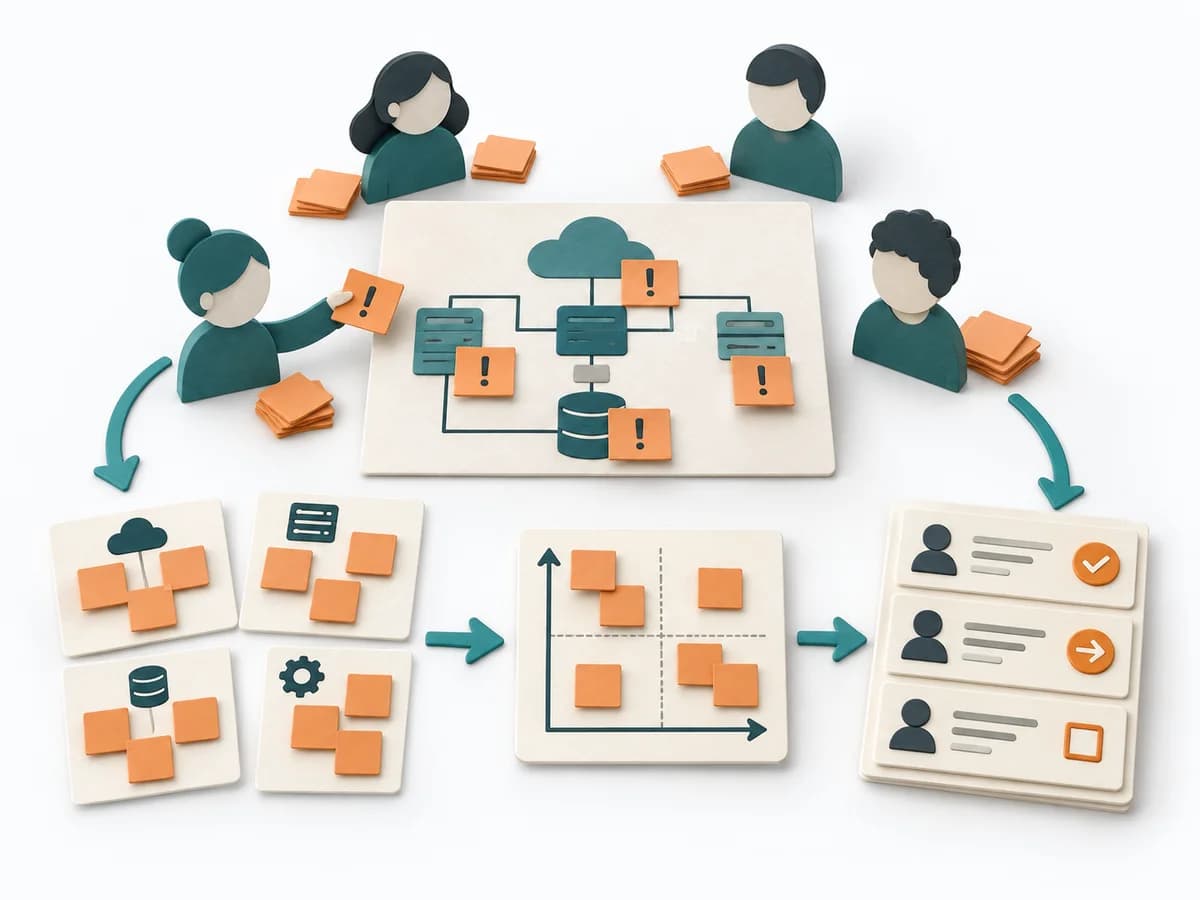 Architecture Risk Storming | 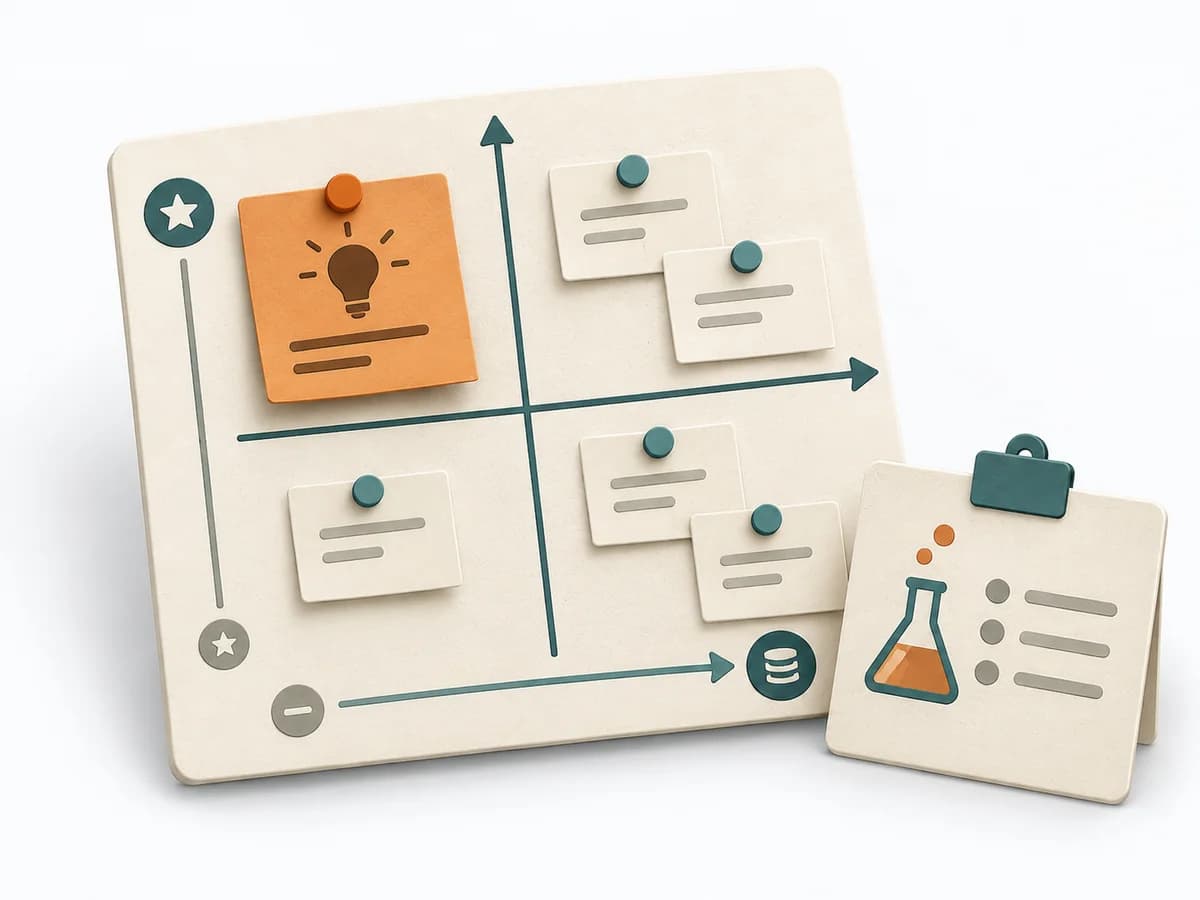 Product Discovery Assumption Mapping |  Architecture Software Architecture Canvas |
|---|---|---|---|---|
Purposedifferent | When a journey needs to be understood across several phases, it arranges experience, touchpoints, and opportunities into one picture. It makes gaps and friction along the user path clear. | Helps clarify architecture context, options, and consequences in concrete terms. It organizes technical context, alternatives, and consequences. The result is captured as an Annotated Diagram, a Prioritized Risk List, and an Action Backlog. | When assumptions still sit unordered in the room, it weighs uncertainty against leverage. It makes visible which hypotheses should be checked first. | The Software Architecture Canvas reduces a system to the most important architecture decisions, constraints, and interfaces. It is useful when teams need a resilient overall picture quickly. |
Complexitydifferent | Medium | Low | Medium | Low |
Timedifferent | 1-3 h | 60-90 min | 45-60 min | 1-2 h |
Participantsdifferent | 3-10 | 4-12 | 2-8 | 3-10 |
Formatdifferent | Workshop | Workshop | Workshop + async | Workshop |
Outputdifferent | Customer Journey Canvas, Pain Points, Experience Opportunities | Annotated Diagram, Prioritized Risk List, Action Backlog | Assumption map, Test backlog, Risk ranking | Architecture Canvas, Goals, Constraints, Quality Attributes |
Tagsno overlap | JourneyCustomerService designCanvas | RiskArchitectureWorkshopValidation | AssumptionsRiskExperimentsValidation | CanvasArchitectureAlignmentWorkshop |