View methods side by side.
Choose up to four methods. Add them using the search and share the comparison by copying its link.
| Criterion | 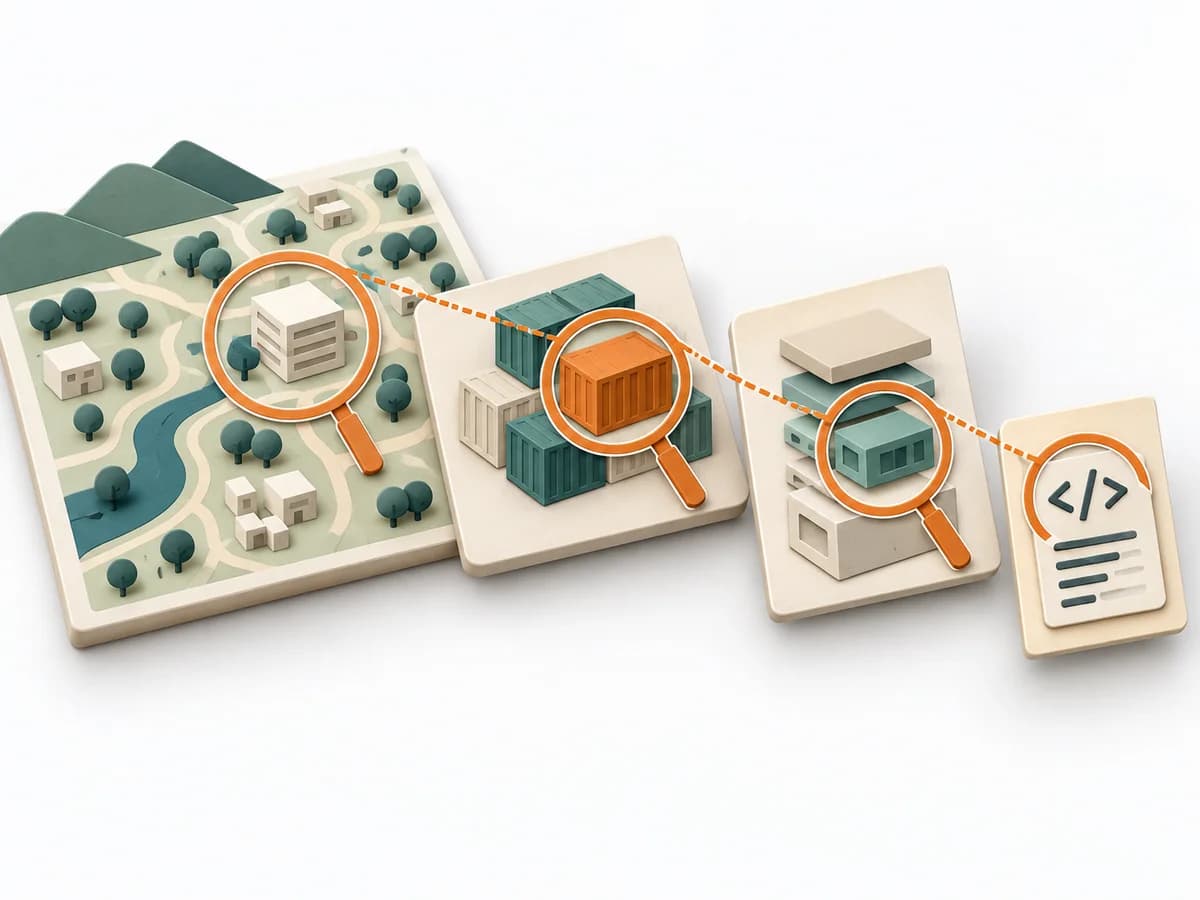 Architecture C4 Model | 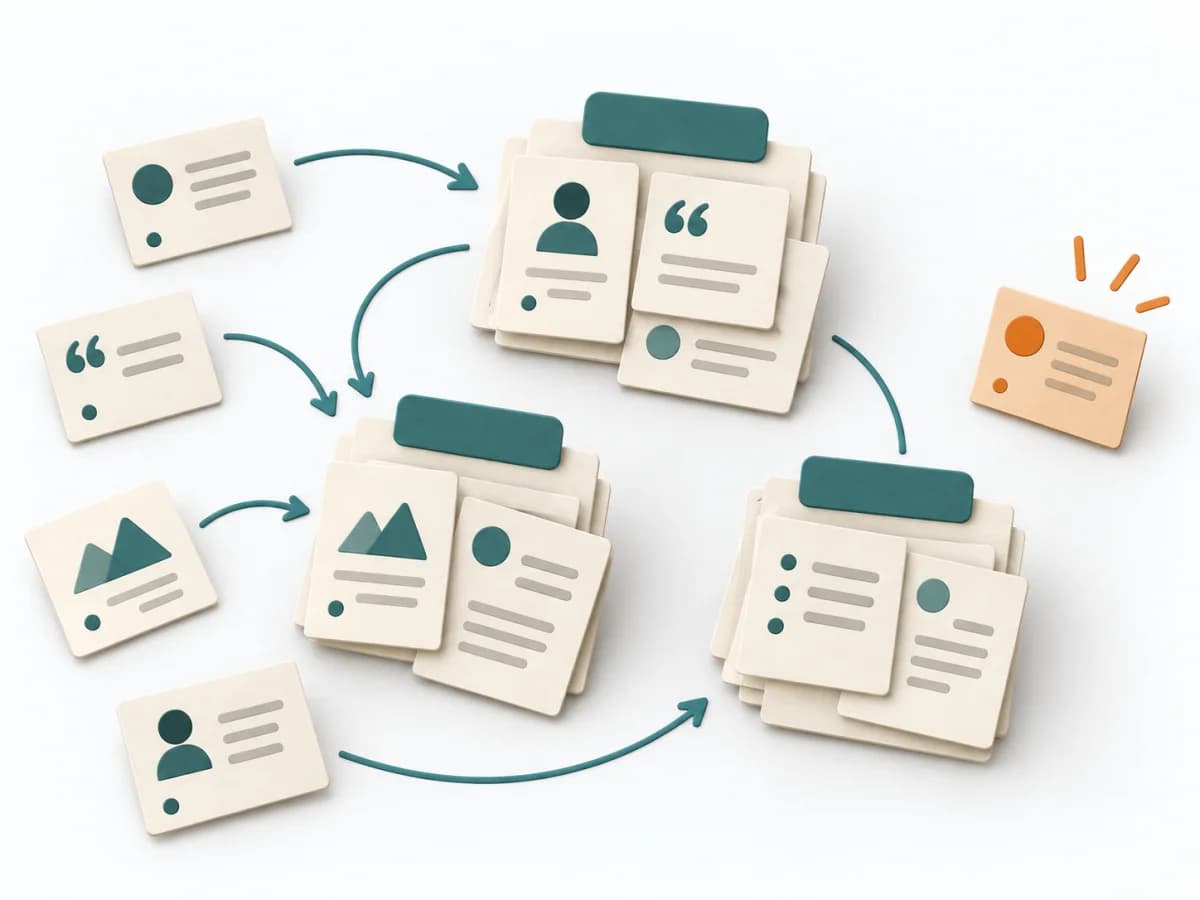 UX Research Affinity Diagramming | 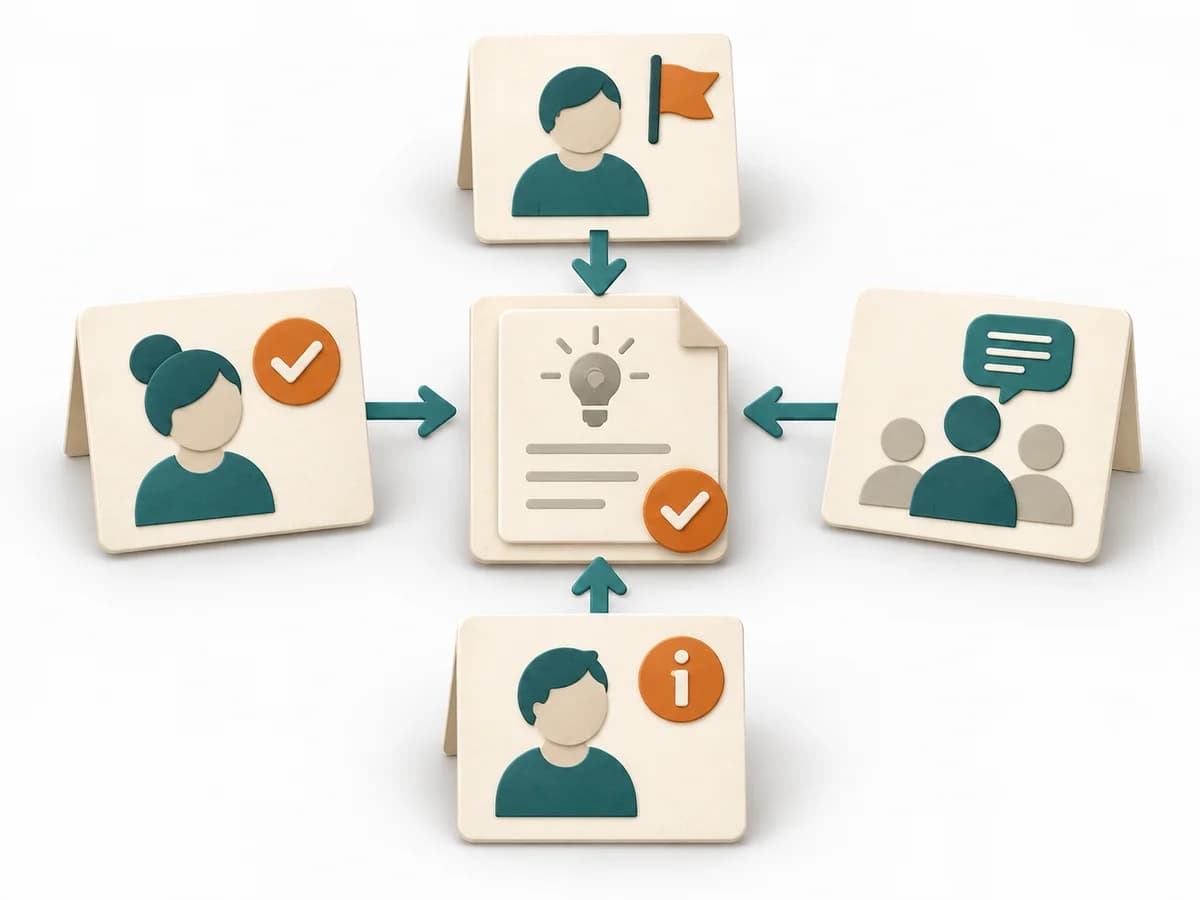 Decision Making DACI |  Decision Making RAPID |
|---|---|---|---|---|
Purposedifferent | The C4 Model makes a system legible across several resolution levels, from context down to code. It suits situations where different audiences need to understand the same architecture from different altitudes. | When research notes, feedback, or observations sit unconnected side by side, affinity diagramming sorts the raw material into solid themes. Many individual points turn into patterns that make decisions and opportunities clearer. | In cross-functional decisions, responsibilities quickly blur between approval, influence, and execution. DACI arranges these roles so decision pressure, contribution, and information stay cleanly separated. | In complex management decisions, clarity is often missing about who recommends, who agrees, and who makes the decision. RAPID creates this assignment and stabilizes decisions across several levels. |
Complexitydifferent | Low | Low | Low | Medium |
Timedifferent | 1-4 h | 45–90 min | 30-60 min | 45-90 min |
Participantsdifferent | 1-5 | 3-10 | 2-10 | 3-12 |
Formatdifferent | Workshop + async | Workshop | Workshop + async | Workshop + async |
Outputdifferent | Context Diagram, Container Diagram, Component Diagram | Theme clusters, Insight statements, Opportunity areas | DACI Matrix, Decision Owner, Decision Log | RAPID Role Map, Recommendation, Decision Log |
Tagsno overlap | ArchitectureCommunicationVisualization | SynthesisQualitativeRoot cause | DecisionRolesGovernanceAlignment | DecisionRolesGovernance |