View methods side by side.
Choose up to four methods. Add them using the search and share the comparison by copying its link.
| Criterion | 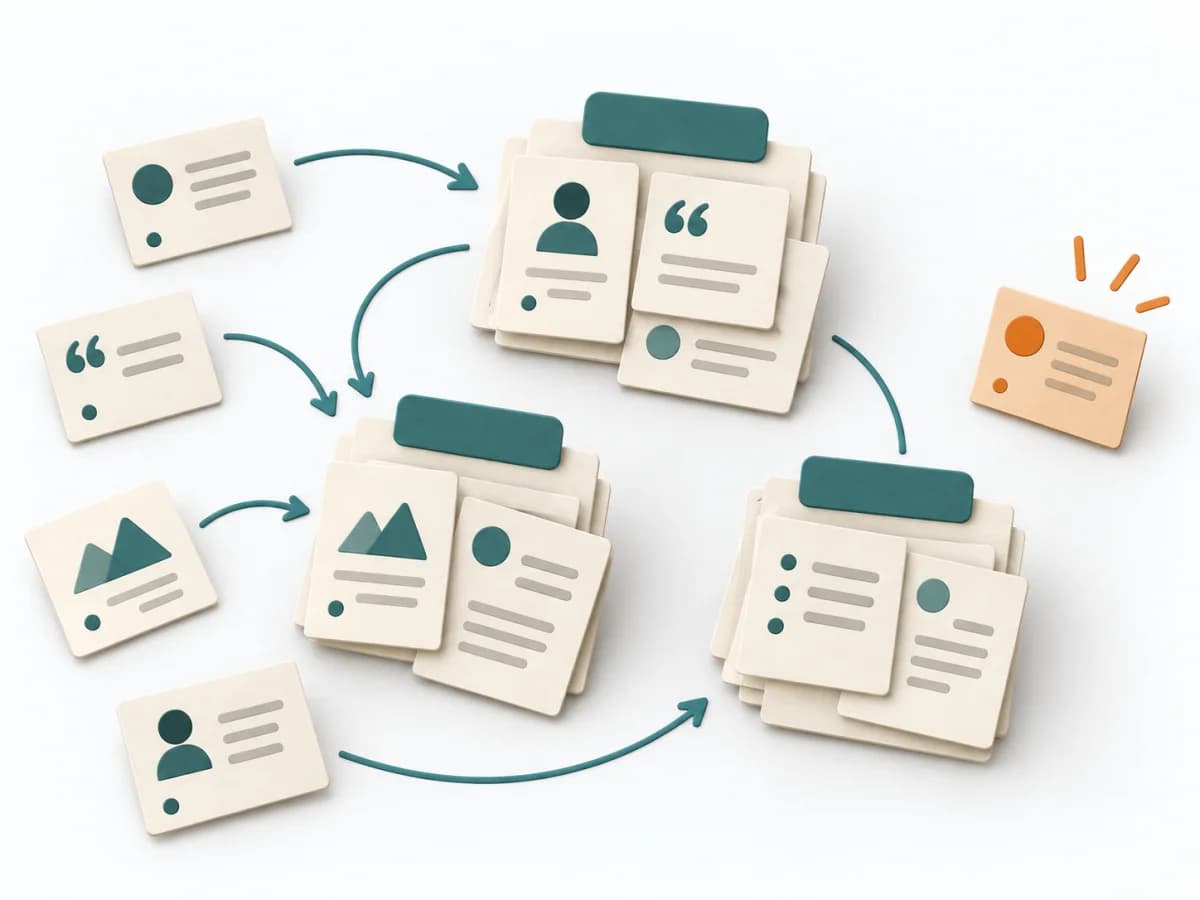 UX Research Affinity Diagramming |  Facilitation Alignment Mapping |  UX Research User Interviews | 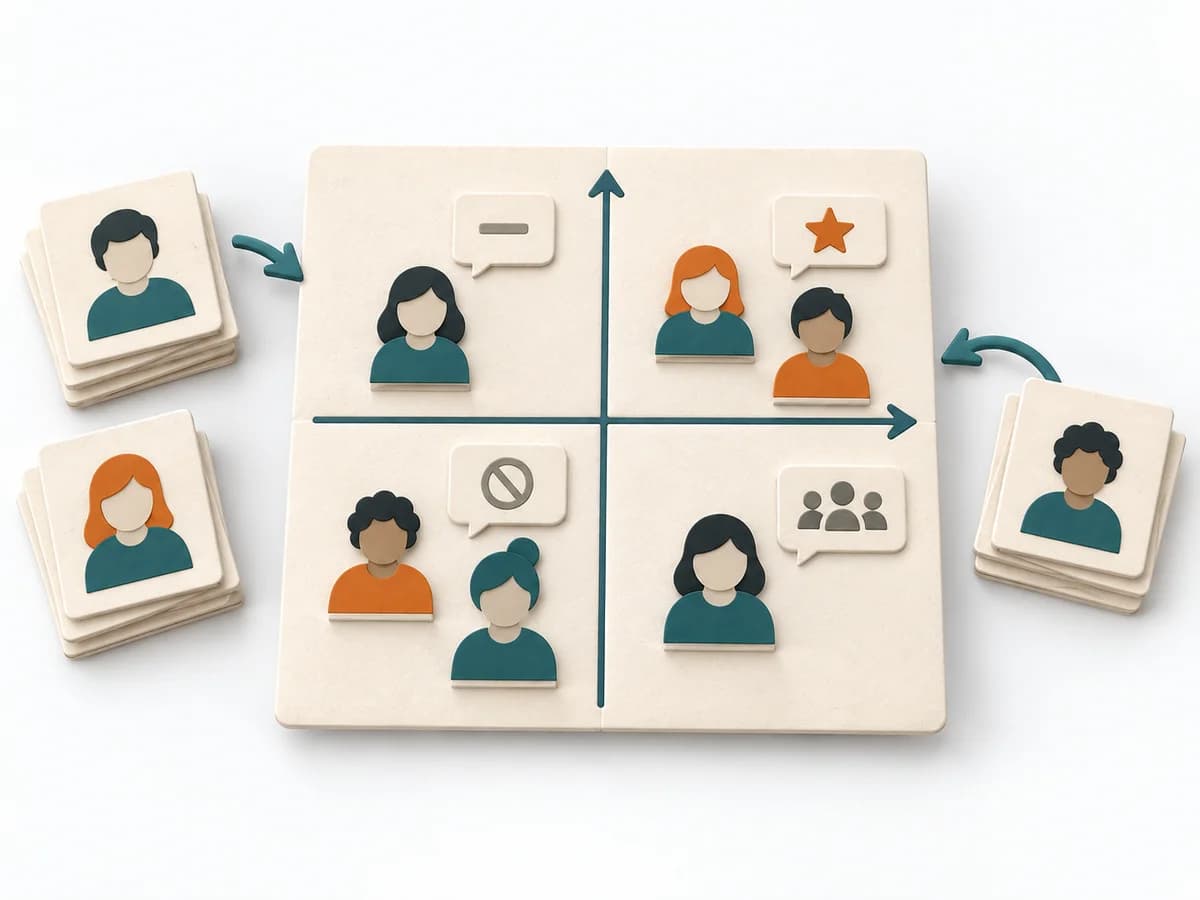 Facilitation Power Interest Grid |
|---|---|---|---|---|
Purposedifferent | When research notes, feedback, or observations sit unconnected side by side, affinity diagramming sorts the raw material into solid themes. Many individual points turn into patterns that make decisions and opportunities clearer. | When several people work toward one goal but hold different mental maps, Alignment Mapping makes the discrepancies visible. It arranges goals, assumptions, and priorities so shared direction becomes verifiable. | When teams derive needs only from assumptions and real motives are missing, user interviews give direct access to behavior and meaning. Conversations from the target group's everyday life make patterns, tensions, and open questions solidly visible. | When many stakeholders compete for attention at once, the Power Interest Grid sorts them by influence and stake. It turns individual contributions into a visible selection. The result is captured as a Power Interest Grid and a stakeholder-specific strategy. |
Complexitydifferent | Low | Medium | Low | Low |
Timedifferent | 45–90 min | 1-2 h | 30–60 min per interview | 30-60 min |
Participantsdifferent | 3-10 | 4-12 | 1 participant per interview | 2-8 |
Formatdifferent | Workshop | Workshop | Workshop + async | Workshop |
Outputdifferent | Theme clusters, Insight statements, Opportunity areas | Alignment Map, Open Issues, Decision Questions | Interview Notes, Themes, Insight Summary | Power Interest Grid, Strategy per Stakeholder |
Tagsno overlap | SynthesisQualitativeRoot cause | AlignmentStakeholdersStrategyFacilitation | QualitativeResearchCustomerDiscovery | StakeholdersFacilitationAlignmentPlanning |