View methods side by side.
Choose up to four methods. Add them using the search and share the comparison by copying its link.
Selected:Visual ManagementSoftware Architecture CanvasAfter-Action ReviewArchitecture Inception Canvas
| Criterion | 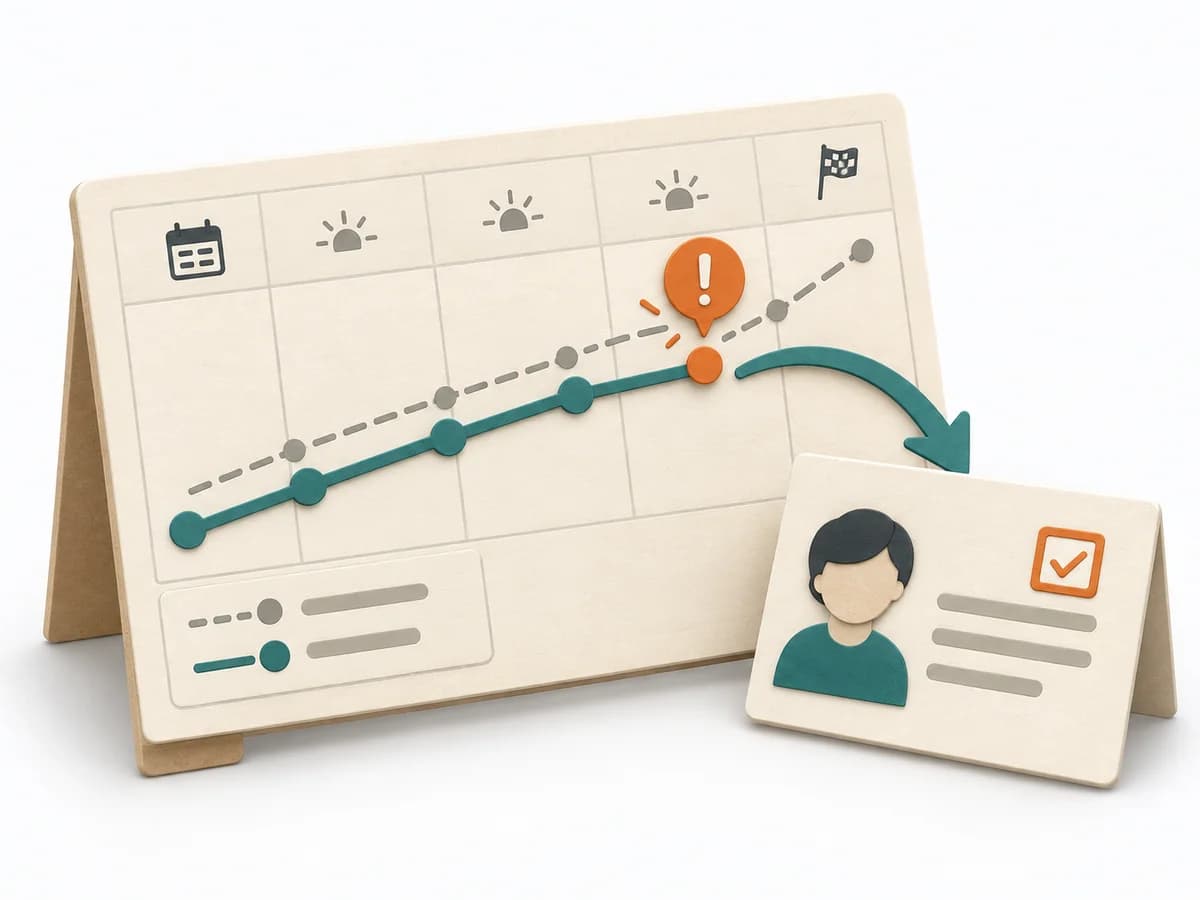 Operations Visual Management | 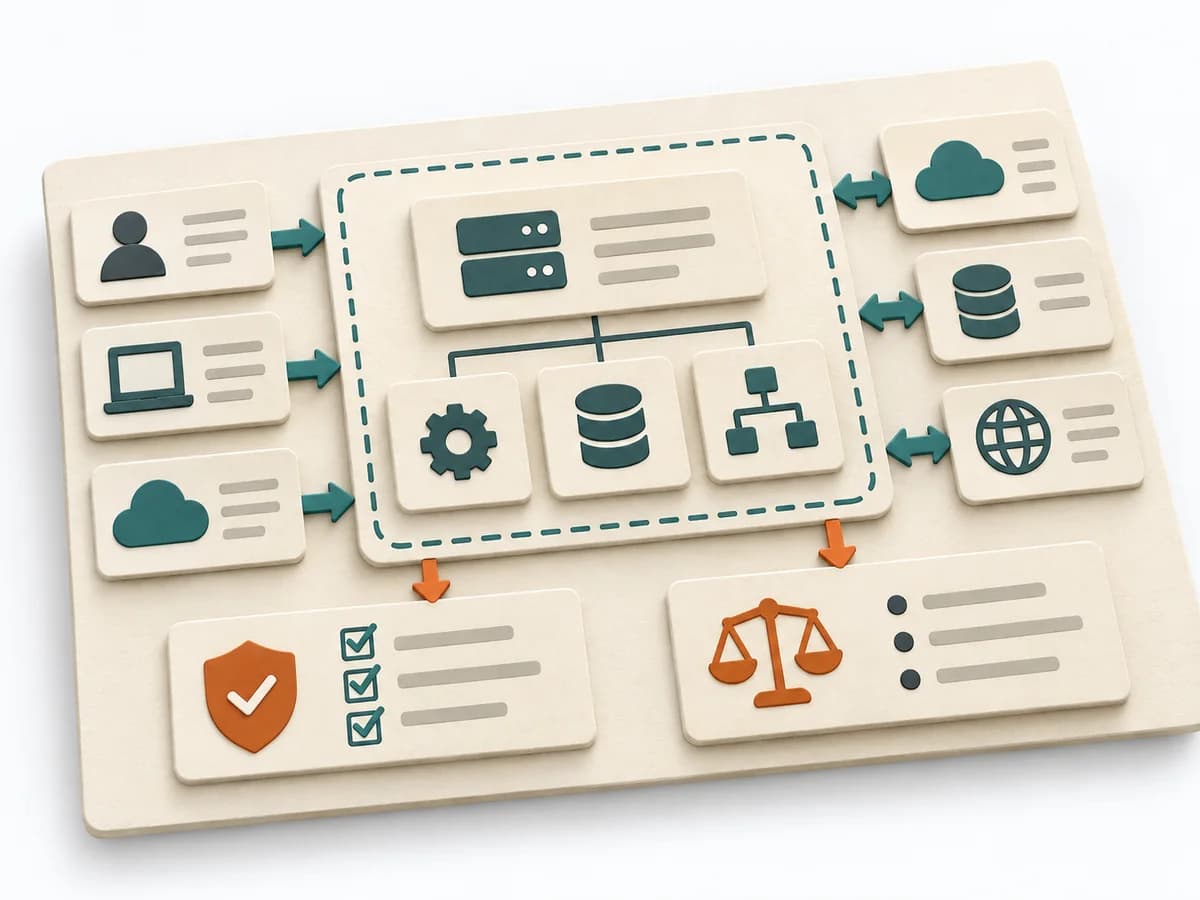 Architecture Software Architecture Canvas | 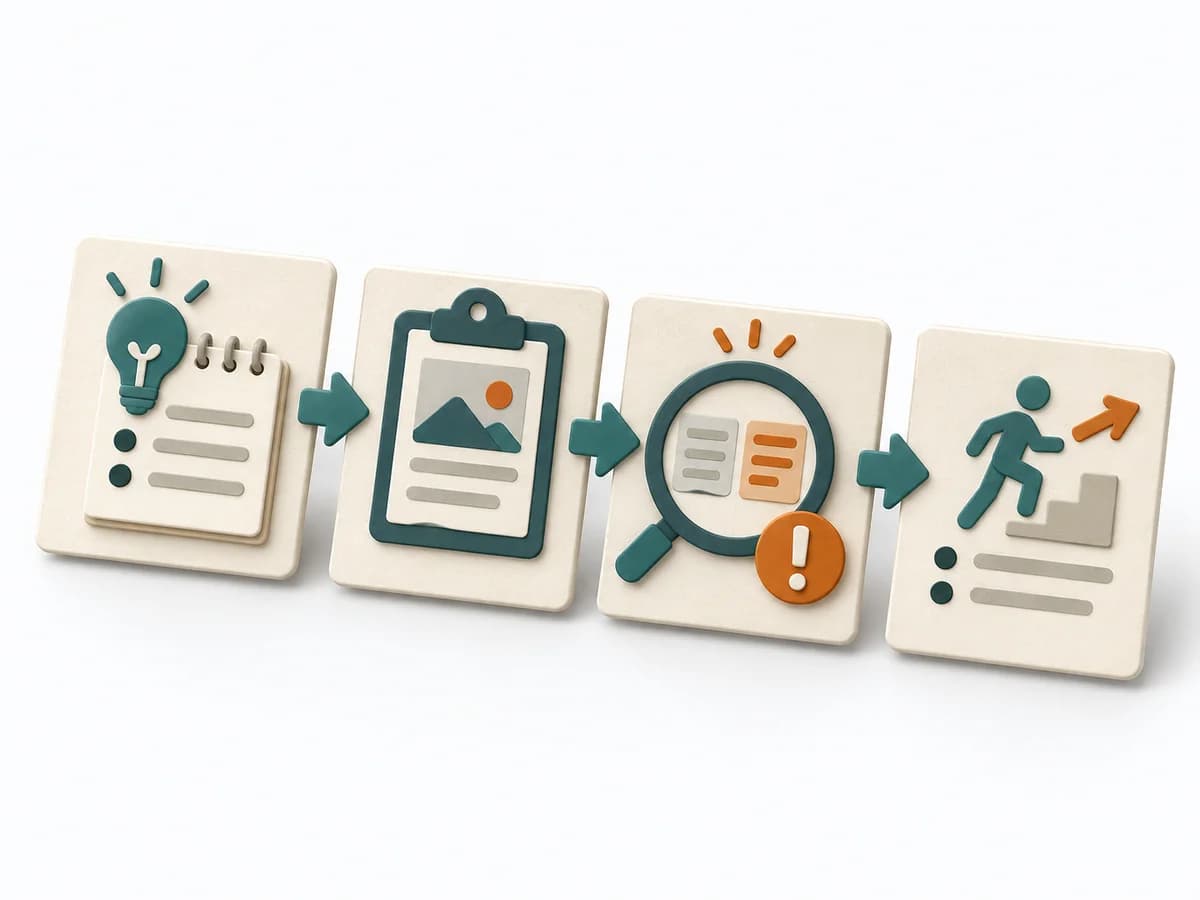 Operations After-Action Review | 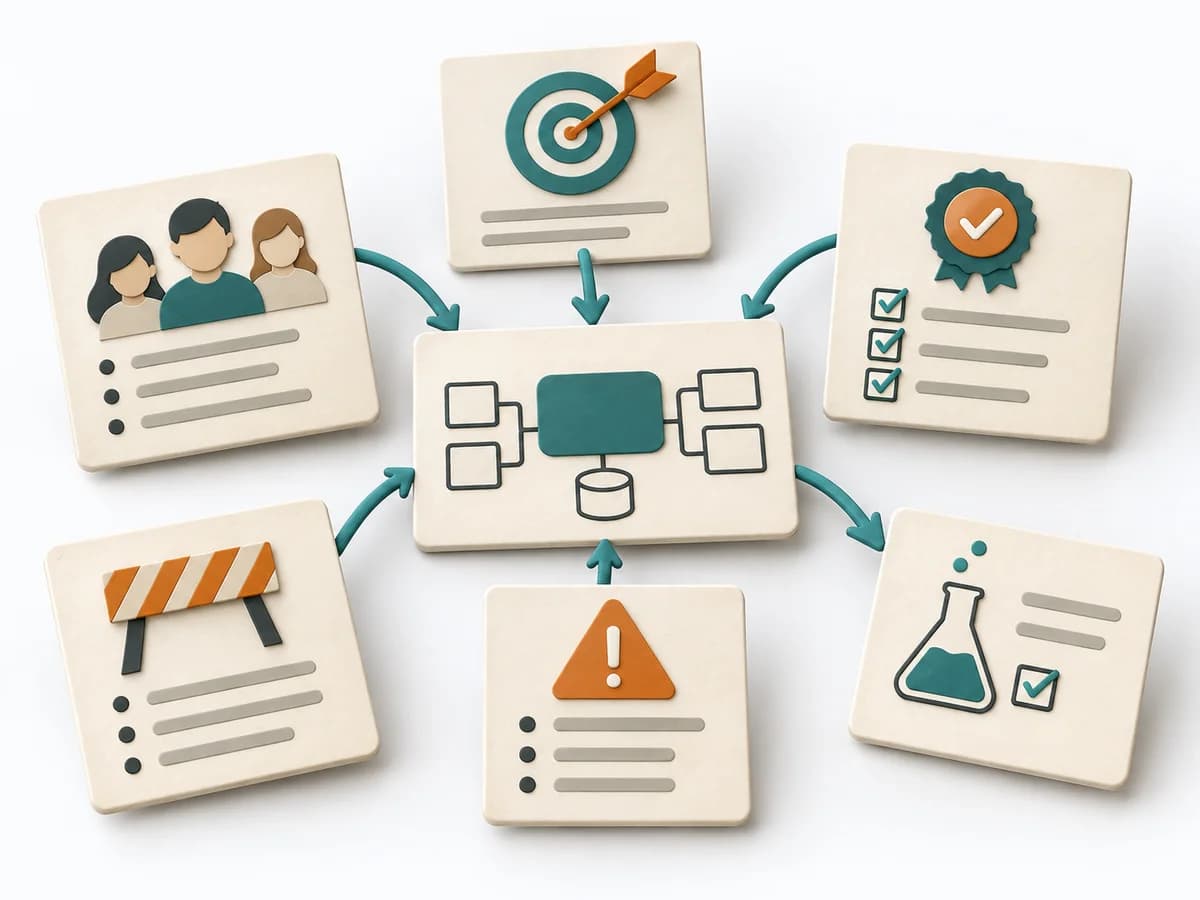 Architecture Architecture Inception Canvas |
|---|---|---|---|---|
Purposedifferent | With high tempo and many parallel topics, the method makes status, deviations, and priorities visible at a glance. It reduces search effort and prevents what matters from getting lost in daily work. | The Software Architecture Canvas reduces a system to the most important architecture decisions, constraints, and interfaces. It is useful when teams need a resilient overall picture quickly. | After missions or project phases with unclear outcomes, the method makes visible what actually happened and what can be learned from it. It separates course, effect, and causes so experience turns into solid improvement. | The Architecture Inception Canvas bundles the first architecture questions into a compact decision picture. It fits when an initiative is still in motion but still needs clear guardrails. |
Complexitysame | Low | Low | Low | Low |
Timedifferent | Ongoing | 1-2 h | 20-45 min | 1-2 h |
Participantsdifferent | 1-20 | 3-10 | 3-12 | 3-8 |
Formatdifferent | Workshop + async | Workshop | Workshop + async | Workshop |
Outputdifferent | Visual Board, Status Indicators, Exception Cues | Architecture Canvas, Goals, Constraints, Quality Attributes | Lessons learned, Action items, Event summary | Inception Canvas, Risks, Goal List, Open Questions |
Tagsno overlap | SignalsOperationsVisual management | CanvasArchitectureAlignmentWorkshop | LearningOperationsImprovement | AlignmentArchitectureCanvas |