View methods side by side.
Choose up to four methods. Add them using the search and share the comparison by copying its link.
| Criterion |  Operations Visual Management | 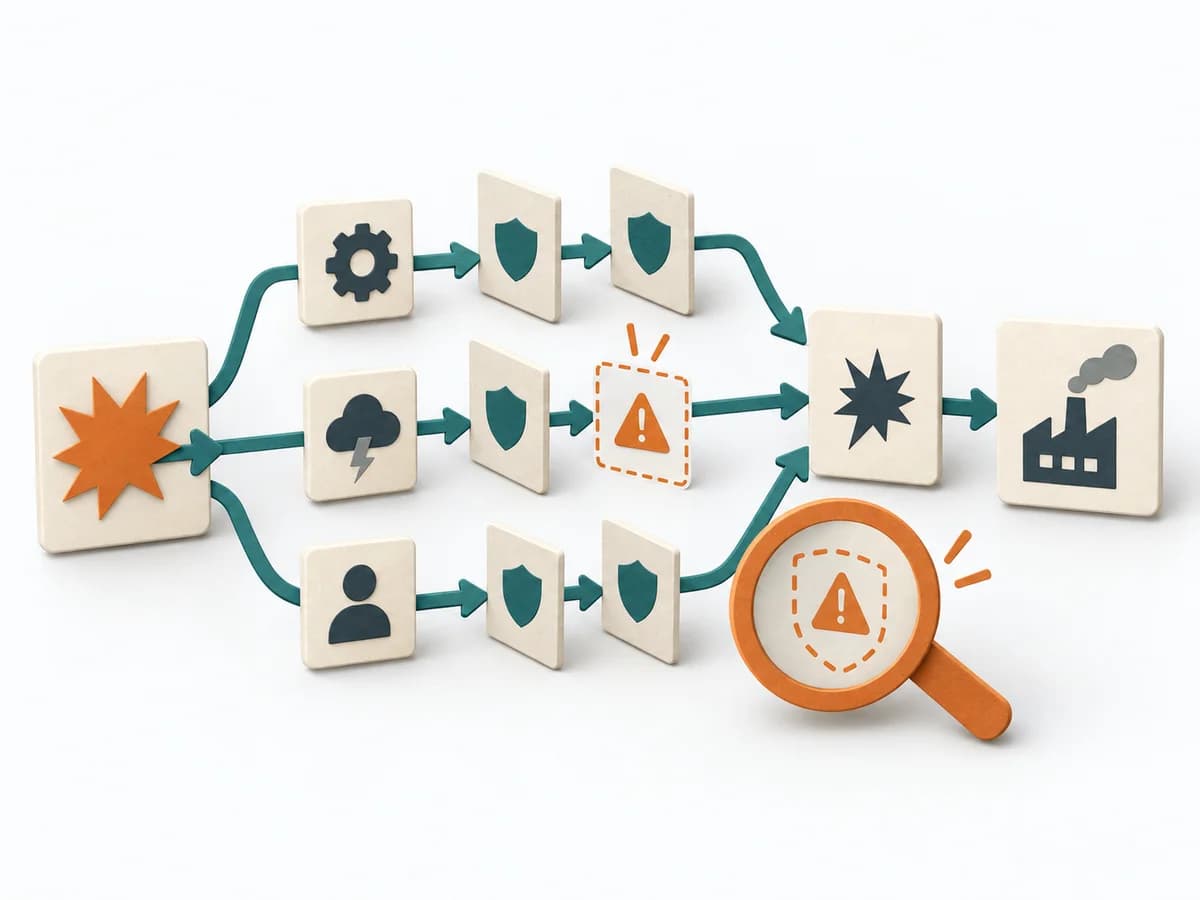 Engineering Failure Scenario Analysis |  Operations Weekly Review |  Operations ALPEN Method |
|---|---|---|---|---|
Purposedifferent | With high tempo and many parallel topics, the method makes status, deviations, and priorities visible at a glance. It reduces search effort and prevents what matters from getting lost in daily work. | In critical processes, it is not enough to plan only for the normal case. Failure Scenario Analysis looks at the path into failure and shows which failures, chains, and control gaps cause the most damage. | In a week with many open loops, the method creates distance from operational noise. It organizes commitments, calendar, and projects so the next week becomes workable. | With an overloaded day full of too many tasks, a realistic picture of the day emerges. The method connects estimating, deciding, and buffer thinking so planning fits available energy and time. |
Complexitydifferent | Low | Medium | Low | Low |
Timedifferent | Ongoing | 1-3 h | 30-60 min | 10-20 min daily |
Participantsdifferent | 1-20 | 3-8 | 1 | 1 |
Formatdifferent | Workshop + async | Workshop | Async | Async |
Outputdifferent | Visual Board, Status Indicators, Exception Cues | Failure Scenarios, Risk Notes, Control Gaps, Test and Response Actions | Updated Task System, Weekly Focus, Next Actions | Daily Plan, Time Estimates, Review Notes |
Tagsno overlap | SignalsOperationsVisual management | FailureResilienceRisk | ProductivityExecutionPlanning | PlanningTime managementProductivityOperations |