View methods side by side.
Choose up to four methods. Add them using the search and share the comparison by copying its link.
| Criterion | 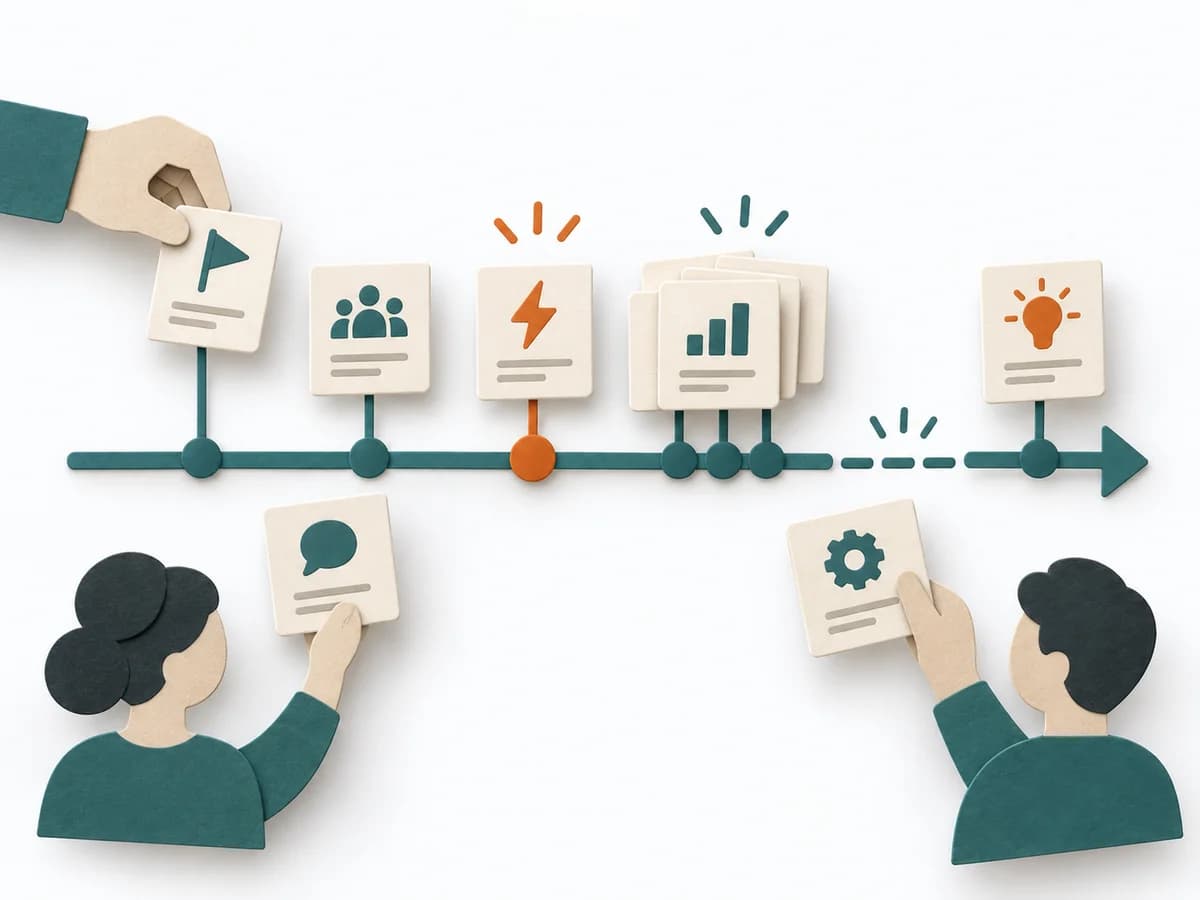 Facilitation Timeline | 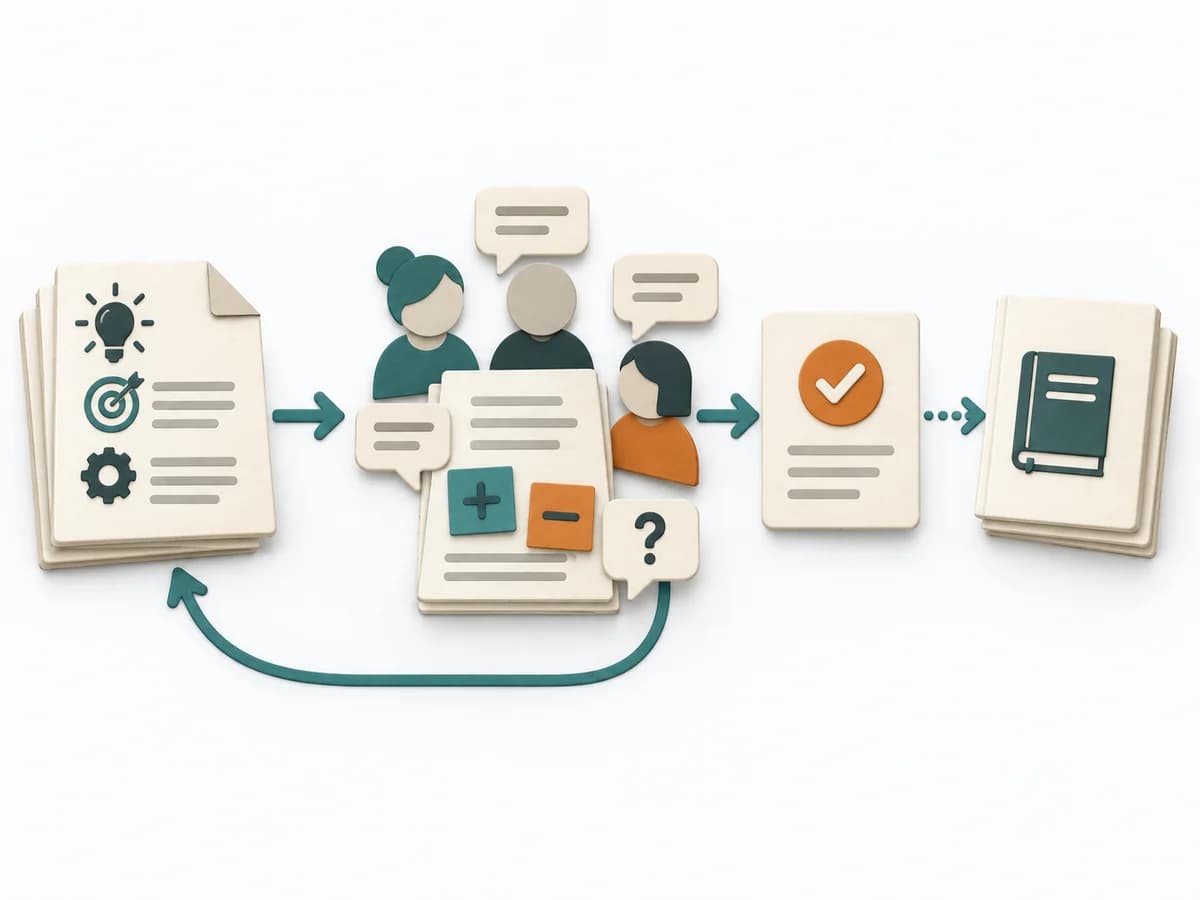 Architecture Request for Comments | 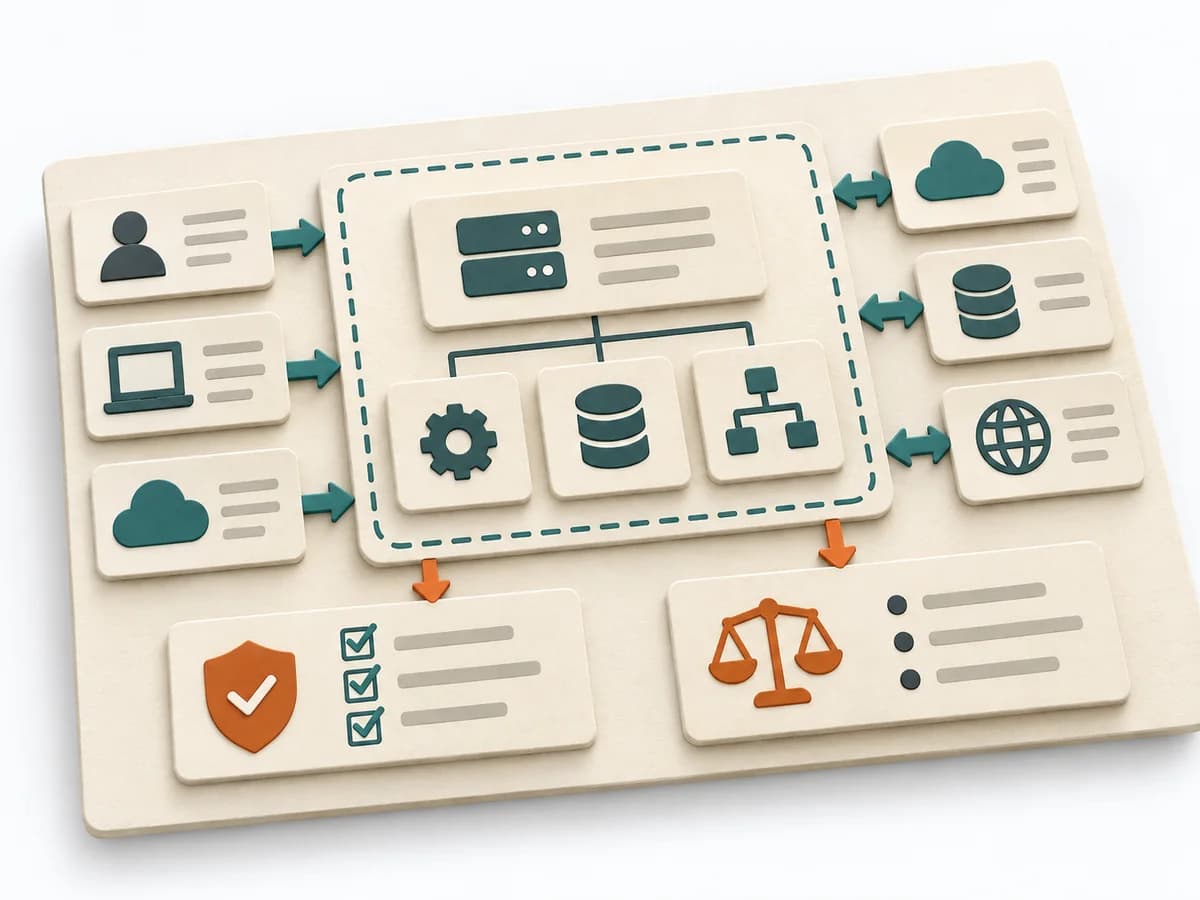 Architecture Software Architecture Canvas | 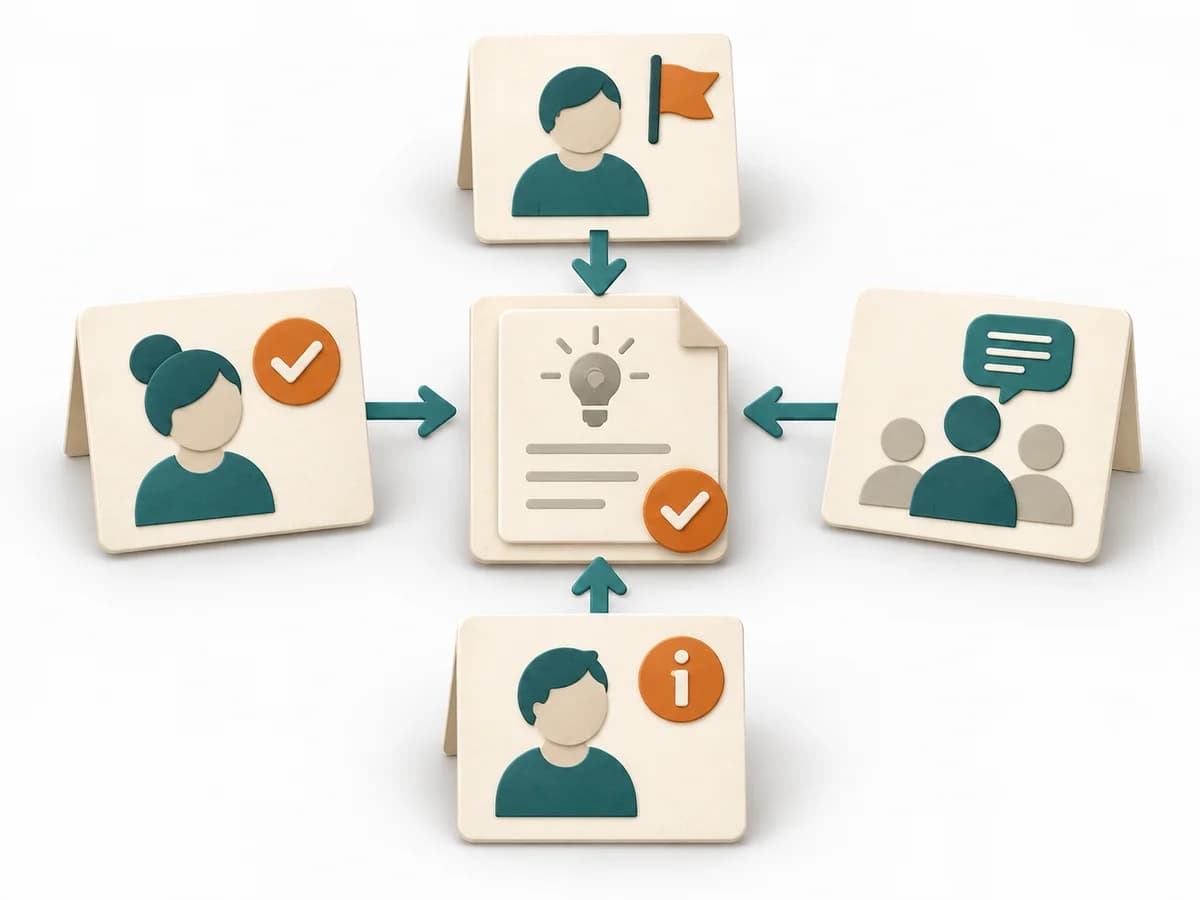 Decision Making DACI |
|---|---|---|---|---|
Purposedifferent | When a project, incident, or change process is only remembered in fragments, Timeline brings the sequence back into a readable form. It makes turning points, precursors, and after-effects recognizable over the course of time. | An RFC clarifies architecture context, options, and consequences. It structures technical context, alternatives, tradeoffs, open questions, and review feedback, and captures the result as an RFC document, reviewer comments, and a decision rationale. | The Software Architecture Canvas reduces a system to the most important architecture decisions, constraints, and interfaces. It is useful when teams need a resilient overall picture quickly. | In cross-functional decisions, responsibilities quickly blur between approval, influence, and execution. DACI arranges these roles so decision pressure, contribution, and information stay cleanly separated. |
Complexitydifferent | Low | Medium | Low | Low |
Timedifferent | 30-90 min | 1-3 Wochen vom Draft bis zur Entscheidung | 1-2 h | 30-60 min |
Participantsdifferent | 2-12 | 3-20 Reviewer | 3-10 | 2-10 |
Formatdifferent | Workshop + async | Async | Workshop | Workshop + async |
Outputdifferent | Timeline, Milestones, Insight Notes | RFC document, Reviewer comments, Decision rationale, Follow-up ADR or tickets | Architecture Canvas, Goals, Constraints, Quality Attributes | DACI Matrix, Decision Owner, Decision Log |
Tagsno overlap | TimelineFacilitationSequence | ArchitectureDecisionAsyncGovernance | CanvasArchitectureAlignmentWorkshop | DecisionRolesGovernanceAlignment |