View methods side by side.
Choose up to four methods. Add them using the search and share the comparison by copying its link.
Selected:Stock and Flow DiagramARID (Active Reviews for Intermediate Designs)Causal Loop DiagramSystem Dynamics Simulation
| Criterion | 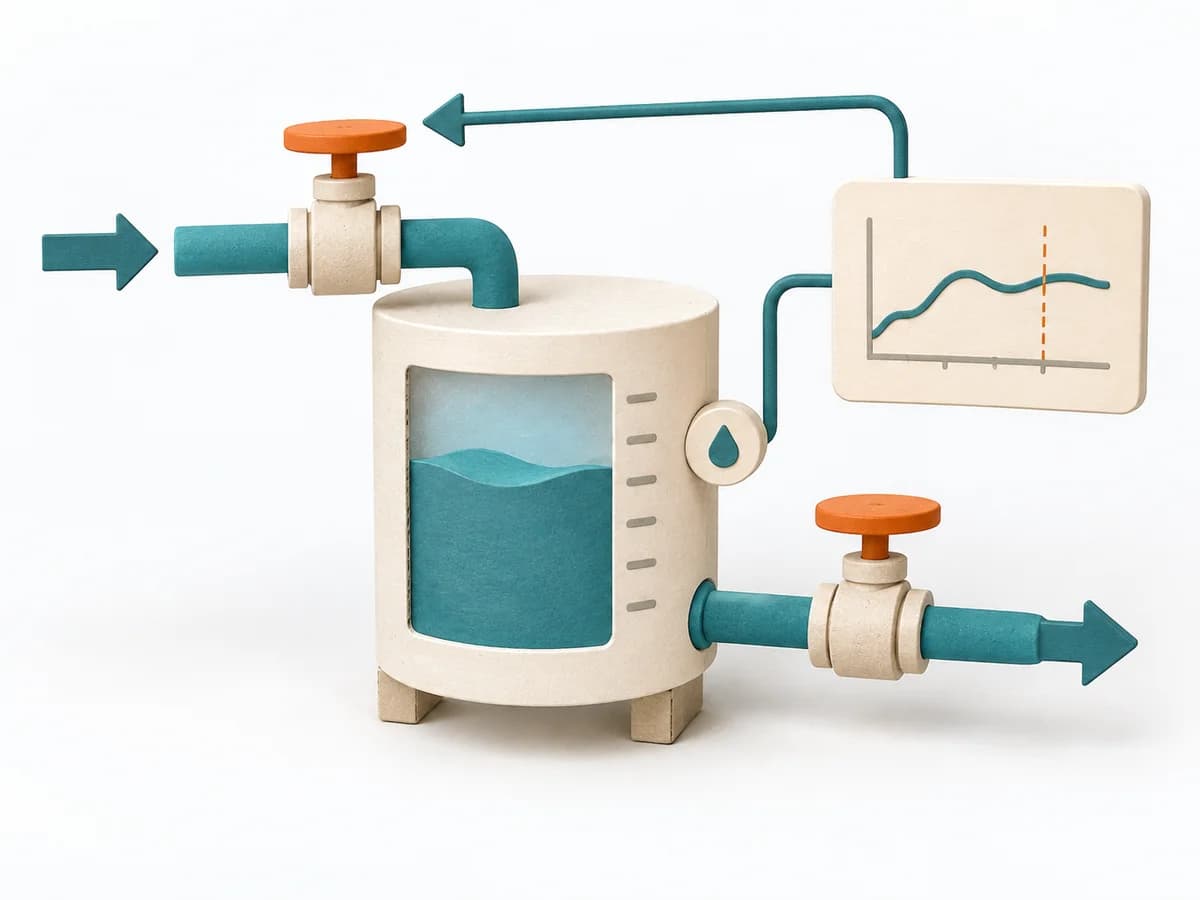 Systems Thinking Stock and Flow Diagram |  Architecture ARID (Active Reviews for Intermediate Designs) | 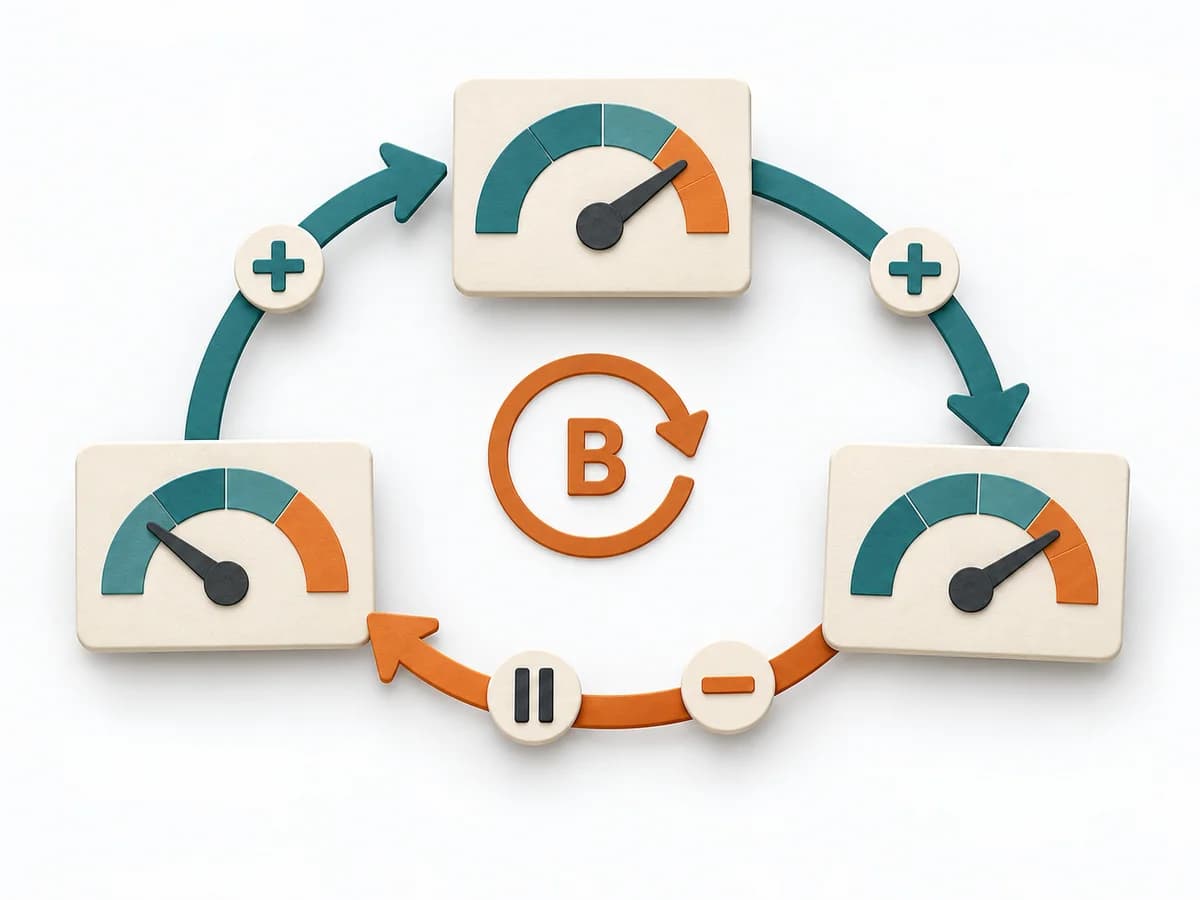 Systems Thinking Causal Loop Diagram | 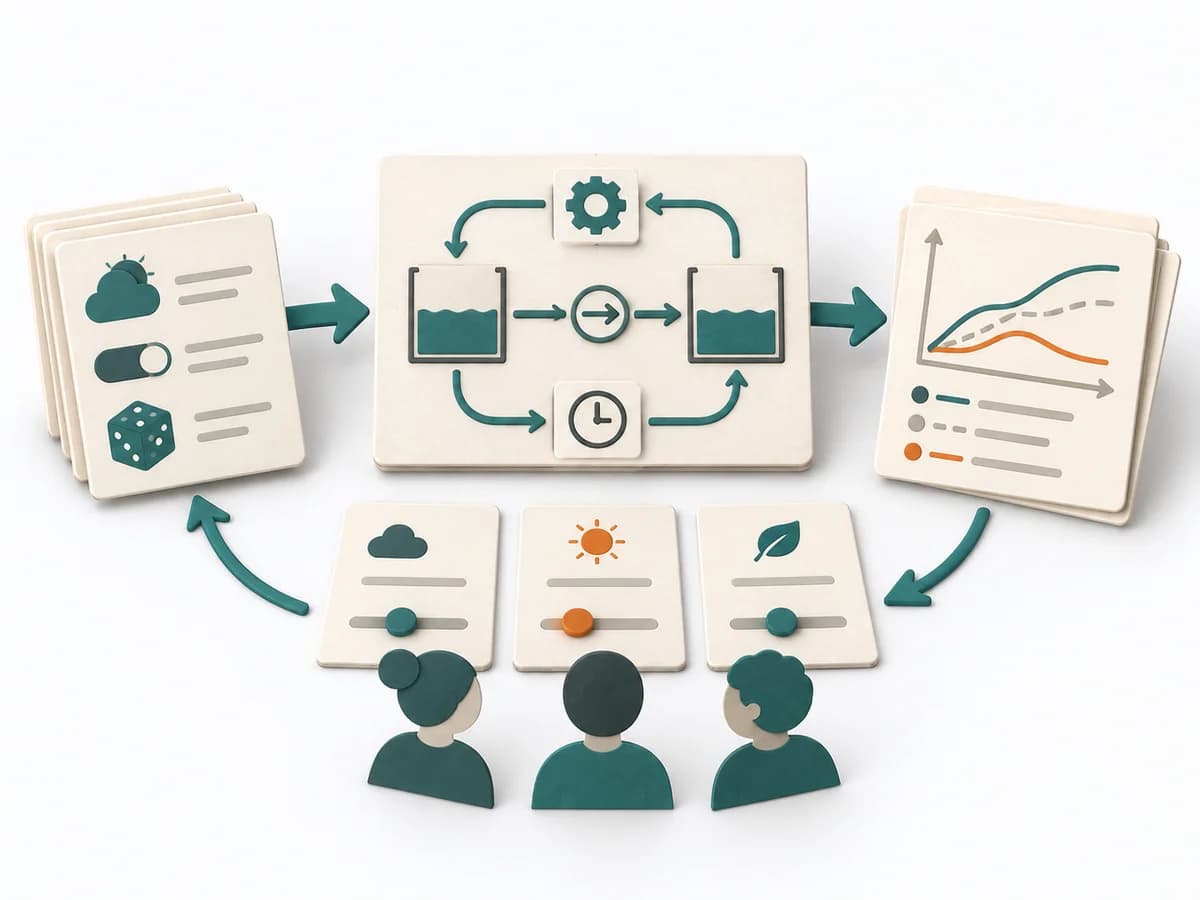 Systems Thinking System Dynamics Simulation |
|---|---|---|---|---|
Purposedifferent | A Stock and Flow Diagram shows how stocks, inflows, and outflows shape a system over time. It is especially suited when growth, delays, or capacity limits determine the dynamics. | ARID examines how well developers can work with a technical design. It focuses on a part of the system that can still be revised, between the architecture overview and the detailed specification. | A Causal Loop Diagram makes feedback, reinforcement, and balance in a system legible. It uncovers side effects and self-reinforcement that stay hidden in linear explanations. | System Dynamics Simulation makes assumptions about time, delay, and feedback testable through experiments. It draws relationships, patterns, and feedback loops. The result is captured as a simulation model and scenario reports. |
Complexitydifferent | High | Medium | Medium | High |
Timedifferent | 2-6 h | 2–4 h review as a planning range; preparation and evaluation additional | 1-3 h | Mehrere Tage bis Wochen |
Participantsdifferent | 1-6 | Designers, developers as users, and facilitation | 2-8 | 1-5 Modellierende, Stakeholder asynchron |
Formatdifferent | Workshop + async | Workshop + async | Workshop | Async |
Outputdifferent | Stock and Flow Model, Dynamics Notes, Simulation Hypotheses | Prioritized development tasks, Jointly produced code or pseudocode, Observed difficulties and open design questions, Proposed design revisions | Causal Loop Diagram, Feedback Notes, Leverage Points | Simulation Model, Scenario Reports |
Tagsno overlap | DynamicsSimulationFeedbackSystems thinking | ArchitectureEngineeringFeedbackValidationTasks | FeedbackSystems thinkingCausalityDynamics | Systems thinkingDynamicsSimulationAnalysis |