View methods side by side.
Choose up to four methods. Add them using the search and share the comparison by copying its link.
Selected:Software Architecture CanvasAffinity DiagrammingFailure Mode and Effects AnalysisArchitecture Inception Canvas
| Criterion |  Architecture Software Architecture Canvas | 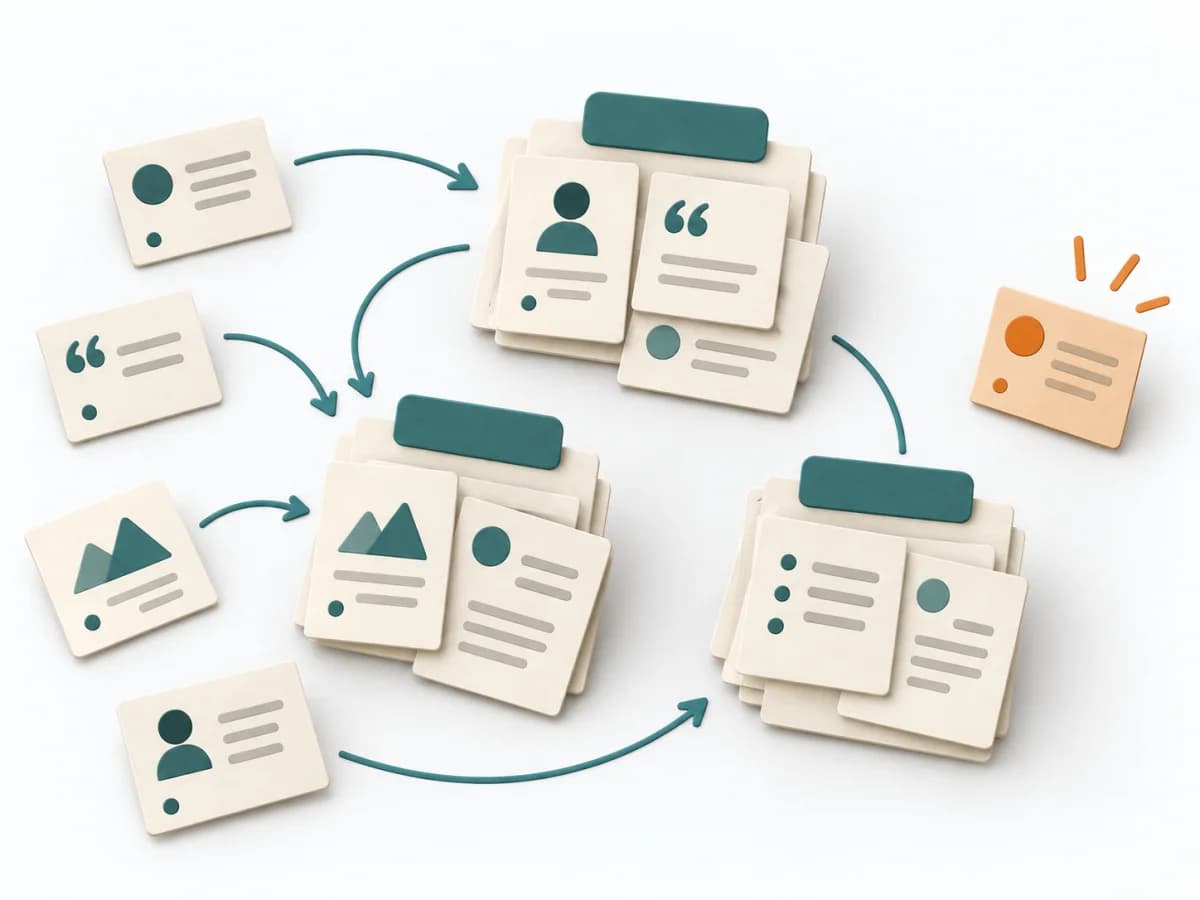 UX Research Affinity Diagramming | 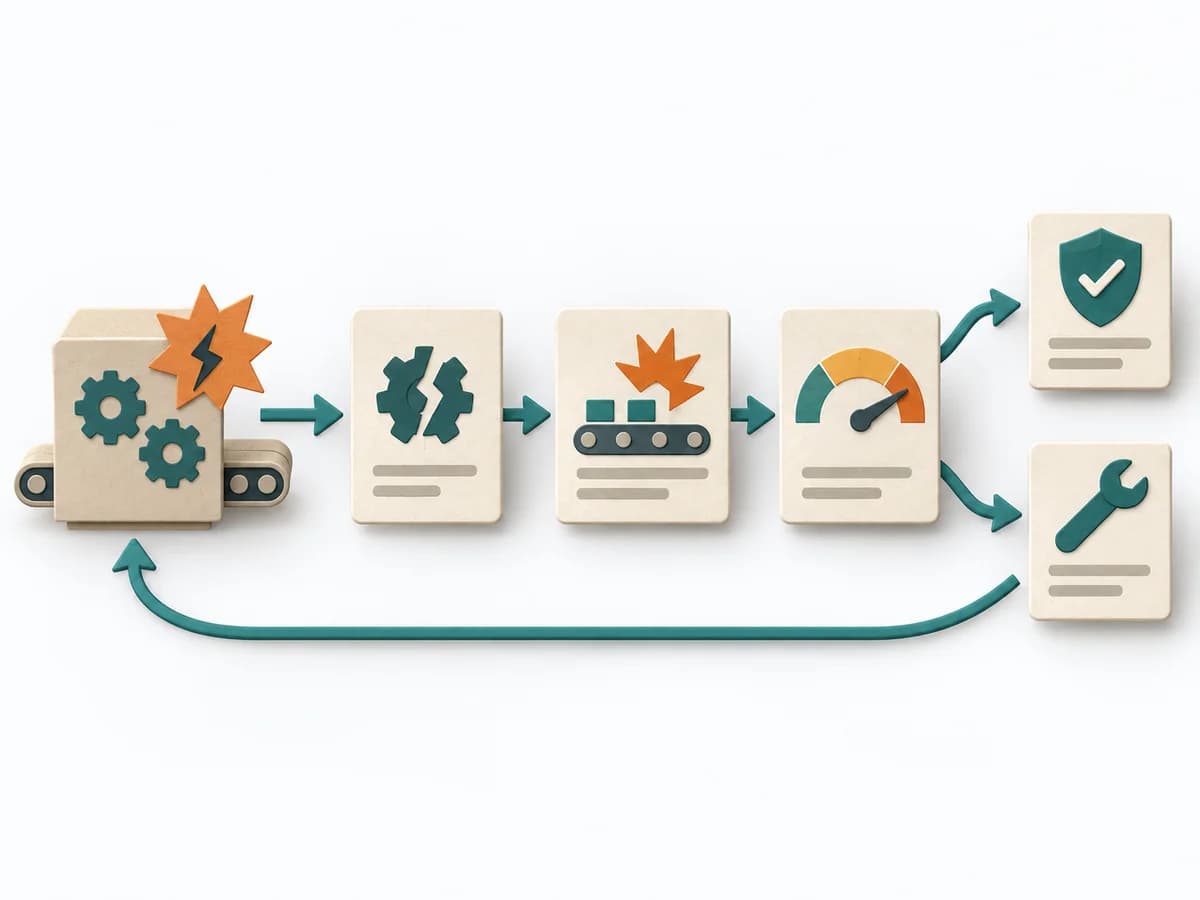 Operations Failure Mode and Effects Analysis | 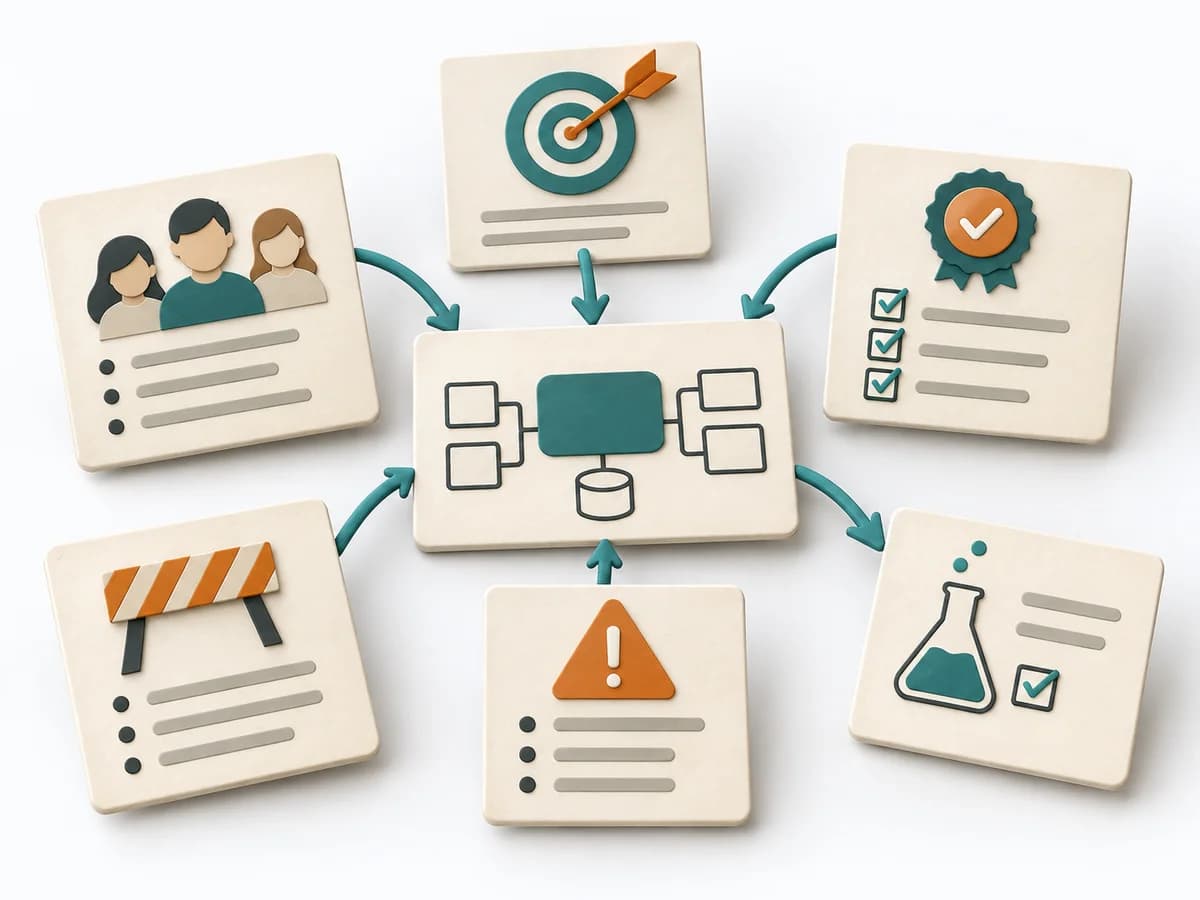 Architecture Architecture Inception Canvas |
|---|---|---|---|---|
Purposedifferent | The Software Architecture Canvas reduces a system to the most important architecture decisions, constraints, and interfaces. It is useful when teams need a resilient overall picture quickly. | When research notes, feedback, or observations sit unconnected side by side, affinity diagramming sorts the raw material into solid themes. Many individual points turn into patterns that make decisions and opportunities clearer. | For a process, product, or service with noticeable failure risks, the method assesses possible failure modes in advance. It directs attention to combinations of occurrence, effect, and detectability. | The Architecture Inception Canvas bundles the first architecture questions into a compact decision picture. It fits when an initiative is still in motion but still needs clear guardrails. |
Complexitydifferent | Low | Low | High | Low |
Timedifferent | 1-2 h | 45–90 min | 2-6 h | 1-2 h |
Participantsdifferent | 3-10 | 3-10 | 3-10 | 3-8 |
Formatsame | Workshop | Workshop | Workshop | Workshop |
Outputdifferent | Architecture Canvas, Goals, Constraints, Quality Attributes | Theme clusters, Insight statements, Opportunity areas | FMEA Table, Risk Priority, Mitigation Actions | Inception Canvas, Risks, Goal List, Open Questions |
Tagsno overlap | CanvasArchitectureAlignmentWorkshop | SynthesisQualitativeRoot cause | RiskQualityOperationsRoot cause | AlignmentArchitectureCanvas |