View methods side by side.
Choose up to four methods. Add them using the search and share the comparison by copying its link.
| Criterion |  Innovation Rapid Ideation |  Architecture Software Architecture Canvas |  Innovation Brainstorming | 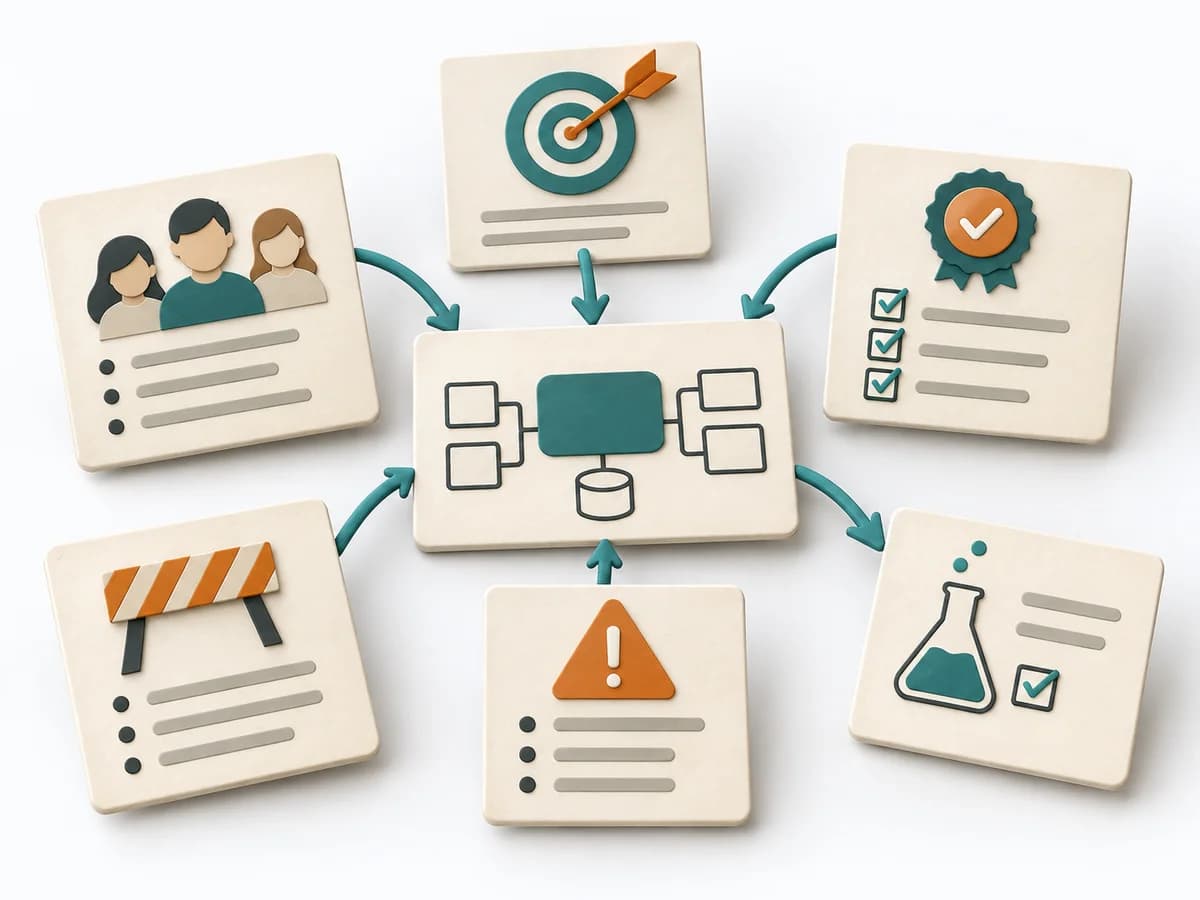 Architecture Architecture Inception Canvas |
|---|---|---|---|---|
Purposedifferent | When a decision needs to be prepared quickly, the method generates many solution-close variants in a short time. It deliberately relies on pace to undercut self-censorship and perfectionism. This quickly produces a usable field for prioritization and further work. | The Software Architecture Canvas reduces a system to the most important architecture decisions, constraints, and interfaces. It is useful when teams need a resilient overall picture quickly. | When a team faces an open question with many obvious directions, the method first creates breadth instead of premature commitment. It separates idea flow from evaluation and makes lines of thought visible, creating a pool for selection and further development. | The Architecture Inception Canvas bundles the first architecture questions into a compact decision picture. It fits when an initiative is still in motion but still needs clear guardrails. |
Complexitysame | Low | Low | Low | Low |
Timedifferent | 5-20 min | 1-2 h | 30-60 min | 1-2 h |
Participantsdifferent | 1-20 | 3-10 | 4-12 | 3-8 |
Formatdifferent | Workshop + async | Workshop | Workshop | Workshop |
Outputdifferent | Ideenpool, Roh-Shortlist, Cluster | Architecture Canvas, Goals, Constraints, Quality Attributes | Idea pool, Theme clusters, Shortlist | Inception Canvas, Risks, Goal List, Open Questions |
Tagsno overlap | BrainstormingIdeationDivergenceSpeed | CanvasArchitectureAlignmentWorkshop | BrainstormingIdeationCreativityWorkshopDivergence | AlignmentArchitectureCanvas |