View methods side by side.
Choose up to four methods. Add them using the search and share the comparison by copying its link.
| Criterion |  DevOps Incident Command | 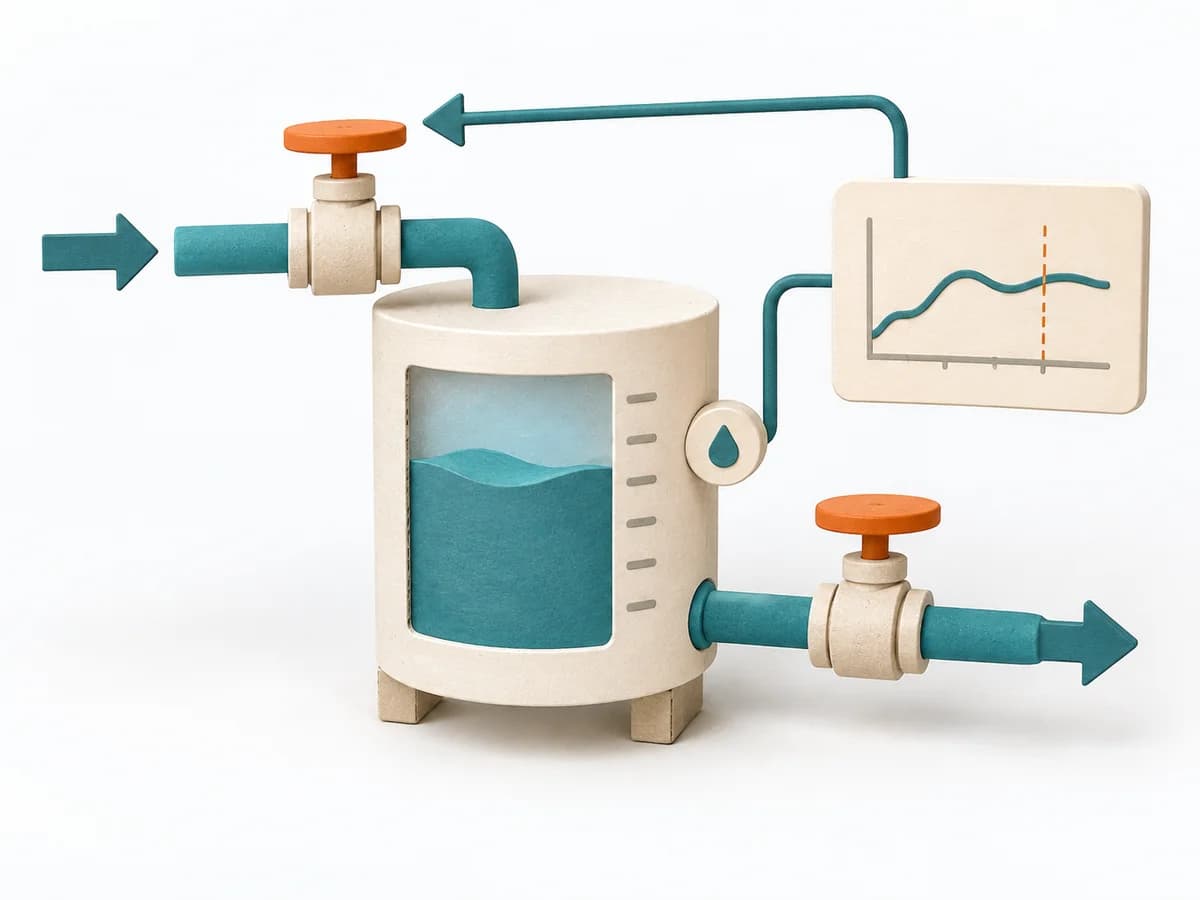 Systems Thinking Stock and Flow Diagram | 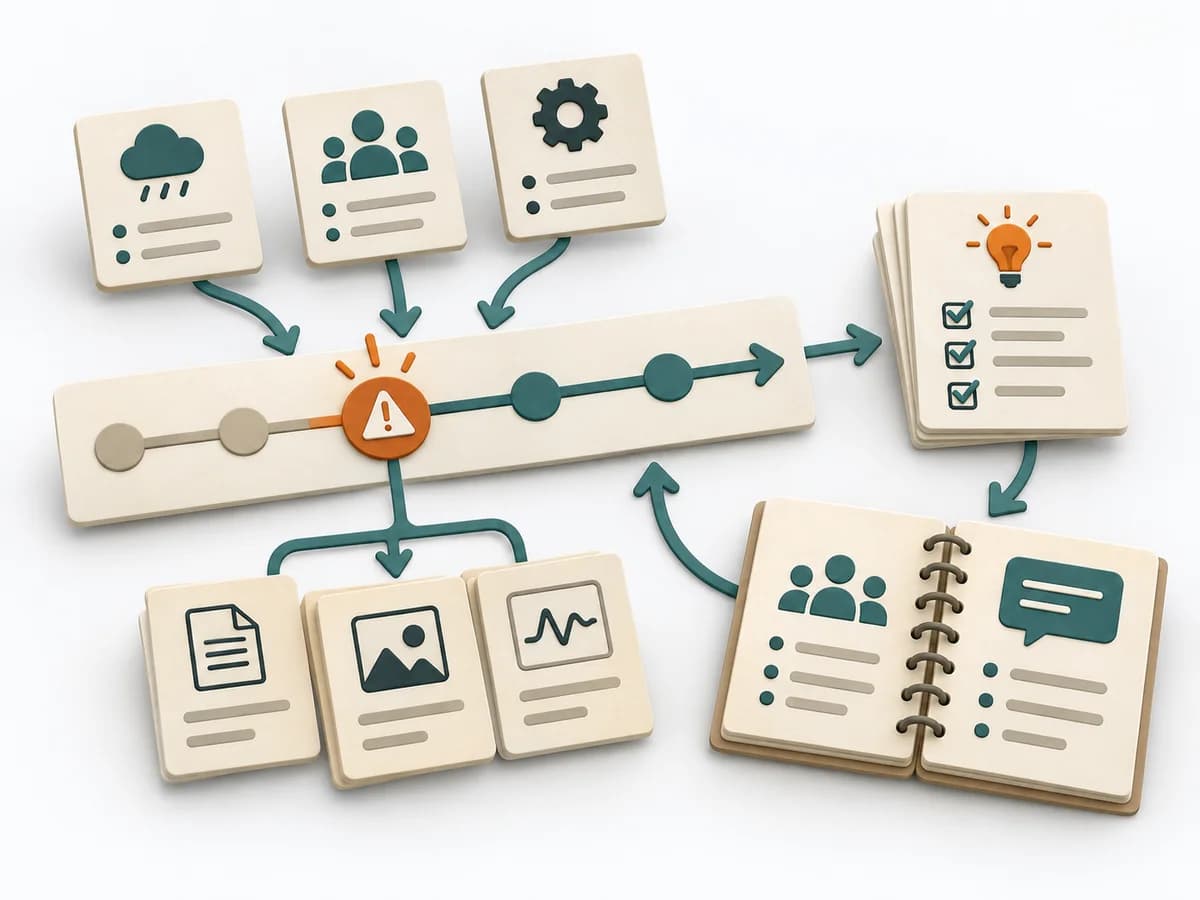 DevOps Blameless Postmortem | 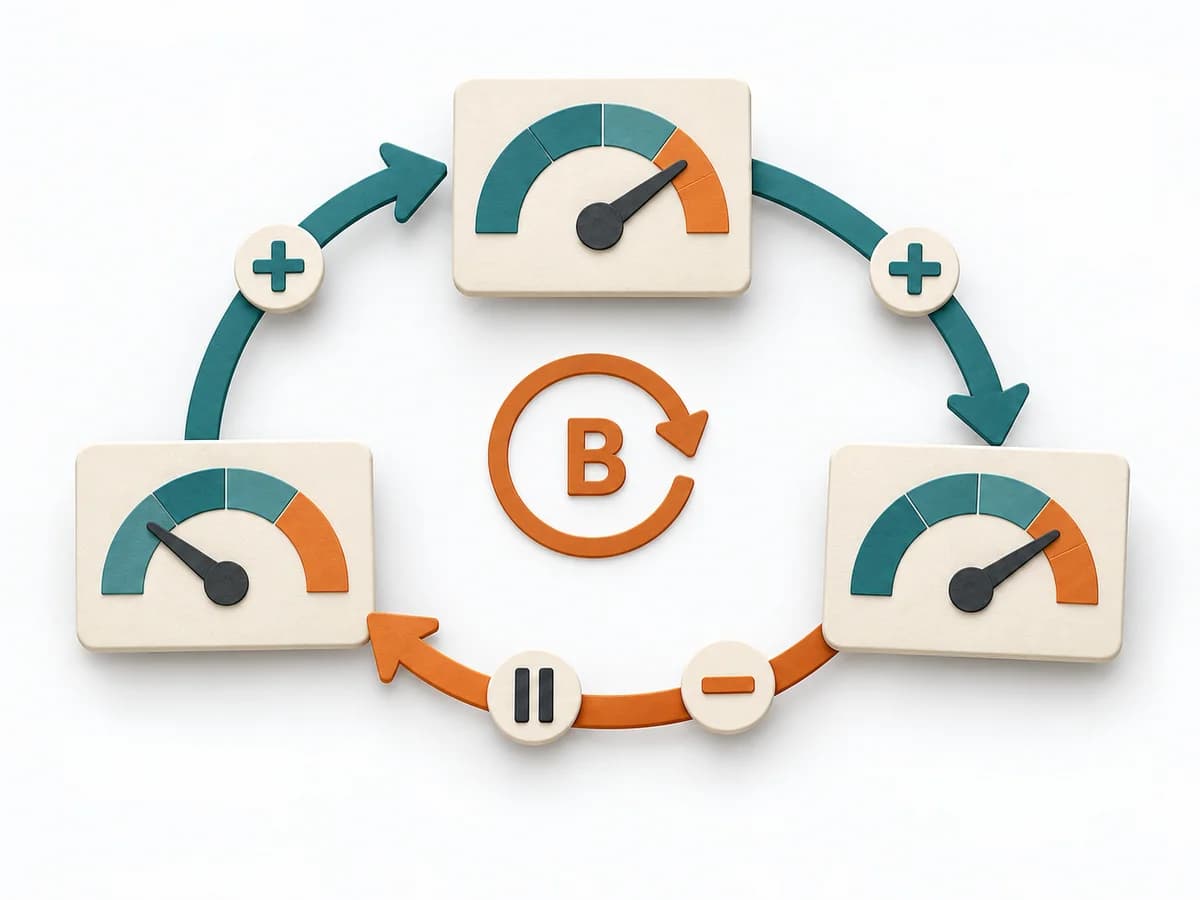 Systems Thinking Causal Loop Diagram |
|---|---|---|---|---|
Purposedifferent | During an acute incident with several people involved, the method creates a clear leadership and communication structure. It reduces chaos when fast coordination and clean situational awareness are both needed at once. | A Stock and Flow Diagram shows how stocks, inflows, and outflows shape a system over time. It is especially suited when growth, delays, or capacity limits determine the dynamics. | After an incident with damage or a near miss, the method creates a sober field for learning without assigning blame. It directs attention to the course of events, conditions, and effective countermeasures. | A Causal Loop Diagram makes feedback, reinforcement, and balance in a system legible. It uncovers side effects and self-reinforcement that stay hidden in linear explanations. |
Complexitydifferent | Medium | High | Medium | Medium |
Timedifferent | As needed | 2-6 h | 30-90 min | 1-3 h |
Participantsdifferent | 4-15 | 1-6 | 3-12 | 2-8 |
Formatdifferent | Workshop + async | Workshop + async | Workshop + async | Workshop |
Outputdifferent | Incident Log, Action Tracker, Stakeholder Updates | Stock and Flow Model, Dynamics Notes, Simulation Hypotheses | Postmortem Doc, Action Items, Timeline | Causal Loop Diagram, Feedback Notes, Leverage Points |
Tagsno overlap | IncidentOperationsReliability | DynamicsSimulationFeedbackSystems thinking | Site Reliability EngineeringIncidentLearningReliability | FeedbackSystems thinkingCausalityDynamics |