View methods side by side.
Choose up to four methods. Add them using the search and share the comparison by copying its link.
| Criterion |  Knowledge Modeling Event Modeling |  Product Strategy Lean Canvas | 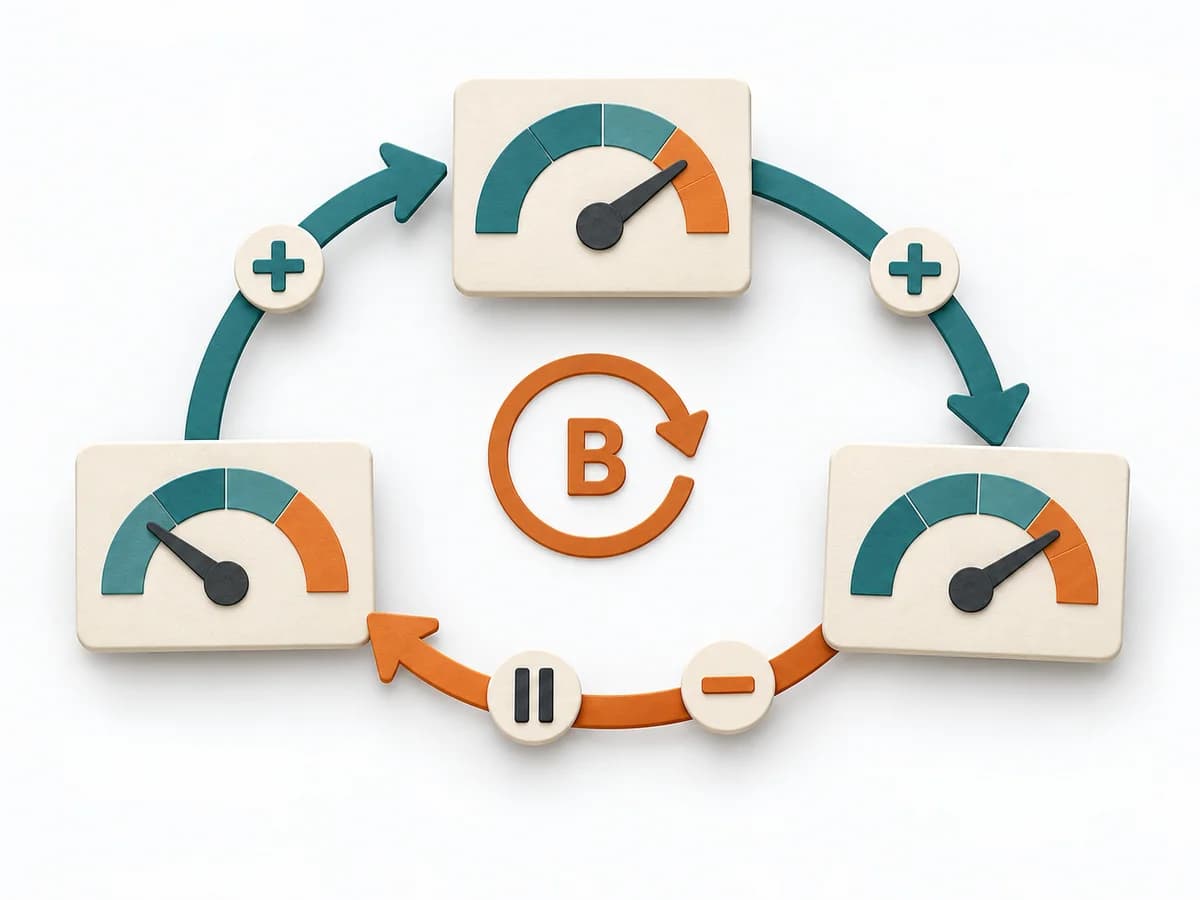 Systems Thinking Causal Loop Diagram |  Systems Thinking Stock and Flow Diagram |
|---|---|---|---|---|
Purposedifferent | Event Modeling connects business workflows with commands, events, and views into one coherent mental model. It helps design behavior, UI, and technical slices from the same underlying logic. | When an early product bet still has too many open points, it brings target group, problem, and assumptions into a single view. It condenses the idea so core risks become nameable. | A Causal Loop Diagram makes feedback, reinforcement, and balance in a system legible. It uncovers side effects and self-reinforcement that stay hidden in linear explanations. | A Stock and Flow Diagram shows how stocks, inflows, and outflows shape a system over time. It is especially suited when growth, delays, or capacity limits determine the dynamics. |
Complexitydifferent | Medium | Medium | Medium | High |
Timedifferent | 2-6 h | 45-90 min | 1-3 h | 2-6 h |
Participantsdifferent | 2-8 | 1-6 | 2-8 | 1-6 |
Formatdifferent | Workshop + async | Workshop + async | Workshop | Workshop + async |
Outputdifferent | Event Model, UI Flow, Commands, Read Models | Lean Canvas, Core Assumptions, Experiment Backlog | Causal Loop Diagram, Feedback Notes, Leverage Points | Stock and Flow Model, Dynamics Notes, Simulation Hypotheses |
Tagsno overlap | EventsBlueprintDomain-Driven DesignBehavior | StartupLeanAssumptionsBusiness model | FeedbackSystems thinkingCausalityDynamics | DynamicsSimulationFeedbackSystems thinking |