View methods side by side.
Choose up to four methods. Add them using the search and share the comparison by copying its link.
| Criterion | 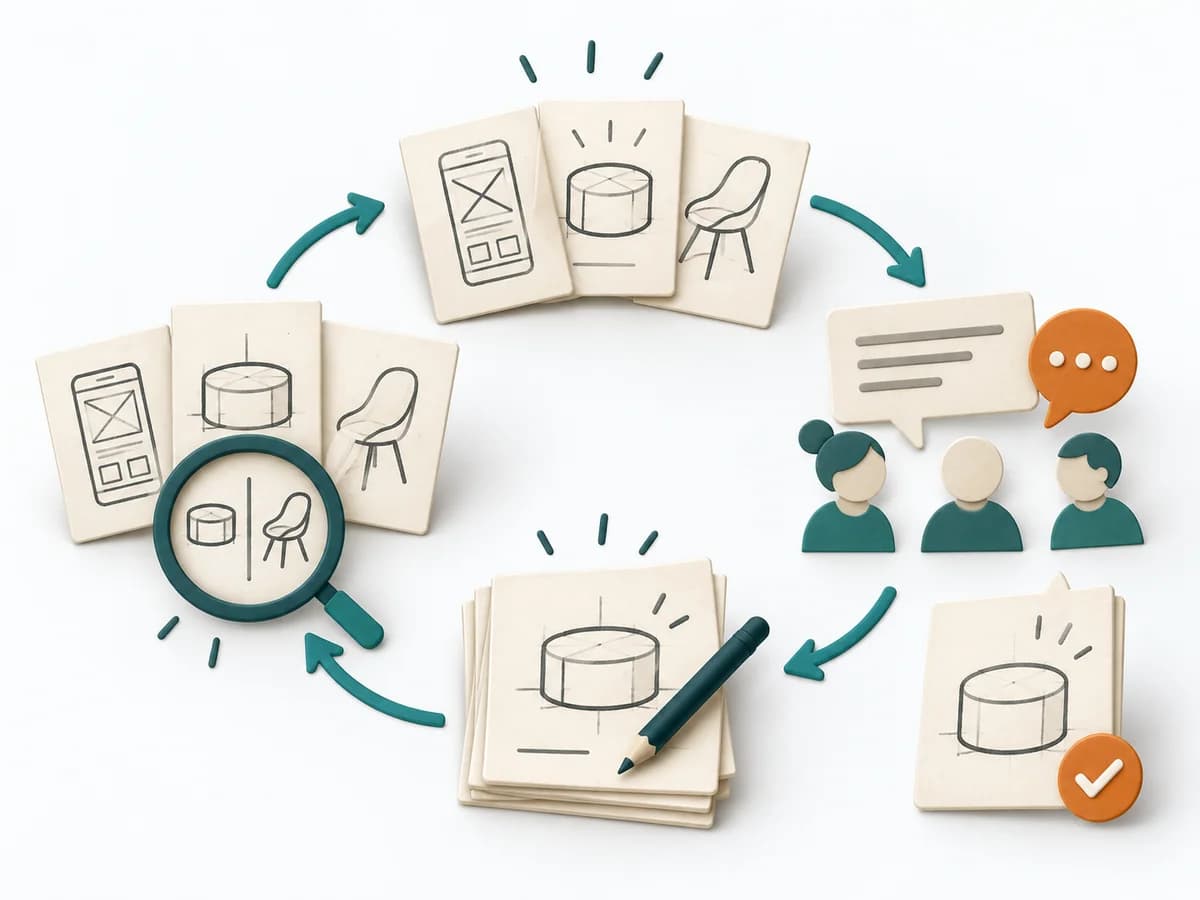 UX Design Design Studio | 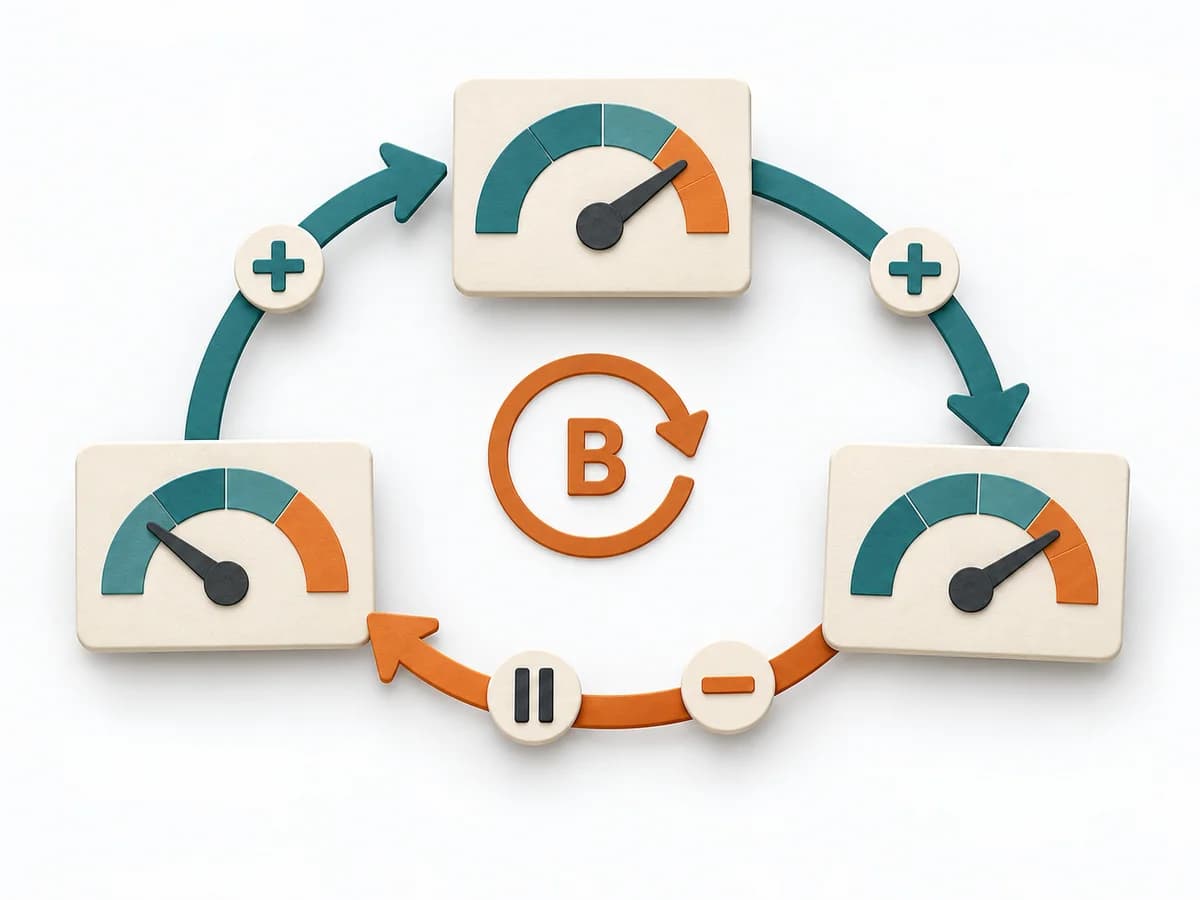 Systems Thinking Causal Loop Diagram |  Innovation Brainstorming | 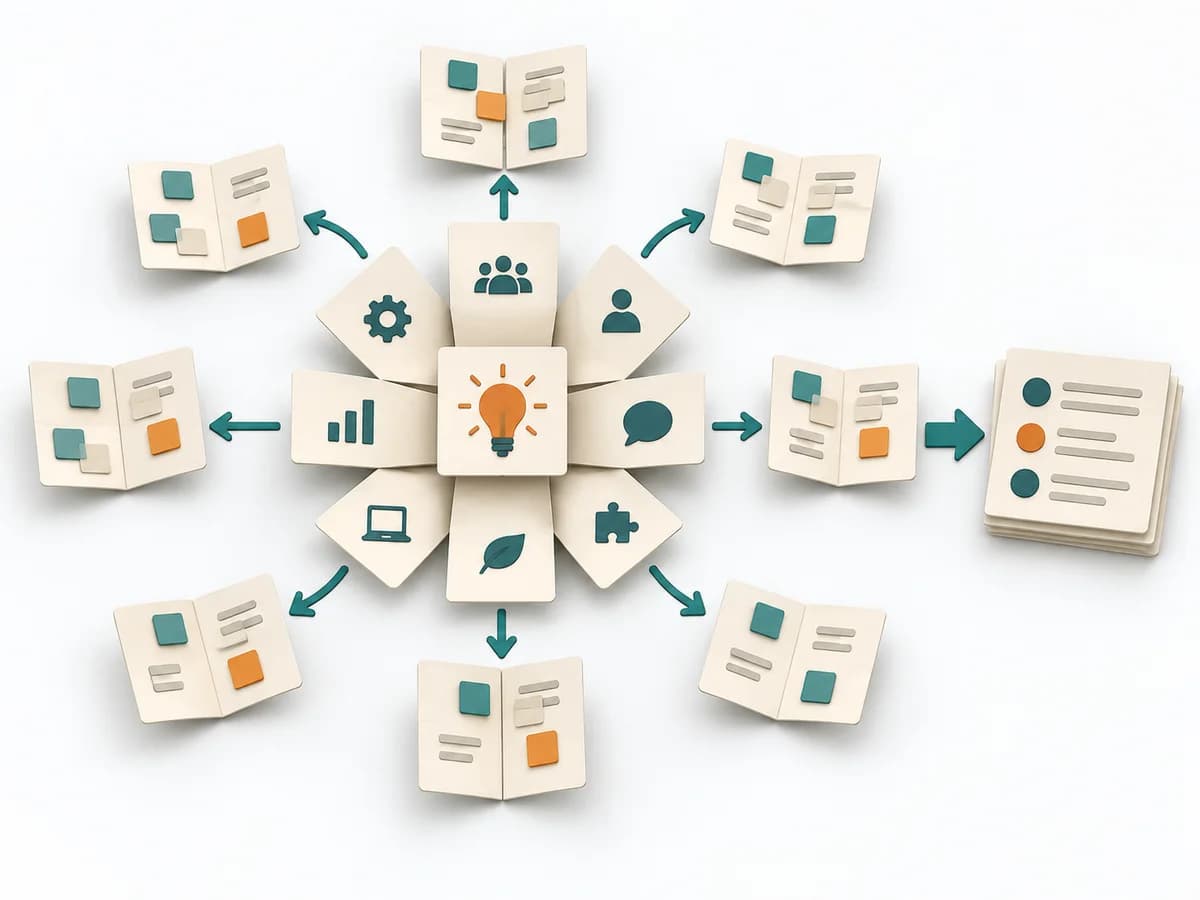 Innovation Lotus Blossom |
|---|---|---|---|---|
Purposedifferent | When several designs need to be quickly put in relation to each other, it makes ideas visible and comparable. It encourages early variants instead of long upfront debates. | A Causal Loop Diagram makes feedback, reinforcement, and balance in a system legible. It uncovers side effects and self-reinforcement that stay hidden in linear explanations. | When a team faces an open question with many obvious directions, the method first creates breadth instead of premature commitment. It separates idea flow from evaluation and makes lines of thought visible, creating a pool for selection and further development. | When a central question feels too large, the method breaks it into neighboring topic fields with their own depth of ideation. It holds structure and openness at the same time, so adjacent perspectives don't get lost. This grows an idea space out of a core problem. |
Complexitydifferent | Medium | Medium | Low | Low |
Timedifferent | 1-3 h | 1-3 h | 30-60 min | 45-90 min |
Participantsdifferent | 3-8 | 2-8 | 4-12 | 3-10 |
Formatsame | Workshop | Workshop | Workshop | Workshop |
Outputdifferent | Sketches, Concept Directions, Design Decisions | Causal Loop Diagram, Feedback Notes, Leverage Points | Idea pool, Theme clusters, Shortlist | Lotus Diagram, Idea Themes, Shortlist |
Tagsno overlap | SketchingCollaborationIdeation | FeedbackSystems thinkingCausalityDynamics | BrainstormingIdeationCreativityWorkshopDivergence | BrainstormingIdeationCreativityDivergenceWorkshop |