View methods side by side.
Choose up to four methods. Add them using the search and share the comparison by copying its link.
Selected:Context CanvasFishbone DiagramSoftware Architecture CanvasFailure Mode and Effects Analysis
| Criterion |  Product Discovery Context Canvas |  Operations Fishbone Diagram |  Architecture Software Architecture Canvas | 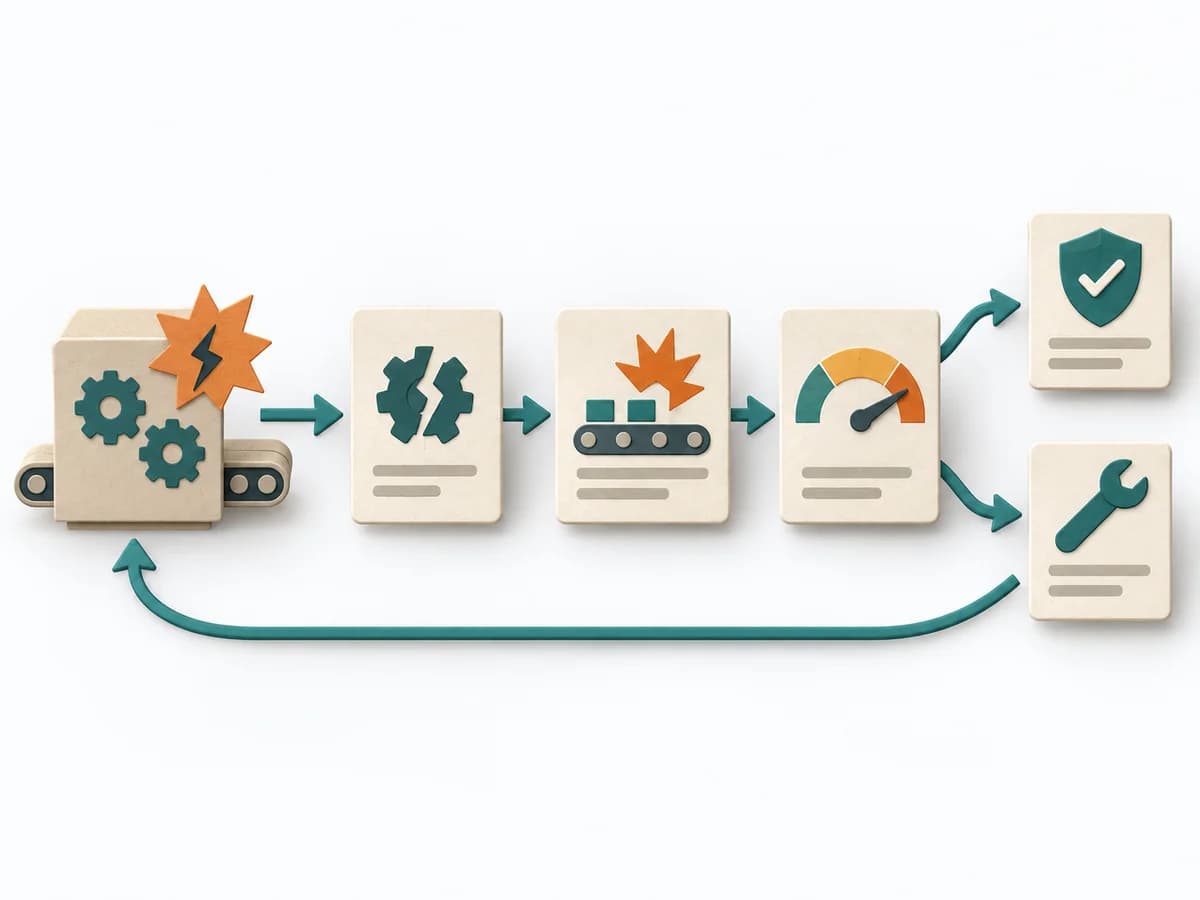 Operations Failure Mode and Effects Analysis |
|---|---|---|---|---|
Purposedifferent | When an environment of users, systems, and constraints is hard to grasp, it puts the context compactly on the table. It creates a clear reading of influence, boundary, and dependency. | When a problem has several possible contributing factors, the method sorts causes by cause areas. It prevents an initial hunch from blocking the view of other plausible drivers. | The Software Architecture Canvas reduces a system to the most important architecture decisions, constraints, and interfaces. It is useful when teams need a resilient overall picture quickly. | For a process, product, or service with noticeable failure risks, the method assesses possible failure modes in advance. It directs attention to combinations of occurrence, effect, and detectability. |
Complexitydifferent | Low | Low | Low | High |
Timedifferent | 45-90 min | 30-60 min | 1-2 h | 2-6 h |
Participantsdifferent | 3-10 | 2-8 | 3-10 | 3-10 |
Formatsame | Workshop | Workshop | Workshop | Workshop |
Outputdifferent | Context canvas, Open questions, Shared context notes | Fishbone Diagram, Cause Categories, Investigation Backlog | Architecture Canvas, Goals, Constraints, Quality Attributes | FMEA Table, Risk Priority, Mitigation Actions |
Tagsno overlap | ContextFramingRequirementsCanvas | Root causeQualityOperations | CanvasArchitectureAlignmentWorkshop | RiskQualityOperationsRoot cause |