View methods side by side.
Choose up to four methods. Add them using the search and share the comparison by copying its link.
| Criterion | 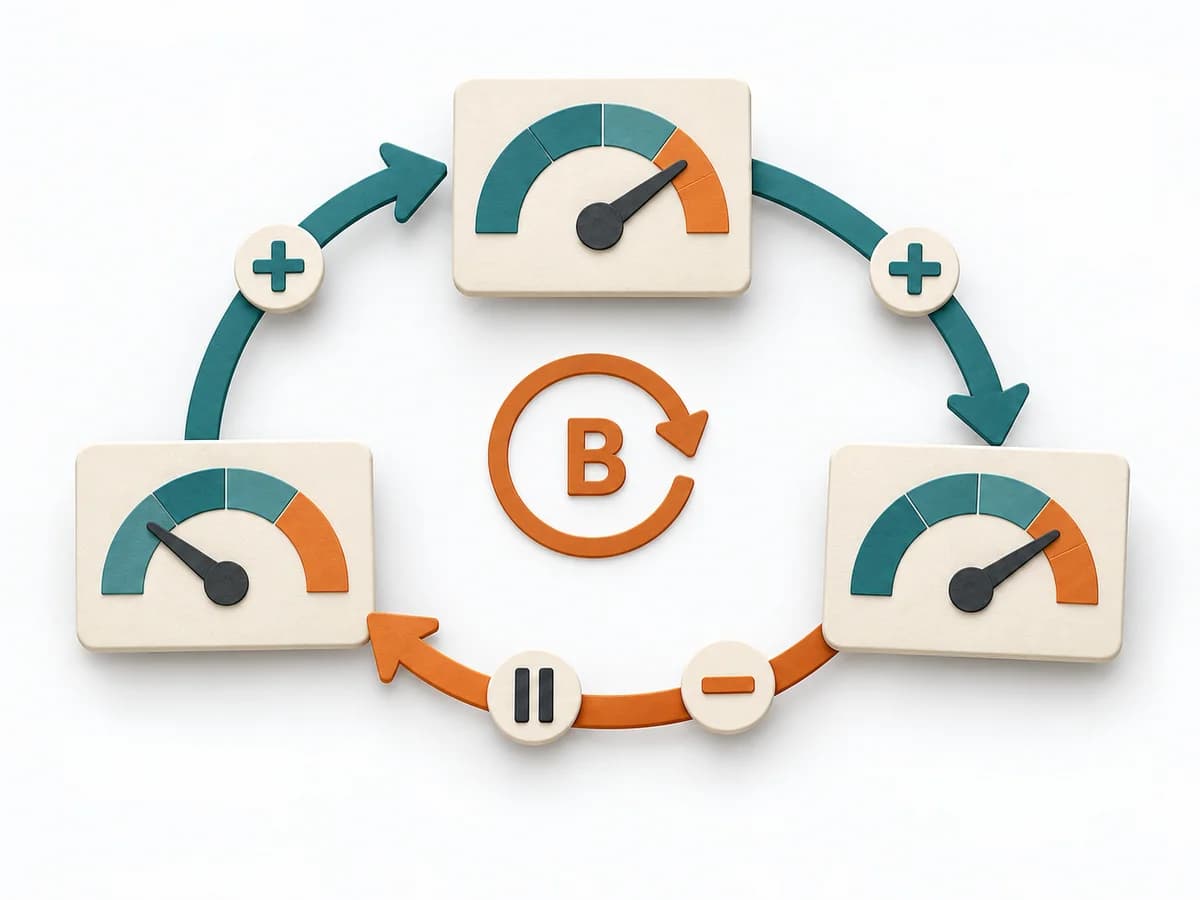 Systems Thinking Causal Loop Diagram |  Innovation Design Sprint |  UX Research Surveys | 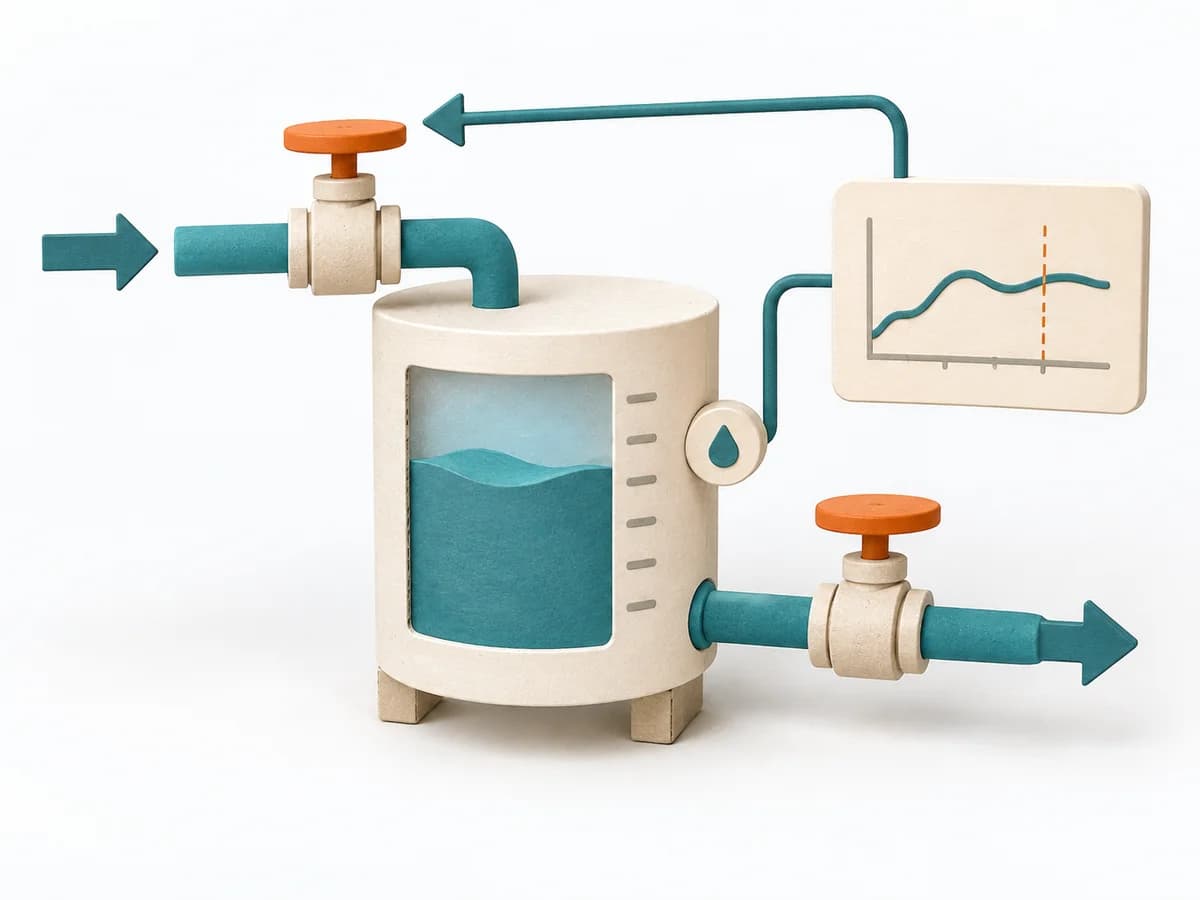 Systems Thinking Stock and Flow Diagram |
|---|---|---|---|---|
Purposedifferent | A Causal Loop Diagram makes feedback, reinforcement, and balance in a system legible. It uncovers side effects and self-reinforcement that stay hidden in linear explanations. | When the product question is unclear and time pressure is high, the method takes a team from an open idea to a testable solution. It connects problem understanding, decision, and learning in one compact format, lowering the risk of spending a lot of energy on a mere guess. | When a topic needs to be validated broadly and many people can answer the same question, surveys gather structured feedback in a scalable form. Answers become comparable and segmentable instead of remaining merely anecdotal. | A Stock and Flow Diagram shows how stocks, inflows, and outflows shape a system over time. It is especially suited when growth, delays, or capacity limits determine the dynamics. |
Complexitydifferent | Medium | High | Medium | High |
Timedifferent | 1-3 h | 4-5 Tage | 3-14 Tage | 2-6 h |
Participantsdifferent | 2-8 | 5-8 | 50+ | 1-6 |
Formatdifferent | Workshop | Workshop | Async | Workshop + async |
Outputdifferent | Causal Loop Diagram, Feedback Notes, Leverage Points | Prototype, Test Findings, Decision Rationale | Survey Results, Charts, Segment Insights | Stock and Flow Model, Dynamics Notes, Simulation Hypotheses |
Tagsno overlap | FeedbackSystems thinkingCausalityDynamics | Design sprintPrototypeValidationInnovation | QuantitativeResearchValidation | DynamicsSimulationFeedbackSystems thinking |