View methods side by side.
Choose up to four methods. Add them using the search and share the comparison by copying its link.
| Criterion | 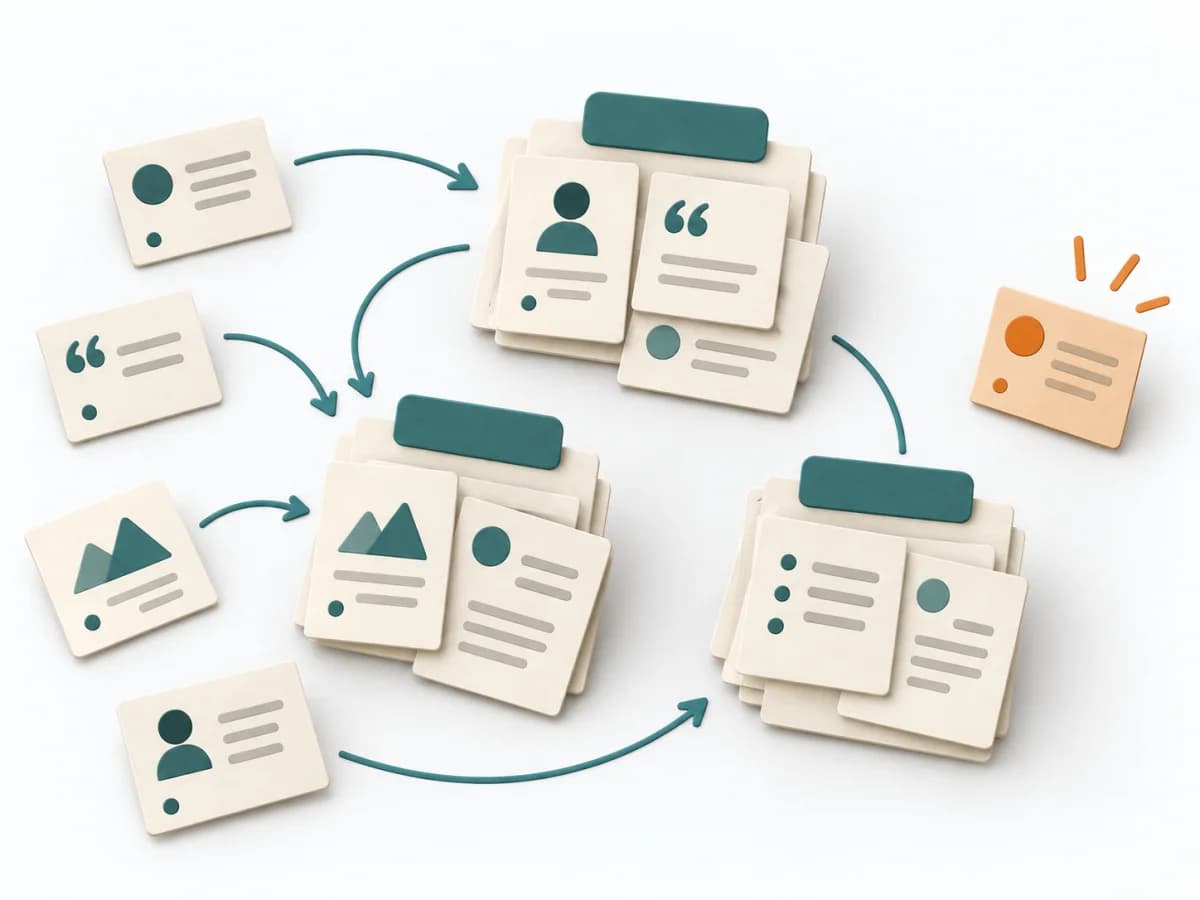 UX Research Affinity Diagramming | 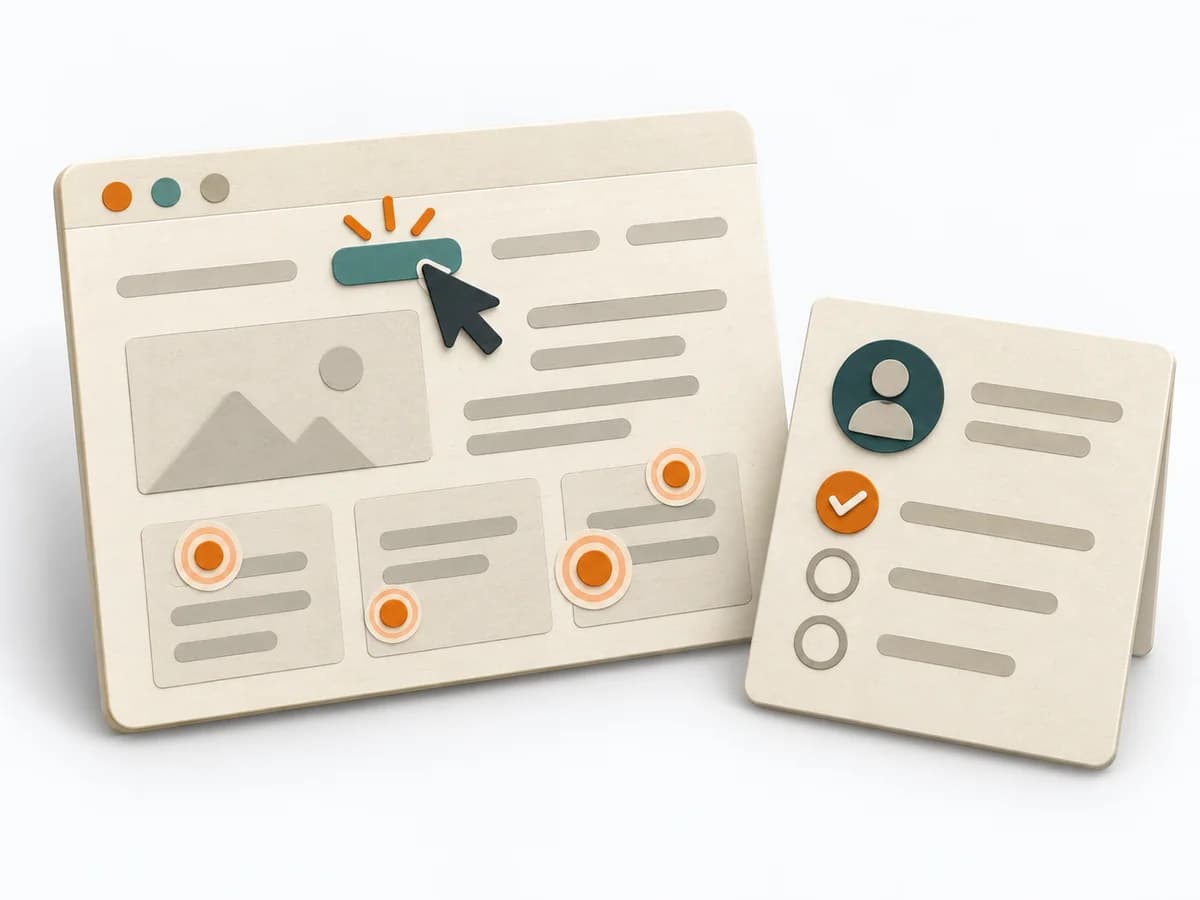 UX Research First-click Testing | 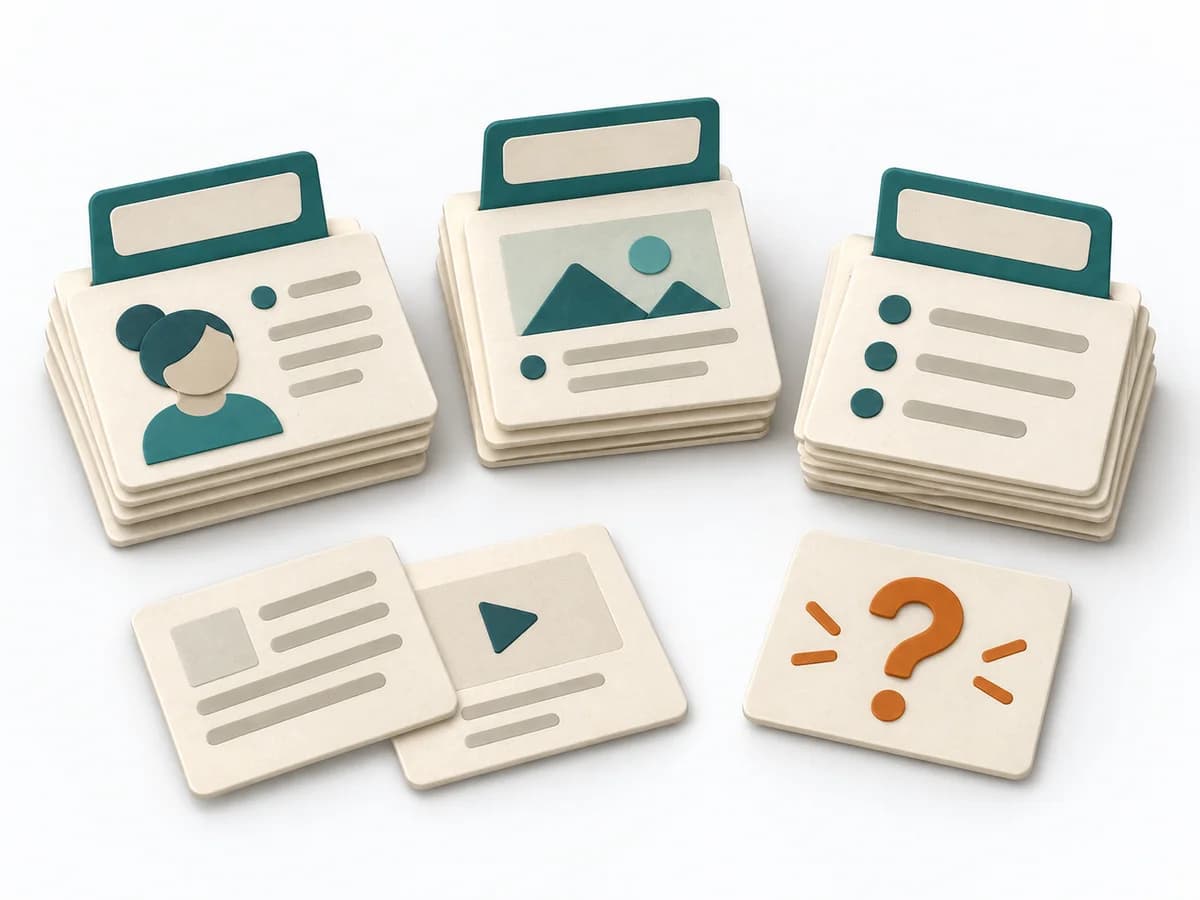 UX Research Card Sorting |  UX Research Usability Testing |
|---|---|---|---|---|
Purposedifferent | When research notes, feedback, or observations sit unconnected side by side, affinity diagramming sorts the raw material into solid themes. Many individual points turn into patterns that make decisions and opportunities clearer. | When users immediately turn the wrong way on a screen or wireframe, first click testing checks initial orientation at high speed. The first click shows early whether expectation, labeling, and wayfinding fit together. | When content only makes sense internally and users can't find the structure again, card sorting exposes their mental order. Terms, groups, and naming are then aligned with the target group's expectations. | When a product is built but people get stuck on tasks, usability testing shows the friction at concrete points. Observed use instead of self-report makes visible where orientation, understanding, or interaction breaks down. |
Complexitydifferent | Low | Low | Low | Medium |
Timedifferent | 45–90 min | 1-2 Tage | 20-45 min | 1-2 h je Session |
Participantsdifferent | 3-10 | 10-30 | Based on research question | Based on research question |
Formatdifferent | Workshop | Async | Workshop + async | Workshop + async |
Outputdifferent | Theme clusters, Insight statements, Opportunity areas | Click Heatmap, Success Rate, Design Recommendations | Content groups, Label set, IA hypotheses | Usability Issues, Severity List, Recommendations |
Tagsno overlap | SynthesisQualitativeRoot cause | UXNavigationFindabilityValidation | Information architectureNavigationStructure | ValidationUXPrototype |