View methods side by side.
Choose up to four methods. Add them using the search and share the comparison by copying its link.
| Criterion |  Operations Visual Management | 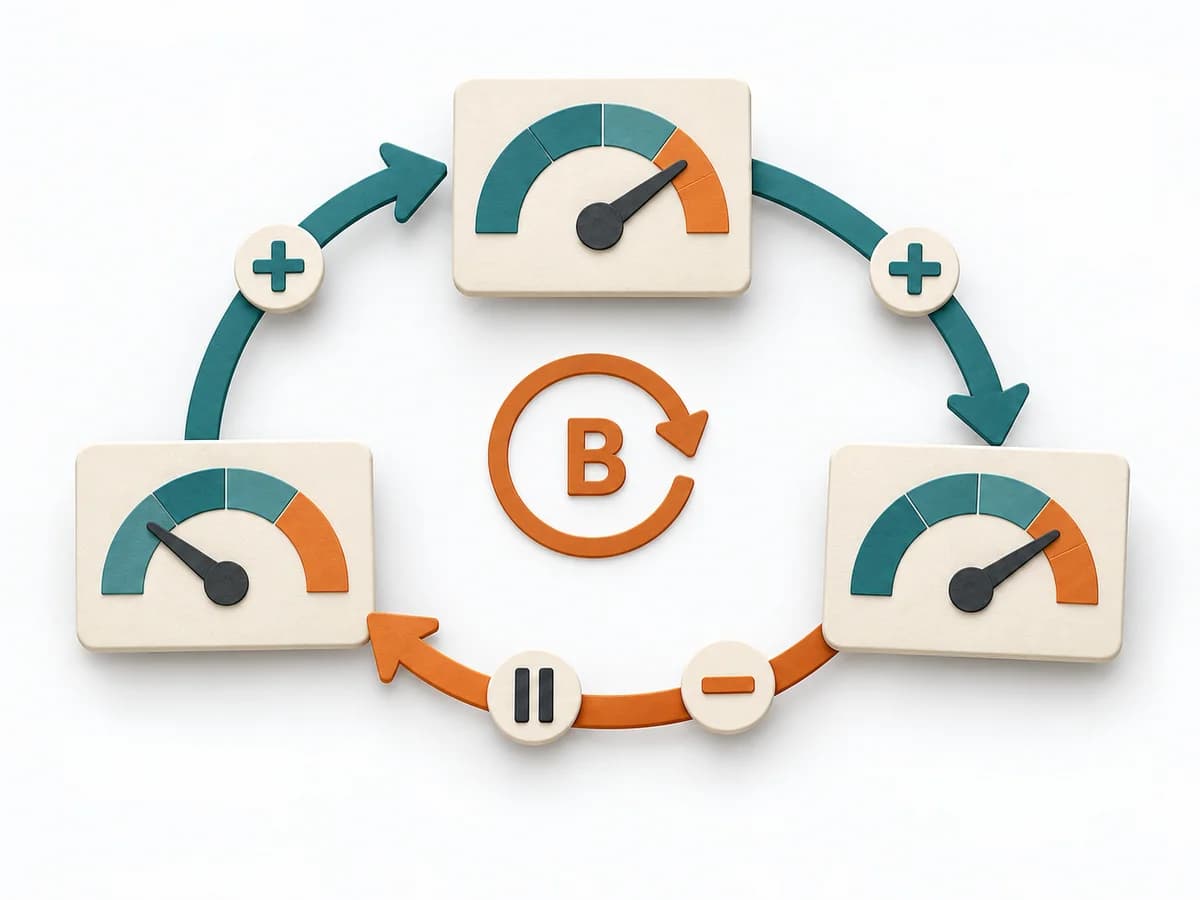 Systems Thinking Causal Loop Diagram |  Operations Kepner-Tregoe |  Systems Thinking Stock and Flow Diagram |
|---|---|---|---|---|
Purposedifferent | With high tempo and many parallel topics, the method makes status, deviations, and priorities visible at a glance. It reduces search effort and prevents what matters from getting lost in daily work. | A Causal Loop Diagram makes feedback, reinforcement, and balance in a system legible. It uncovers side effects and self-reinforcement that stay hidden in linear explanations. | For a disturbance that's hard to pin down, the method cleanly separates problem, cause, and decision. It reduces mixing when symptoms allow several interpretations. | A Stock and Flow Diagram shows how stocks, inflows, and outflows shape a system over time. It is especially suited when growth, delays, or capacity limits determine the dynamics. |
Complexitydifferent | Low | Medium | High | High |
Timedifferent | Ongoing | 1-3 h | 2-8 h | 2-6 h |
Participantsdifferent | 1-20 | 2-8 | 2-8 | 1-6 |
Formatdifferent | Workshop + async | Workshop | Workshop + async | Workshop + async |
Outputdifferent | Visual Board, Status Indicators, Exception Cues | Causal Loop Diagram, Feedback Notes, Leverage Points | Problem Analysis, Decision Analysis, Risk Plan | Stock and Flow Model, Dynamics Notes, Simulation Hypotheses |
Tagsno overlap | SignalsOperationsVisual management | FeedbackSystems thinkingCausalityDynamics | Problem solvingRoot causeDecisionOperations | DynamicsSimulationFeedbackSystems thinking |